When you grow a website or an online business, you quickly end up with a mountain of information to manage: leads, customers, email conversations, quotes, sales opportunities…
At first, a simple spreadsheet can be enough to store everything. But your business can quickly become hard to manage: some contacts fall through the cracks, follow-ups get forgotten, and important information ends up scattered.
That’s where CRMs (Customer Relationship Management) come in.
A CRM is software designed to centralize all the information about your leads and customers: contacts, conversation history, sales pipeline, sales tasks, and opportunity tracking.
These tools help you organize your prospecting, automate some of your marketing actions, and better manage your customer relationships.
On this page, we’ve selected the best CRMs for entrepreneurs, freelancers, and small business owners to help you choose the tool that best fits your business.
Our top 6 CRMs
No time to read it all? Here’s our list of the best CRMs:
- HubSpot CRM: the all-in-one CRM to grow your business
- Zoho CRM: a complete CRM with great value for money
- folk: a modern CRM to manage your relationships and prospecting
- Pipedrive: a simple, sales-focused CRM
- monday CRM: a visual, collaborative CRM
- Salesforce: a powerful CRM for businesses
The list below isn’t a ranking. It’s randomly generated every week.
1/ HubSpot CRM: the all-in-one CRM to grow your business
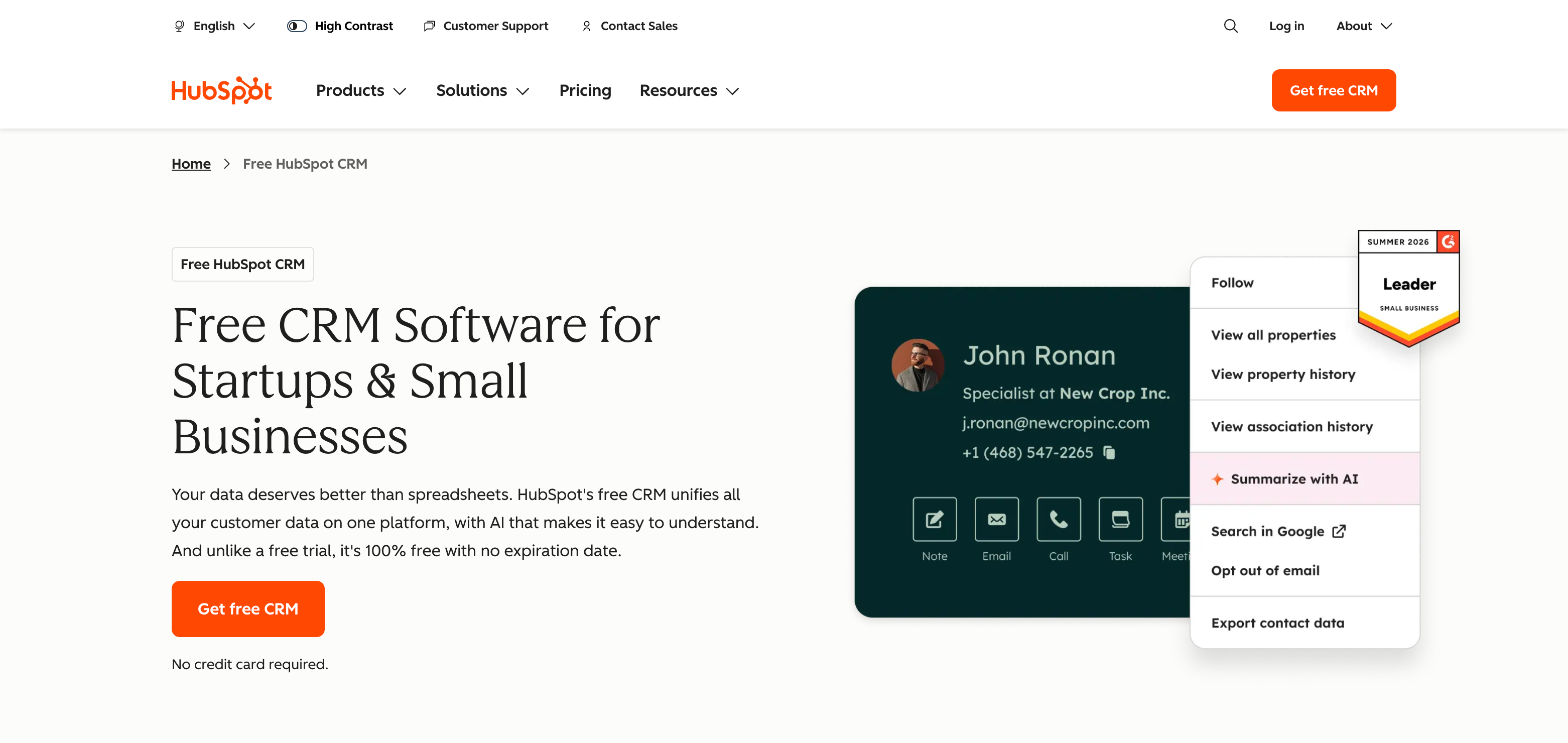
HubSpot CRM is one of the most popular tools for managing contacts, tracking leads, and automating some of your marketing. It stands out for its very complete free plan and its easy-to-use interface.
- Type of CRM: all-in-one (sales, marketing, support)
- Price: free plan available, paid plans from $7 per seat per month
Who is it for? Ideal for freelancers, startups, and small teams looking for a simple CRM to get started. With its premium plans, it also scales to midsize and large companies.
2/ Zoho CRM: a complete CRM with great value for money

Zoho CRM is a complete solution that lets you manage sales, marketing, and customer relationships in a single interface, with excellent value for money.
- Type of CRM: all-in-one
- Price: from $14 per user per month
Who is it for? Small and midsize businesses and entrepreneurs looking for a powerful CRM without breaking the bank.
3/ folk: a modern CRM to manage your relationships and prospecting
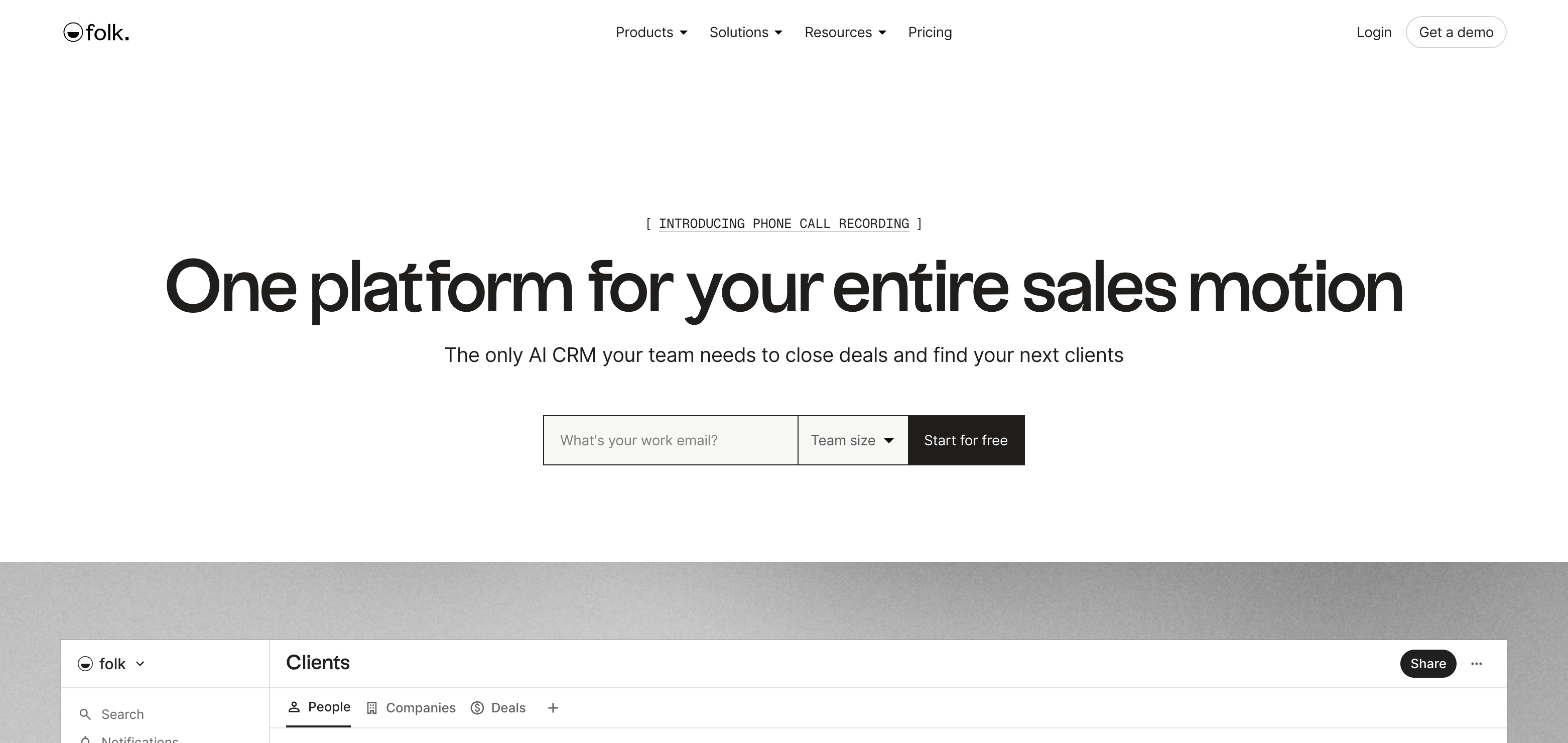
folk is a next-generation CRM designed to manage your contacts, conversations, and prospecting in a simple, collaborative way.
It stands out for its relationship-centered approach (emails, LinkedIn, notes) rather than a classic pipeline.
- Type of CRM: relationship-focused, collaborative CRM
- Price: from $24 per member per month
Who is it for? Ideal for freelancers, small teams, and agencies that want a simple CRM to manage their network, leads, and multichannel prospecting.
4/ Pipedrive: a simple, sales-focused CRM
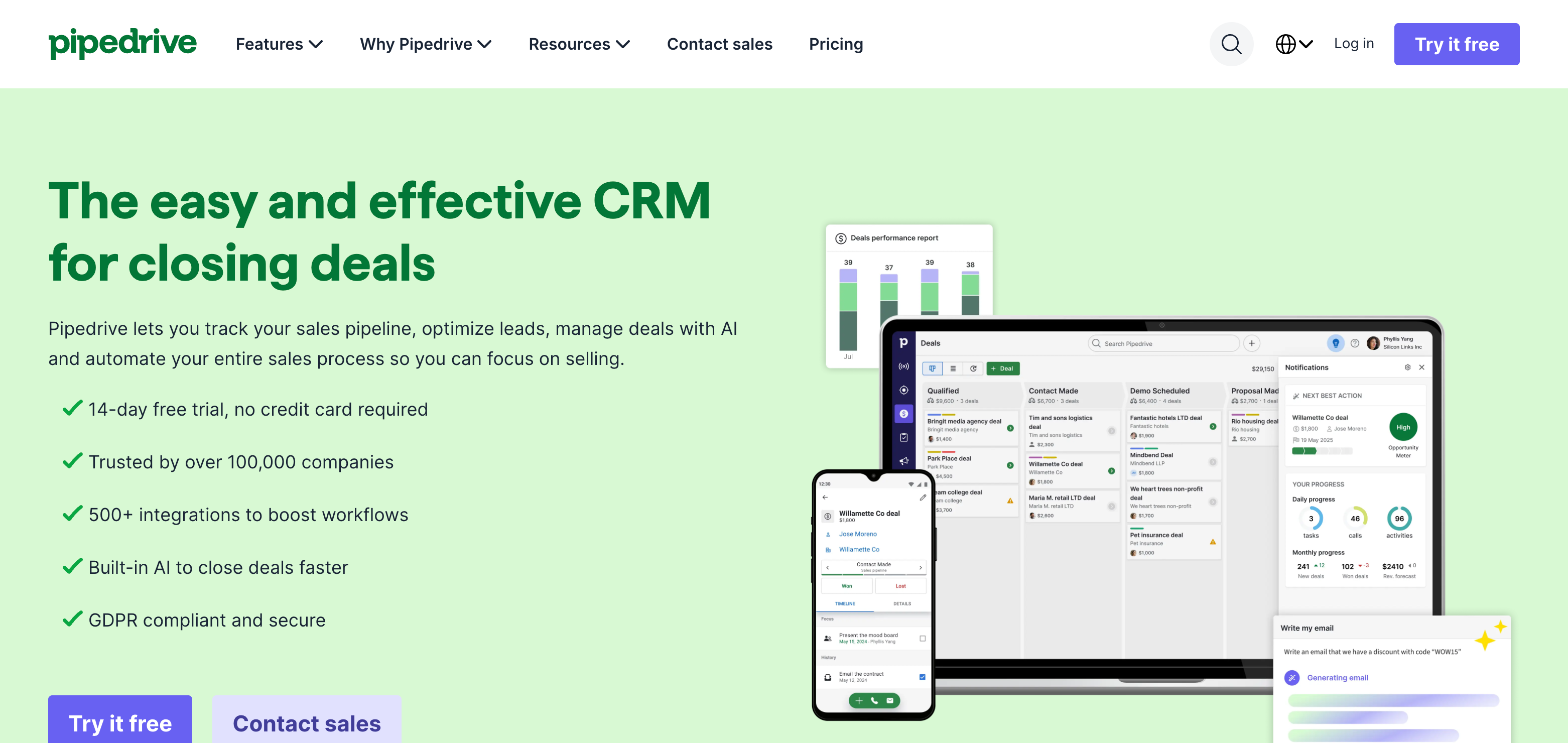
Pipedrive is a sales-focused CRM designed to help sales teams track their deals efficiently with a visual pipeline.
- Type of CRM: sales CRM (sales pipeline)
- Price: from $14 per seat per month
Who is it for? Ideal for freelancers, startups, and large sales and marketing teams that want a simple, sales-oriented tool.
5/ monday CRM: a visual, collaborative CRM
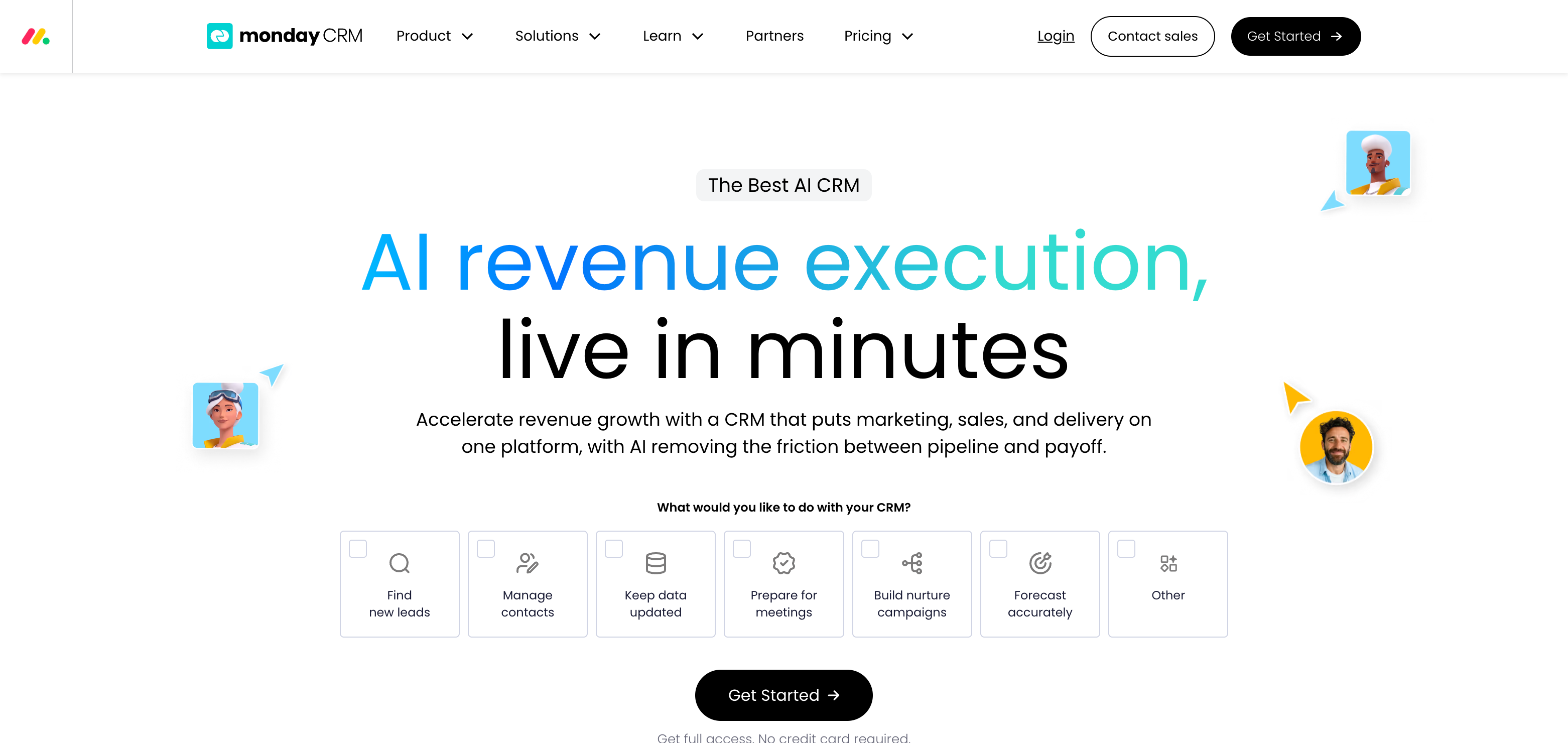
monday CRM takes a modern, visual approach to CRM, inspired by project management tools.
- Type of CRM: collaborative, visual CRM
- Price: from $12 per seat per month
Who is it for? For midsize and large companies that want a flexible CRM that’s easy to customize.
6/ Salesforce: a powerful CRM for businesses

Salesforce is a global leader in CRM, known for its power and its advanced customization options.
- Type of CRM: complete, customizable CRM
- Price: from $25 per user per month
Who is it for? Suited to companies with advanced needs and complex processes.
Conclusion
Choosing a CRM can seem complicated, given how many tools are out there. Yet the right software can truly transform the way you work.
A CRM helps you structure your prospecting, keep better track of your customers, and save valuable time every day.
What matters isn’t necessarily choosing the most powerful tool, but the one you and your team will actually use.
If you’re just starting out, a simple CRM with a free plan can be more than enough. As your business grows, you can then move on to a more complete solution.
Frequently asked questions (FAQ)
What are the main CRM tools?
There are many CRMs on the market. Some of the best known include HubSpot CRM, Zoho CRM, Pipedrive, Salesforce, Microsoft Dynamics, and Freshsales.
These tools let you manage your contacts, track your sales opportunities, and centralize your conversations with customers.
The right tool will depend mainly on the size of your company, your budget, and the features you actually need.
What are the 4 types of CRM?
There are generally four main categories of CRM:
- Operational CRM: helps you manage sales, marketing, and customer support
- Analytical CRM: analyzes customer data to better understand their behavior
- Collaborative CRM: makes it easier to share information between teams
- Strategic CRM: aims to improve customer relationships over the long term
In practice, most modern CRMs combine several of these features.
What’s the best CRM software?
There’s no universally “best” CRM. The right choice depends on your business and your goals.
For example:
- HubSpot CRM is very popular for its free plan and its simplicity
- Pipedrive is especially appreciated for sales management
- Zoho CRM offers a good balance between features and price
- Salesforce is a benchmark for large companies
Ideally, try several tools to see which one best fits the way you work.
What’s the best free CRM?
Several CRMs offer a free plan that’s worth a look to get started. Among the best known:
- HubSpot CRM
- Zoho CRM
- Freshsales
These free plans usually let you manage your contacts, track your leads, and organize your sales pipeline.
They’re often enough for freelancers, independent professionals, and small businesses.
Which CRM should a small business choose?
For a small business, it’s best to choose a CRM that’s easy to use and quick to set up.
The most popular options in this case are:
- HubSpot CRM
- Zoho CRM
- Pipedrive
These tools offer an intuitive interface and features suited to small teams, without requiring complex configuration.
Which CRM should you start with?
If you’re new to CRMs, it’s best to choose a simple, accessible tool with a free plan.
HubSpot CRM is often a good place to start, because it lets you:
- manage your contacts
- track your leads
- organize your sales pipeline
- try out CRM basics without investing upfront
Once your business has grown, you can then move on to more advanced features.
How do you choose a good CRM?
Several criteria matter when choosing a CRM that fits your business:
- ease of use
- the features available
- integrations with your other tools
- price
- the ability to grow with your business
Most importantly, choose a tool that fits easily into your organization and that you’ll actually use every day.
