
Every year, thousands of sites are threatened by potential cyber attacks.
With over 40,000+ active installations and an average rating of on the official directory, SecuPress offers a complete security solution for WordPress sites.
Designed for all technical levels, this WordPress security plugin offers essential features: vulnerability scanner, smart firewall, protection against brute-force attacks, and two-factor authentication.
Advantages and disadvantages

| Advantages | Disadvantages |
|---|---|
| Very intuitive, modern user interface | Less robust firewall than Wordfence |
| Full functionality even in the free version | Module system may seem complex to some users |
| Automatic security scan with vulnerability correction | Backup options less advanced than a dedicated backup plugin |
| Multilevel protection: firewall, anti-spam, malware detection | Some advanced features reserved for the Pro version |
| Competitively priced | Task scheduling limitations (maximum daily frequency) |
| Frequent updates | Inability to save to remote storage (Google Drive, Dropbox) |
SecuPress in numbers
| Latest version | 2.7.1 |
| Date of last update | |
| Active installations | 40,000+ |
| Average rating | |
| Launch date | August 2016 |
| Founder | Julio Potier |
| Publisher country | France |
| Available media | English and French |
SecuPress Pro extension prices
| Number of sites | 1 site | 5 sites | 10 sites | 25 sites | 50 Sites | 100 Sites | 200 Sites |
|---|---|---|---|---|---|---|---|
| Price/ site/year | $70 | $57.80 | $38.90 | $19.56 | $16.58 | $12.49 | $10.50 |
| Total price/year | $70 | $289 | $389 | $489 | $829 | $1249 | $2099 |
SecuPress user reviews
SecuPress stands out as a WordPress security plugin particularly appreciated by users, offering comprehensive and intuitive protection. Its ease of use, ergonomic interface, and ability to guide users in securing their websites are widely praised.
Users highlight its performance, particularly its ability to scan and correct vulnerabilities, while offering an attractive price compared to the competition.
“I’ve been using SecuPress with a pro account for over 5 years for all my sites. I’ve had a really satisfying first phase with the plugin: top-notch ergonomics, a support team on the ball!”
maksanse
“SecuPress stands out from its competitors because it has a real user approach. You’re guided. Everything is explained to you.”
Anonymous (GeekPress)
“SecuPress is an excellent plugin that’s hard to fault. And when you consider that it’s also much cheaper than Wordfence or Sucuri, I really don’t know what more you could ask of it!”
Anonymous (Web & SEO)
More SecuPress testimonials
Find out how SecuPress ranks in terms of user satisfaction on various customer review platforms.
| Platform | Rating |
|---|---|
| WP.org | |
| TrustPilot | 2.8 out of 5 |
Alternatives to SecuPress
Wordfence

Wordfence is a popular WordPress security plugin that offers comprehensive protection. It includes a web application firewall, malware scanner, protection against brute-force attacks, and real-time alerts.
Wordfence stands out for its endpoint firewall that integrates deeply with WordPress, making it more secure than cloud-based alternatives.
However, it can slow down your site due to the addition of heavy database tables and the load on the server during malware scans.
Sucuri
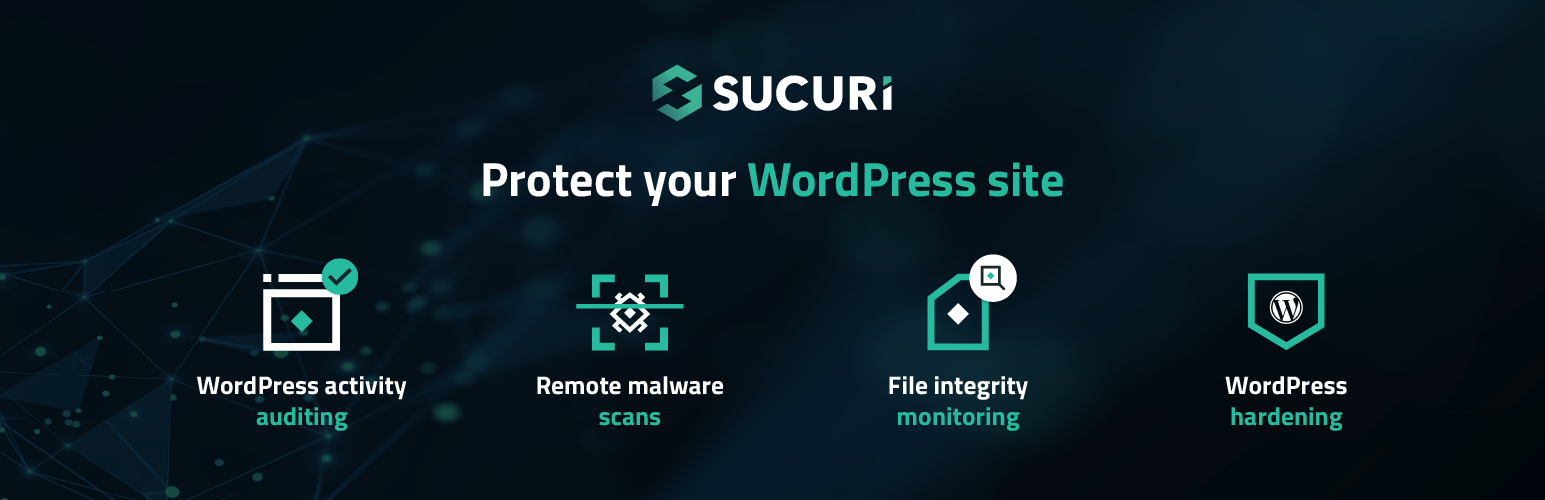
Sucuri is a full-featured WordPress security plugin that offers firewall, continuous monitoring, and malware scans. It protects your site against DDoS attacks, malware, and hacking attempts.
Sucuri has both free and premium plans, with advanced features like security activity monitoring, file integrity monitoring, and security notification. The premium version includes a firewall and post-hack security actions.
Solid Security
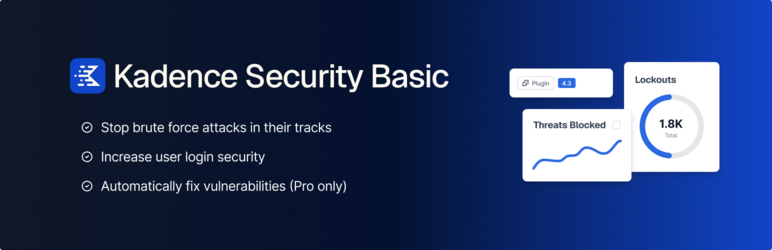
Solid Security, formerly known as iThemes Security, is a full-featured WordPress plugin that offers robust protection against common threats. It offers features for monitoring, detecting, and blocking attacks, as well as tools for proactively strengthening your site’s security.
Easy to configure, it includes malware scans, database backups, and a firewall. Solid Security is a reliable and regularly updated option.
SecuPress FAQs
How do I install and activate SecuPress on my WordPress site?
To install SecuPress, access your WordPress dashboard, then go to Plugins > Add New. Search for “SecuPress” and click on “Install now,” then “Activate.” Once activated, you can configure the security settings in the “SecuPress” menu of your dashboard.
What are the main features of SecuPress?
SecuPress offers several key features to protect your WordPress site.
These include a malware scanner, a firewall to block malicious requests, protection against brute-force attacks, blocking of suspicious IP addresses, detection of vulnerable themes and plugins, and the ability to enable two-factor authentication (2FA).
The plugin also generates security reports and allows you to back up your site.
How does the SecuPress security scanner work?
The SecuPress Security Scanner analyzes your WordPress site by checking 32 critical security points.
It identifies vulnerabilities and anomalies, then lets you correct them automatically or manually. After the scan, you receive a detailed security report with a score and a list of items to be corrected.
What are the differences between the free and Pro versions of SecuPress?
The free version of SecuPress offers basic features such as a malware scanner, firewall, and protection against brute-force attacks.
The Pro version, on the other hand, includes additional features such as security alerts, malware analysis, IP address blocking by country, and scheduled security tasks. The Pro version is fully automatable and offers a higher level of security.
How does SecuPress protect against brute-force attacks?
SecuPress protects against brute-force attacks by limiting the number of connection attempts and blocking suspicious IP addresses.
The plugin can also move the connection URL to make it more difficult for hackers to gain access. What’s more, it can activate two-factor authentication (2FA) to enhance connection security.
How can I back up my site with SecuPress?
SecuPress backs up your WordPress site automatically. The plugin can schedule backup jobs to ensure that your data is backed up regularly.
You can also download these backups to store them off site.
Will SecuPress impact my site’s performance?
SecuPress is designed to preserve your site’s loading time.
It is optimized to avoid negatively impacting the user experience, which means you can benefit from enhanced security without compromising your site’s performance.
Thank you for visiting this page dedicated to SecuPress 🙏
The WPMarmite team hopes you’ve been able to find out more about this WordPress plugin!
To find out more, visit the official website and their social networks:
You can also share your experience with SecuPress by writing a review below. 👇
Found an error on this page? Click here to report it.

