
WordPress site security is a crucial issue at a time when cyber attacks are on the increase. Many sites are exposed to complex digital threats on a daily basis.
In this context, Solid Security offers a comprehensive protection solution. With 700,000+ active installations and an average rating of on the official directory, the plugin offers advanced defense mechanisms to effectively secure WordPress sites.
The main features of the Solid Security plugin include enhanced authentication, protection against brute-force attacks, file monitoring, and user management, designed to proactively prevent and neutralize risks.
Advantages and disadvantages
| Advantages | Disadvantages |
|---|---|
| Enhanced protection against brute-force and DDoS attacks | Complex configuration for inexperienced users |
| Strong password policy imposed | Potential risk of blocking administrator access |
| Effective double authentication | Potentially limited compatibility with certain plugins/themes |
| Comprehensive site analysis and vulnerability detection | No firewall in free version |
| Granular user and authorization management | Possible impact on site performance |
| Modular, intuitive interface | Need to combine with other security measures |
| Customizable security notifications | Limited automatic updates in free version |
Solid Security in numbers
| Latest version | 10.0.6 |
| Date of last update | |
| Active installations | 700,000+ |
| Average rating | |
| Launch date | 2012 |
| Publisher | SolidWP |
| Type of plugin | WordPress security |
| Main features | Firewall, dual authentication, vulnerability scanning |
| Compatibility | WordPress 6.5 and higher |
Solid Security Pro plugin pricing
| Solid Security Pro (1 Site) | Solid Security Pro (5 Sites) | Solid Security Pro (10 Sites) | Solid Security Pro (25 Sites) | Solid Security Pro (26+ Sites) |
|---|---|---|---|---|
| $99/year | $199/year | $299/year | $549/year | Available on request |
| 1 site | 5 sites | 10 sites | 25 sites | 26+ sites |
|
|
|
|
|
Solid Security user reviews
Solid Security is a WordPress plugin renowned for its ability to effectively protect websites against various digital threats.
Its free version offers robust features such as protection against brute-force attacks, critical file monitoring, and enhanced password policies.
Users particularly appreciate its ease of use and advanced security mechanisms.
I was impressed by Solid Security’s security tools. After installation, I was immediately notified of any security issues and the plugin was able to protect against brute -orce attacks.
Webhostingcat
The free version will suit most needs. It provides good protection against brute-force attacks, monitors critical WordPress files, and forces the user to choose a secure password.
Web & SEO Team
It’s easy to use and does a great job blocking brute-force and other attempts. The reports keep me informed of attack rates, bad connections, and other security-related activity, which is important for keeping all sites safe.
graisee
More Solid Security testimonials
Find out how Solid Security ranks in terms of user satisfaction on various customer review platforms.
Alternatives to Solid Security
SecuPress

SecuPress is a comprehensive WordPress security plugin that offers robust protection against common threats.
Features include a firewall, protection against brute-force attacks, site health scanning, two-factor authentication, and bot and malware blocking.
SecuPress is regularly updated and features an intuitive user interface. It is available in both free and paid versions, with an attractive price for the Pro version.
Sucuri
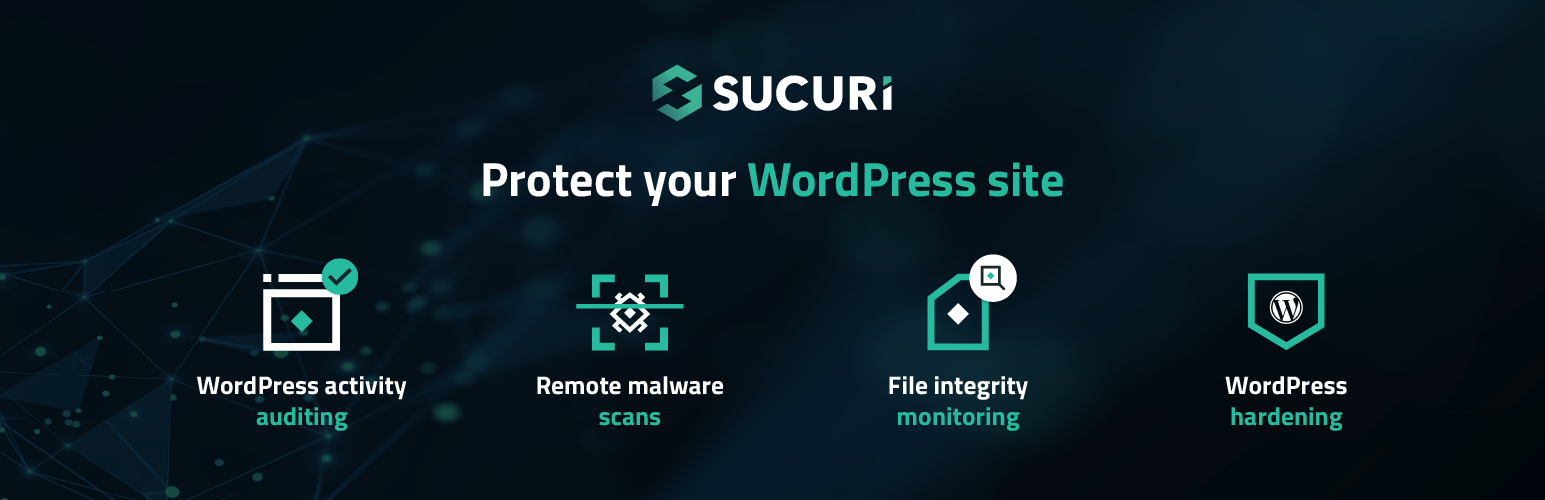
Sucuri is a powerful WordPress security solution offering comprehensive protection against online threats.
It includes a robust firewall, malware detection and removal, blacklist checking, and protection against SQL injection and cross-site scripting attacks.
Sucuri also features a CDN to improve your site’s loading times. The free version is available, but advanced features require a pro plan.
Wordfence

Wordfence is a free, full-featured WordPress security plugin, offering features like a malware scanner, exploit detection, and two-factor authentication.
It has a built-in firewall and can block specific IP addresses and restrict access based on visitor location.
Wordfence is regularly updated and is an excellent option for those managing multiple WordPress sites.
Solid Security FAQs
How do I install the Solid Security plugin on WordPress?
To install the Solid Security plugin, log in to your WordPress dashboard. Click on “Plugins” in the left-hand menu, then select “Add New.”
Use the search box at top right to enter “Solid Security” and press “Enter.” Click on “Install now” next to the search result, then activate the plugin once installation is complete.
What are the main features of Solid Security?
Solid Security offers several security features, including protection against brute-force attacks, suspicious activity monitoring, password creation rules, two-factor authentication, and detection of vulnerable plugins and themes.
It also blocks malicious bots, monitors critical WordPress files, and performs site and database backups.
How do I configure Solid Security after installation?
Once the plugin has been installed and activated, you’ll be redirected to a configuration wizard. This wizard will ask you a few questions about your website, such as its type (e-commerce, blog, etc.) and whether you’re setting it up for yourself or for a client.
You’ll also be able to set password policies, add authorized IP addresses, and configure automated security scans.
What are the advantages and disadvantages of Solid Security?
Solid Security’s advantages include robust protection against brute-force attacks, monitoring for suspicious activity, and the ability to back up the site and database.
However, the plugin can sometimes cause conflicts with other plugins or shared hosting systems, and it doesn’t offer an application firewall (WAF).
Is there a paid version of Solid Security?
Yes, there is a paid version of Solid Security called Solid Security Pro.
This version offers additional features such as malware analysis, reCAPTCHA integration, file version management, and tools for importing and exporting security settings.
Pricing for Solid Security Pro varies according to the number of sites, and starts at $99 per year for single-site use.
How does Solid Security protect against malicious bots and spam?
Solid Security uses reCAPTCHA to distinguish between humans and bots, protecting your site from malicious bots attempting to gain unauthorized access or engage in spamming activities.
The plugin also blocks malicious IP addresses and disallows suspicious user agents.
How do I activate two-factor authentication with Solid Security?
To activate two-factor authentication with Solid Security, go to the “Settings” section of the plugin.
Select “Global Settings” and configure two-factor authentication methods, such as authentication by mobile application (like Google Authenticator), by email, or using backup codes.
Thank you for visiting this page dedicated to Solid Security 🙏
The WPMarmite team hopes you’ve been able to find out more about this WordPress plugin!
To find out more, visit the official website and their social networks:
You can also share your experience with Solid Security by writing a review below. 👇
Found an error on this page? Click here to report it.

