
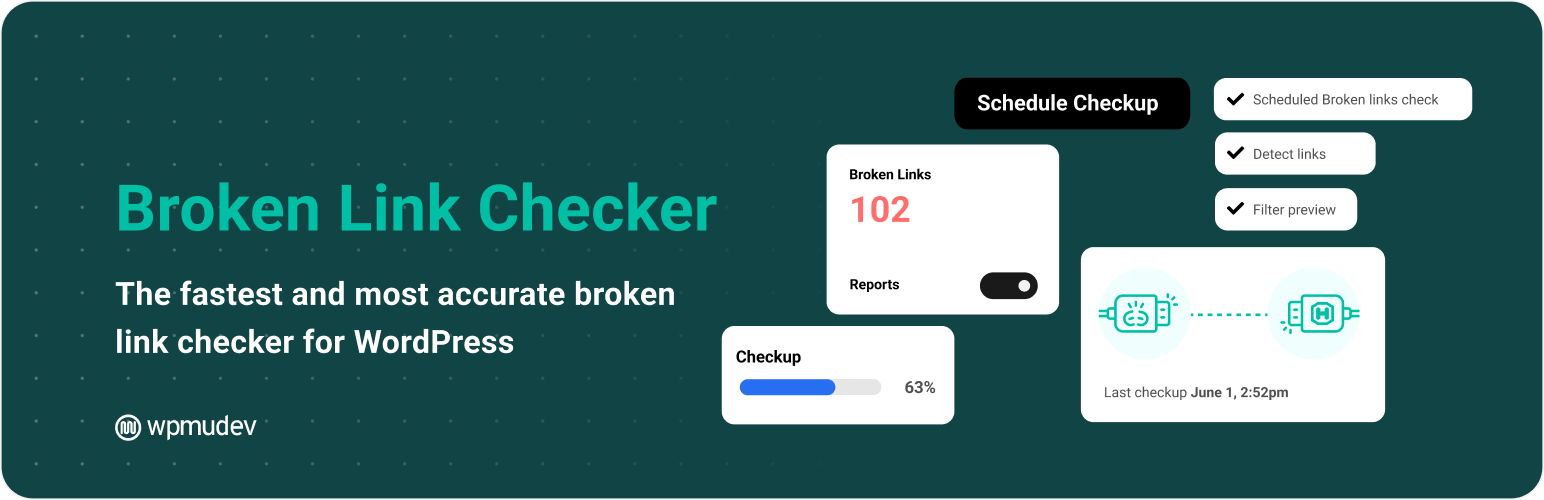
Effectively managing broken links is essential to maintaining the quality and performance of a WordPress site. The Broken Link Checker plugin offers an automated solution for detecting and correcting these problematic links, which can harm user experience and SEO.
With over 500,000+ active installations, this tool offers comprehensive link checking on your site, real-time notifications, and quick fix options.
Advantages and disadvantages
| Advantages | Disadvantages |
|---|---|
| Fast, accurate detection of broken links, up to 20 times faster than other plugins | Significant consumption of server resources during checks |
| Automatic email notifications for each broken link detected | Potentially complex initial setup for novice users |
| Advanced customization: settings for check frequency and content types | Possible website slowdown depending on configuration and site size |
| No limit on the number of pages to check | Regular maintenance and configuration required |
| Plugin completely free of charge, with no ads or additional sales | Potentially limited compatibility with certain WordPress themes or configurations |
| Improves SEO by quickly identifying and correcting broken links | Scanning time can be long on very large sites |
Broken Link Checker in numbers
| Latest version | 2.4.15 |
| Date of last update | |
| Active installations | 500,000+ |
| Average rating | |
| Link check frequency | Every 72 hours (default) |
| Content types checked | Posts, pages, all WordPress content |
Broken Link Checker plugin prices
| Free |
|---|
| $0 |
|
Broken Link Checker user reviews
The Broken Link Checker plugin is a versatile and effective WordPress tool for detecting and managing broken links.
Users particularly appreciate its ability to exhaustively analyze a website, spotting broken links in posts, pages, comments, and custom fields.
Its ease of use and flexible manual or automatic scanning options are major strengths.
This plugin is a great help in keeping my website’s links in working order. The plugin provides an excellent automation tool that makes it easy to manage up-to-date links. The new cloud-based features are seamlessly integrated with my WordPress hosting. Keep up the good work!
Renaat
I was very happy with the original Broken Link Checker, but this one is a step up. Love it!
Bobg404
Excellent application to prevent users from opening 404 pages/links.
nicolasvsedeco
Alternatives to Broken Link Checker
Broken Link Checker by AIOSEO
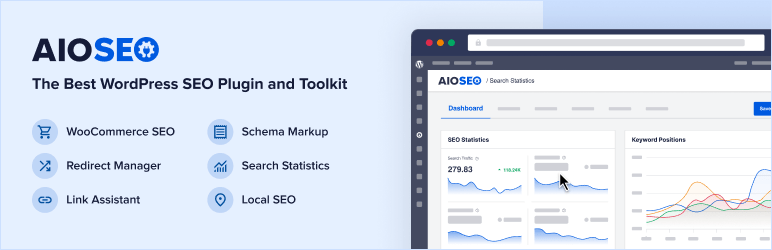
Broken Link Checker by AIOSEO is developed by the team behind the All In One SEO (AIOSEO) plugin. It offers an effective solution for detecting and correcting broken links on your WordPress site.
This plugin regularly checks for broken links, including internal and external links, and alerts you to any problems. You can edit URLs, delete links, or add redirects directly from the dashboard without having to open the pages concerned.
Broken Link Checker
You can check for dead links on your WordPress site with this free plugin, which is quick and easy to set up.
It analyzes all the links on your site, including images, to make sure they’re working properly. Broken links can harm your SEO, as Google and other search engines consider them harmful.
Broken Link Checker monitors and tests internal and external links, improving SEO and user experience. It generates a report of faulty links, redirects, and affected pages, making it easy to correct them.
Broken Link Checker FAQs
How do I install the Broken Link Checker plugin on WordPress?
To install the Broken Link Checker plugin, access your WordPress dashboard. Go to Plugins > Add New, then search for Broken Link Checker. Click “Install Now” and then “Activate” once the installation is complete.
What are the main features of the Broken Link Checker plugin?
The Broken Link Checker plugin offers several key features:
- Automatic scanning of your site for broken links
- Broken links are marked as strikethrough text on the public site
- Generation of a list of broken links in the WordPress dashboard
- Sends email notifications to administrators and other specified users
- Setting the link checking interval
How do I configure email notifications for the Broken Link Checker plugin?
To configure email notifications, go to Settings > Link Checker in your WordPress dashboard.
On the Broken Link Checker options page, you can update the notification email address and adjust the link check interval to suit your needs.
How do I review and correct broken links with the Broken Link Checker plugin?
Once the check is complete, go to the Broken Link Checker block in your WordPress dashboard and click on the text “Found X broken links.” On the broken links summary page, you can see the URLs of the broken links, the type of error, the link text, and the link source.
To fix a link, note the URL and link text, open the source page or post in a new tab, and update the link. Repaired links will disappear from the list the next time you check.
How can I exclude certain URLs from link checking with the Broken Link Checker plugin?
You can exclude certain URLs from the check by using the URL exclusion option. Go to Settings > Link Checker and use the URL exclusion section to specify the links you don’t want to check.
This is useful for third-party tracking links or other links that should not be checked.
Why is it important to fix broken links on your WordPress site?
Fixing broken links improves user experience and search engine optimization (SEO). Broken links can damage your site’s reputation and negatively affect your traffic.
By using the Broken Link Checker plugin, you can identify and repair these links quickly, helping to maintain a healthy, well-maintained site.
How do I disable broken link formatting with the Broken Link Checker plugin?
To disable broken link formatting (the strikethrough text), go to Settings > Link Checker in your WordPress dashboard.
Uncheck the “Link tweaks – Apply custom formatting to broken links” option to disable this feature.
Thank you for visiting this page about Broken Link Checker 🙏
The WPMarmite team hopes you’ve been able to find out more about this WordPress plugin!
To find out more, visit the official website.
You can also share your experience with Broken Link Checker by writing a review below. 👇
Found an error on this page? Click here to report it.

