
Bloom is a WordPress plugin dedicated to lead generation, enabling webmasters to efficiently convert visitors into potential subscribers. With over 900k satisfied customers according to the official website and an average rating of 4.9 out of 5, this tool offers six types of customizable opt-in forms.
User reviews of Bloom highlight its ability to adapt to different email collection strategies, thanks to precise triggers and integration with 19 email marketing services.
Advantages and disadvantages
| Advantages | Disadvantages |
|---|---|
| Intuitive, easy-to-learn user interface | Relatively high price compared to some free alternatives |
| Extensive customization of opt-in forms with over 100 templates | Less feature-rich than competitors such as OptinMonster |
| Native integration with 19 email marketing services | Less sophisticated targeting options than other plugins |
| Flexible automatic triggers (time, scroll, comments, etc.) | Potentially slower performance if multiple forms activated |
| Mobile and responsive compatible | Technical support sometimes considered basic |
| Integrated A/B testing and detailed statistics | Advanced customization requiring technical skills |
Bloom in numbers
| Date of last update | January 18, 2025 |
| Rating | 4.9/5 |
| Launch date | 2014 |
| Publisher | Elegant Themes |
| Founder | Nick Roach |
| Number of available templates | 100 |
| Integrated email marketing services | 19 |
| Types of opt-in forms | 6 |
Bloom plugin prices
| Divi | Divi Lifetime |
|---|---|
| $89/year | $249/year |
|
|
|
|
Bloom user reviews
The Bloom WordPress plugin offers a complete solution for creating opt-in forms with attractive features, but some notable limitations.
Its ease of use and numerous customization options are offset by potential performance issues and complex configuration.
Bloom is extremely easy to use, with a simple drag-and-drop pop-up creator. Creating new emails with Bloom is straightforward, and the user interface is fairly easy to understand.
WPBeginner
Opt-ins are sometimes displayed, sometimes not. This is very strange. Maybe there’s a conflict with another plugin.
Anonymous user
After several attempts, the email address is indeed registered in my contacts, but neither the first nor the last name are captured.
Anonymous user
Alternatives to Bloom
OptinMonster

OptinMonster is a robust WordPress plugin for creating opt-in forms, offering great design and customization flexibility. It features a drag-and-drop visual editor, allowing templates to be fully customized.
The plugin includes advanced features like content locking, dynamic text replacement, and targeting options based on visitor behavior and user information.
Thrive Leads

Thrive Leads is a comprehensive plugin for opt-in forms, offering a wide range of templates and a drag-and-drop editor. It allows you to create various types of forms, such as pop-overs, widgets, header bars, and slide-ins.
The plugin also includes A/B testing and advanced targeting features, making it very useful for optimizing email collection campaigns.
Convert Pro
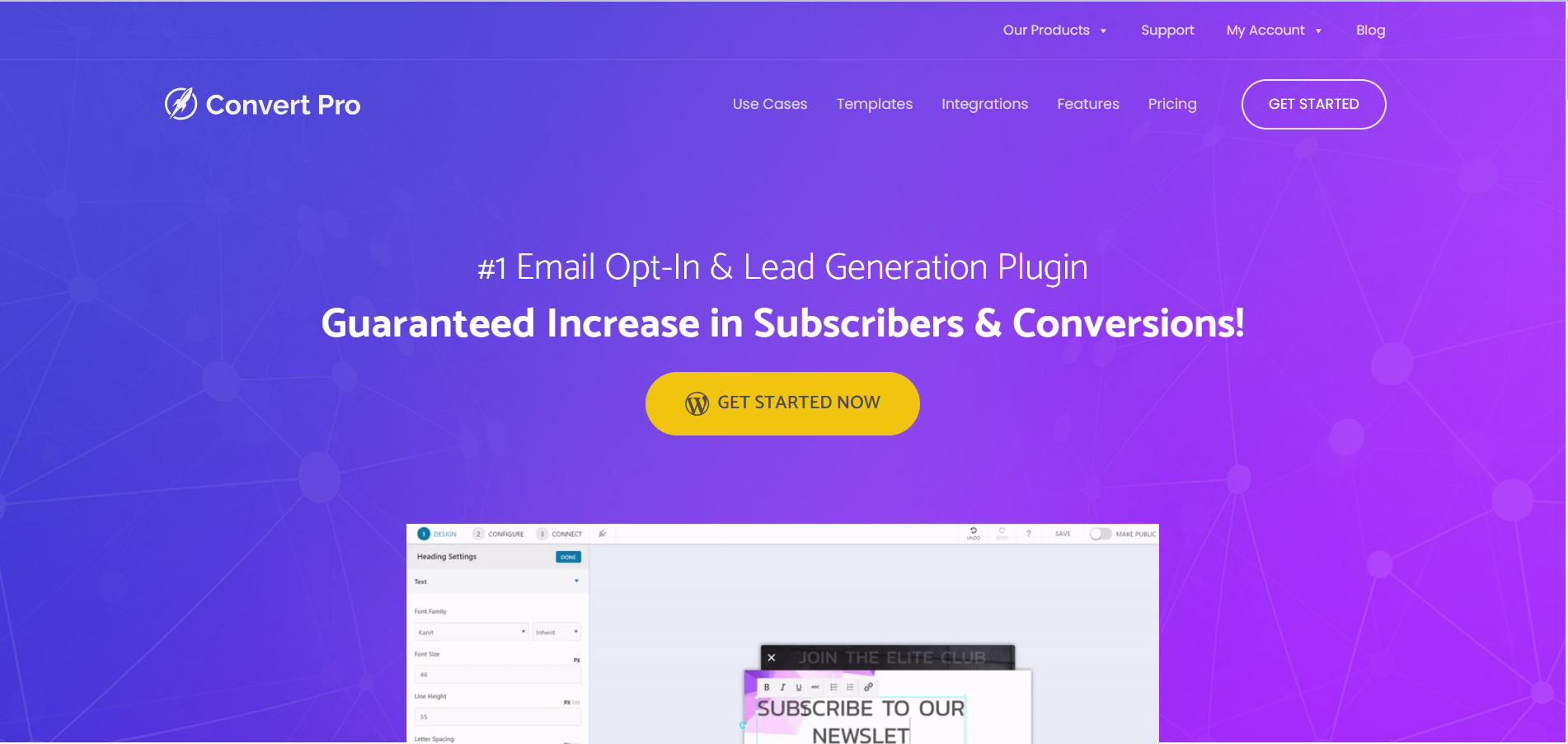
Convert Pro is a popular plugin for opt-in forms, developed by the same team behind the Astra theme. It offers a drag-and-drop editor for a wide variety of form types, as well as advanced targeting and behavior options.
The plugin is modular, meaning you can enable or disable features individually for more optimized use. It also integrates all major email marketing services.
Bloom FAQs
How do I install and configure the Bloom plugin on WordPress?
To install the Bloom plugin, you must first download it from the Elegant Themes website. Once downloaded, you can install it via the WordPress dashboard by going to Plugins > Add New> Upload and uploading the ZIP file.
After installation, activate the plugin. To configure Bloom, go to Tools > Bloom Settings in your WordPress dashboard, then click on the accounts icon to add and configure your email marketing accounts.
What types of opt-in forms can Bloom create?
The Bloom plugin lets you create six different types of opt-in forms: Pop-up, Fly-in, Below post, Inline, Locked content, and Widget. Each of these types can be customized and displayed in unique areas of your website.
How do I integrate Bloom with email marketing services?
To integrate Bloom with your email marketing services, you need to add a new account via Bloom > Settings > Accounts.
Select the type of account you wish to add, then follow the verification instructions, which usually include adding an API key or AppID specific to your email marketing software.
What triggering options are available for opt-in forms in Bloom?
Bloom offers several triggering options for your opt-in forms, including timed delays, display when the user reaches the bottom of a post or page, after scrolling, after commenting, after purchasing, or after a defined period of inactivity on the page.
How can I customize the display of opt-in forms in Bloom?
You can customize the display of opt-in forms using Bloom’s global display settings. You can specify the types of pages and categories on which to display forms, as well as specific posts and articles for which to display or not display forms.
In addition, you can configure forms to be displayed according to criteria such as mobile use, a time limit, or specific user actions.
How can I manage and analyze opt-in form performance in Bloom?
Bloom offers a custom panel in the WordPress dashboard to easily manage your accounts, lists, opt-ins, conversion rates, and data. This allows you to track and analyze the performance of your opt-in forms in an intuitive way.
What are the advantages of using Bloom for email capture?
Using Bloom offers a number of advantages, such as the creation of attractive, personalized opt-in forms, flexible triggering options, and integrations with leading email marketing services. This helps to grow your email list in an efficient and targeted way.
Thank you for visiting this page dedicated to Bloom 🙏
The WPMarmite team hopes you were able to learn more about this WordPress plugin!
To find out more, visit the official website and their social networks:
You can also share your experience with Bloom by writing a review below. 👇
Found an error on this page? Click here to report it.

