
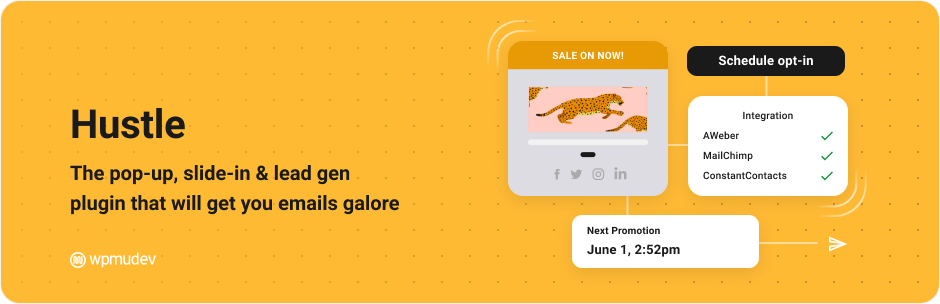
Hustle is a must-have WordPress plugin for optimizing the conversion of visitors into leads and customers. With over 80,000+ users and an average rating of , this marketing tool stands out for its advanced features.
Developed by WPMU DEV, Hustle lets you create customized marketing modules such as pop-ups, slide-ins, widgets, and embeds. Its precise targeting options enable the right content to be displayed at the right time to the right audience, without the need for any prior technical skills.
Advantages and disadvantages
| Advantages | Disadvantages |
|---|---|
| Versatile marketing modules (pop-ups, slide-ins, widgets, embeds) | Limited functionality in the free version |
| Wide range of ready-to-use templates | Need to upgrade to Pro version for unlimited options |
| Integration with over 2,000 email services | Performance potentially slowed by multiple active modules |
| Advanced and precise targeting parameters | Interface sometimes complex for beginners |
| Detailed personalization options | Some advanced features reserved for the paid version |
| Integrated conversion tracking and analysis | Learning curve required to exploit all features |
| Compatible with many devices and browsers | Potential impact on site speed with multiple modules |
Hustle in numbers
| Latest version | 7.8.14.3 |
| Date of last update | |
| Active installations | 80,000+ |
| Average rating | |
| Launch date | 2016 |
| Publisher | WPMU DEV |
| Number of languages available | 6 |
| Types of marketing modules | Pop-ups, Slide-ins, Widgets, Embeds |
| Compatible email services | Over 2000 services |
Hustle plugin prices
| Hustle Free | Hustle Pro |
|---|---|
| $0 | Starts at $1.50/month for the first year |
|
|
Hustle user reviews
Hustle is a highly-rated WordPress plugin, offering powerful lead generation and pop-up creation features.
With an average rating close to 5 stars, it particularly stands out for its ease of use, customization options, and effectiveness in increasing conversions.
I don’t know how I’ve survived so far without Hustle and Forminator, but I now use them on every site I build.
sherylryan (5/5)
This may be the only plugin with free ‘exit intent’ functionality. Simple but powerful.
tutoruniversitario (5/5)
Hustle is a powerful plugin that offers great flexibility in the creation and distribution of pop-ups and registration forms. The display animations are also highly professional.
Digital Marketer (5/5)
Alternatives to Hustle
OptinMonster

OptinMonster is a leading WordPress plugin for lead generation, offering pop-ups, opt-in forms, and behavioral targeting features.
It features advanced personalization tools, A/B testing, and integrations with various email marketing tools to increase conversions and improve visitor engagement.
Thrive Leads

Thrive Leads is a full-featured WordPress plugin for opt-in forms and pop-ups. It offers A/B testing, precise targeting, detailed reporting, and integrations with leading email marketing services.
It’s an ideal solution for site builders looking to grow their email lists and improve visitor engagement.
Bloom
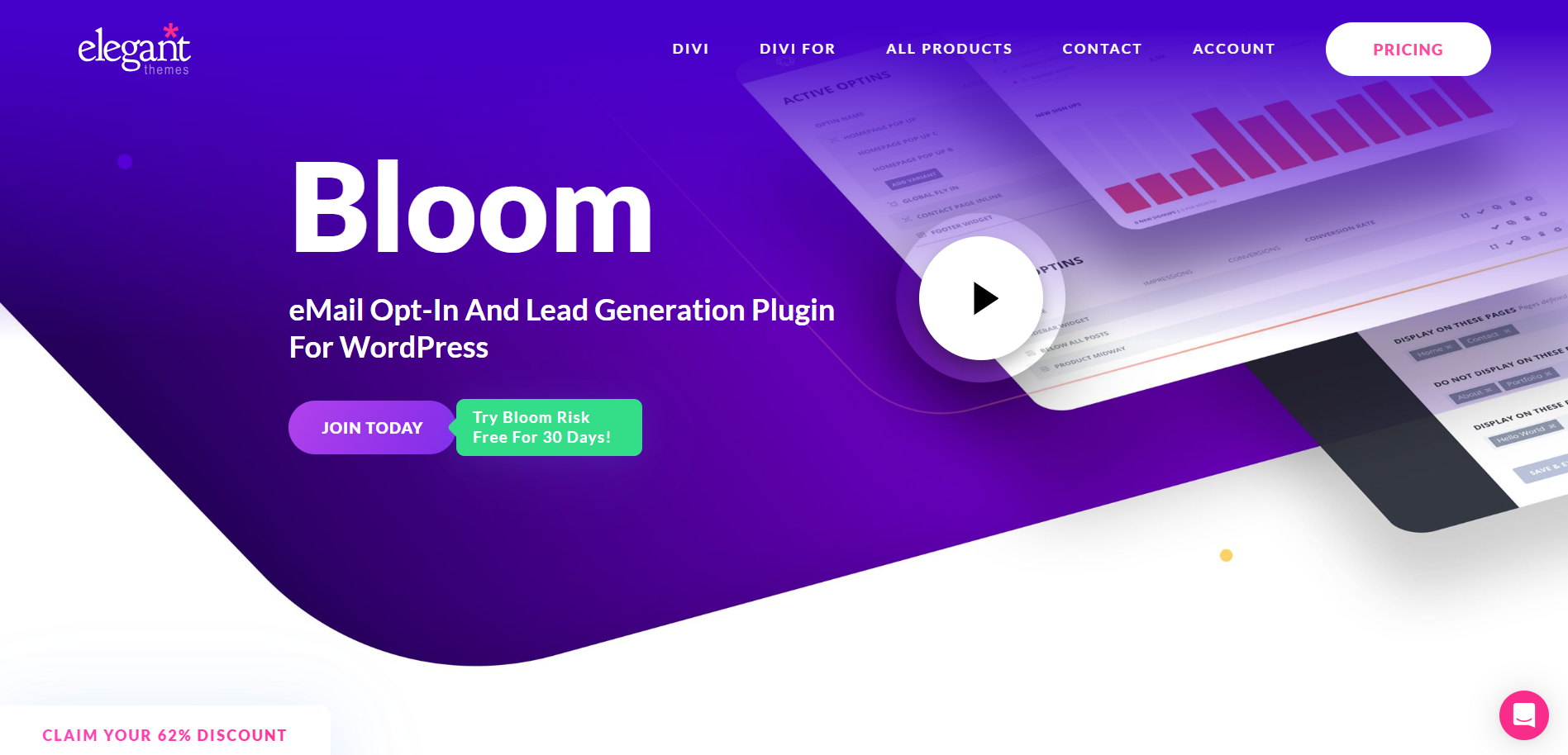
Bloom is a powerful WordPress plugin developed by Elegant Themes for creating opt-in forms and pop-ups. It offers a wide range of designs, various trigger options, and integrations with leading email marketing services.
Bloom is ideal for users looking to capture leads efficiently and personalize their marketing campaigns.
Hustle FAQs
How do I install the Hustle plugin on WordPress?
To install the Hustle plugin, log into your WordPress dashboard. Click on “Plugins” then “Add new.”
Search for “Hustle” in the search field, and click on the “Install now” button next to the Hustle by WPMU Dev plugin. Once installed, click on the “Activate” button to activate the plugin.
What are the main features of the Hustle plugin?
The Hustle plugin offers several key features, including the creation of pop-ups, slide-ins, widgets, embeds, and opt-in forms.
It includes ready-to-use marketing templates, advanced customization options, and integrations with email marketing services such as MailChimp, Aweber, and Constant Contact. Hustle also enables visitors to be targeted according to their behavior and geographic location.
Can I customize the appearance of Hustle modules?
Yes, the Hustle plugin offers many customization options. You can adjust appearance elements such as layout, images, typography, and colors.
It’s also possible to customize borders, spacing, shadows, module size, and more. For advanced customization, you can use custom CSS.
How do I target visitors with the Hustle plugin?
Hustle lets you target visitors based on a variety of criteria, such as specific pages and articles, the visitor’s device and browser, country of origin, source of arrival, post registration, browser cookies, and much more.
You can also configure behavioral triggers for pop-ups and slide-ins, such as time spent on page, scrolling, exit intent, etc.
What’s the difference between Hustle and Hustle Pro?
The main difference between Hustle and Hustle Pro is the number of campaigns and modules you can create. With Hustle, you have access to 3 pop-ups, 3 slide-ins, 3 social sharing bars, and 3 free embeds, while Hustle Pro offers unlimited creation of these elements.
Hustle Pro also includes access to WPMU DEV’s full suite of performance and marketing plugins.
How do I track campaign performance with Hustle?
Hustle lets you track the number of times pop-ups, slide-ins, and opt-in forms are displayed, as well as view submissions directly from WordPress.
You also have access to an overview of conversion rates for each campaign.
How do I report security issues or bugs in the Hustle plugin?
To report security issues or bugs in the Hustle plugin, you can use the Patchstack vulnerability disclosure program. It’s a quick and easy process, and you’ll be notified when the issue is resolved.
Thank you for browsing this page dedicated to Hustle 🙏
The WPMarmite team hopes you were able to learn more about this WordPress plugin!
To find out more, visit the official website and their social networks:
You can also share your experience with Hustle by writing a review below. 👇
Found an error on this page? Click here to report it.

