
The speed of a website is crucial to its success. LiteSpeed Cache responds to this challenge by offering a complete optimization plugin for WordPress.
With over 7,000,000+ active installations and a rating of , this plugin stands out for its advanced technical features.
User reviews of LiteSpeed Cache are very positive: it significantly transforms website performance, reducing loading times and improving user experience.
Advantages and disadvantages

| Advantages | Disadvantages |
|---|---|
| Performance Exceptional optimization of loading times thanks to a highly efficient multi-layer caching system | Technical dependency Some advanced features require a LiteSpeed server or specific hosting |
| Comprehensive caching Automatic caching of pages and dynamic content, support for logged-in users | Configuration complexity Extensive interface and options may confuse novice users |
| Resource optimization Combination and minification of CSS/JS files, integrated image compression | Resource consumption May slightly increase CPU and memory usage |
| Extensive compatibility Works with most WordPress themes and plugin | Updates and security Potential security vulnerabilities, need for regular updates |
| Advanced features ESI support, intelligent crawler, cross-platform optimization | Server configuration Optimal performance only with appropriate server configuration |
| Free support Large community and detailed documentation | Limited free version Premium features requiring investment |
LiteSpeed Cache in numbers
| Latest version | 7.8.0.1 |
| Date of last update | |
| Active installations | 7,000,000+ |
| Average rating | |
| Launch date | January 2016 |
| Publisher | LiteSpeed Technologies, Inc. |
| Country of origin | United States |
| Number of main features | 12 |
| Server compatibility | LiteSpeed, Apache, NGINX |
LiteSpeed Cache plugin pricing
| LiteSpeed Cache WordPress plugin |
|---|
| Price: Free |
| – Open-source plugin – CDN QUIC.cloud – Database optimization – Image compression – CSS/JS minimization |
LiteSpeed Cache user reviews
LiteSpeed Cache is a WordPress plugin universally acclaimed by users for its outstanding performance in optimizing and speeding up website loading.
LiteSpeed Cache stands out for its ease of use, speed, and significant impact on SEO performance.
Users report dramatic improvements in loading speed, with some observing gains of up to 300% and PageSpeed scores rising from 65 to 100.
I’ve tried all the well-known caching plugins, with varying degrees of success. LiteSpeed, in conjunction with my hosting web server, surpasses them all, with well-designed WP sites loading in an average of 0.5 seconds.
lillyleon
By far the fastest caching plugin I’ve ever used. The interface is easy to use, everything is clearly explained, and there are no issues with conflicts or site stability.
marguy1
My site had a score of 65 before LiteSpeed Cache. My new score is 100 now (yes, I’m serious). I tried several other cache plugins and the highest score I could get was 80. LiteSpeed is definitely the best cache plugin available.
kyolic
More testimonials about LiteSpeed Cache
Find out how LiteSpeed Cache ranks in terms of user satisfaction on various customer review platforms.
| Platform | Rating |
|---|---|
| WP.org | |
| TrustPilot | 4.6 out of 5 |
| G2 | 4.9 out of 5 |
Alternatives to LiteSpeed Cache
WP Rocket
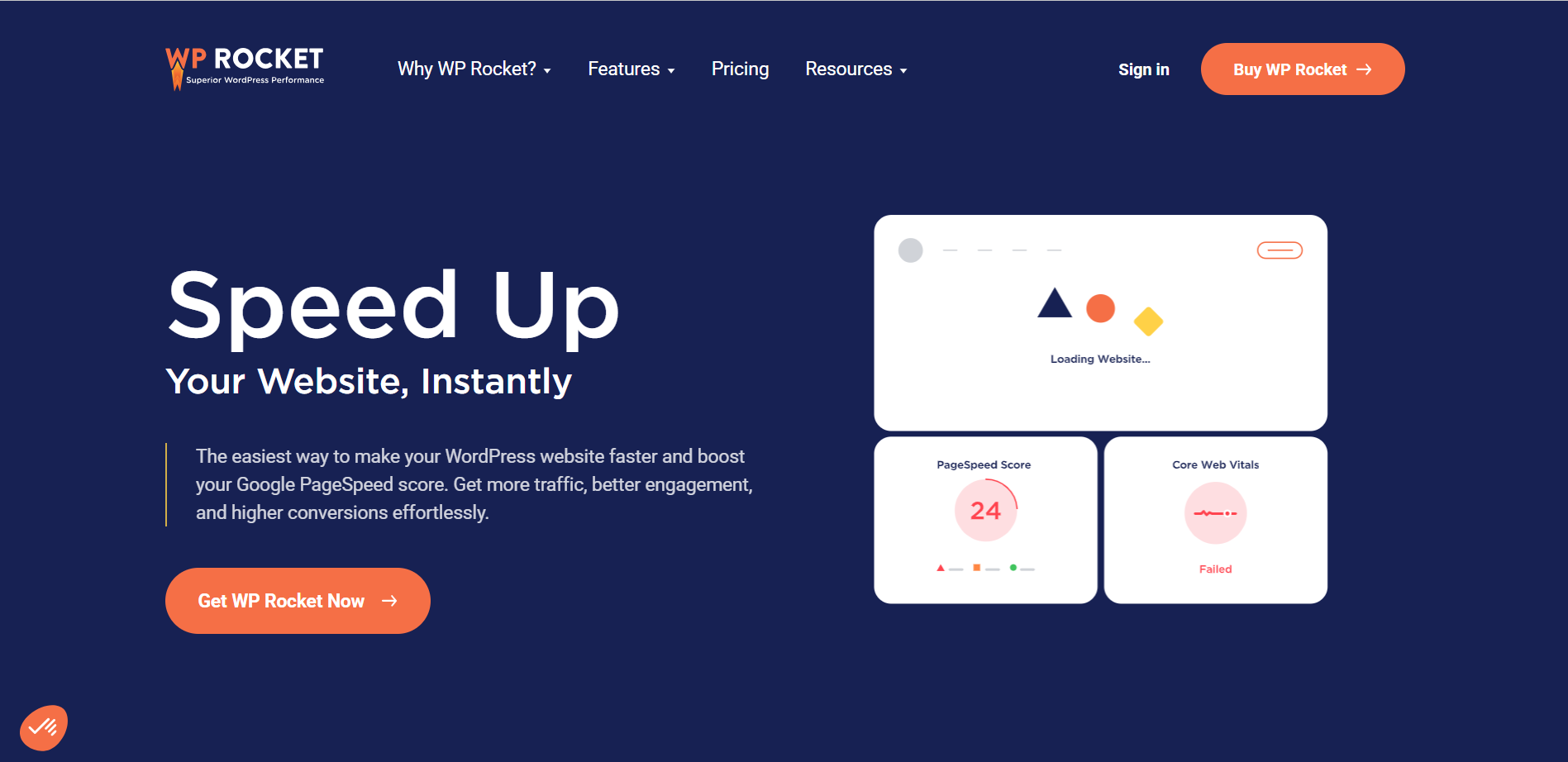
WP Rocket is one of the best alternatives to LiteSpeed Cache, particularly suitable for beginners and experienced users.
It offers simple, automatic configuration that activates up to 80% of WordPress performance best practices. Features include page caching, cache preloading, Gzip compression, browser caching, critical image optimization, and lazy loading.
WP Rocket also integrates optional features such as lazy loading of images, CDN support, minification, and JavaScript optimization.
WP Super Cache

WP Super Cache is a popular free caching plugin created by Automattic.
It offers several caching modes, including simple mode and expert mode, which respectively use PHP and the mod_rewrite module to serve static HTML files. This plugin includes advanced features such as cache preloading, cache garbage collection, and basic CDN support.
WP Super Cache is ideal for blogs and WordPress sites that require robust, customizable caching.
W3 Total Cache
W3 Total Cache is a comprehensive caching plugin offering a variety of optimization features.
It includes page, object, and database caching, as well as Google PageSpeed Insights integration. W3 Total Cache also features CSS and JS file minification, lazy loading, and image-to-WebP conversion to improve performance.
This plugin is ideal for WordPress sites requiring in-depth optimization of both dynamic and static parts.
LiteSpeed Cache FAQs
How to install and configure LiteSpeed Cache
To install and configure LiteSpeed Cache, you must first download and install the plugin from the WordPress plugin library. Once installed, activate the plugin.
To take advantage of LiteSpeed’s exclusive features, make sure your site is hosted on a LiteSpeed server, OpenLiteSpeed, or that you’re using the QUIC.cloud CDN.
Then configure the plugin settings via the “LiteSpeed Cache” menu in your WordPress dashboard.
What are the main features?
LiteSpeed Cache offers several key features, including server-level caching, image optimization, CSS, JavaScript and HTML file minification, and combining these files to reduce HTTP requests.
It also supports browser caching, cache preloading, and database optimization. In addition, it includes advanced features such as ESI (Edge Side Includes), HTTP/2 Push, and support for HTTP/3 & QUIC.
Which servers are compatible with LiteSpeed Cache?
LiteSpeed Cache can be used with any web server (LiteSpeed, Apache, NGINX, etc.) for general functionality.
However, LiteSpeed’s exclusive features require a LiteSpeed server, OpenLiteSpeed, commercial LiteSpeed products, or the QUIC.cloud CDN.
How do I optimize images with LiteSpeed Cache?
To optimize images with LiteSpeed Cache, you need to use QUIC.cloud’s image optimization service.
Make sure the plugin is installed and configured correctly, and that you have no other image optimization plugins active on your site. The plugin can compress images without loss of quality, reduce their size, and improve page loading times.
How do I manage the cache for logged-in users?
LiteSpeed Cache lets you cache pages for logged-in users thanks to its private cache functionality. This feature ensures that logged-in users receive pages cached specifically for them, improving performance without compromising the personalization of the user experience.
How do I solve caching problems with LiteSpeed Cache?
If you’re experiencing caching problems with LiteSpeed Cache, make sure that the plugin is correctly configured and that caching features are enabled.
Also check that your server supports LiteSpeed’s exclusive features. If problems persist, use the cache purge tools to clear the cache and try again.
You can also consult the plugin’s logs and documentation for further details.
Is LiteSpeed Cache compatible with other popular plugins?
Yes, LiteSpeed Cache is compatible with most popular WordPress plugins, such as WooCommerce, bbPress, and Yoast SEO. It also supports WordPress Multisite and ClassicPress.
Thank you for visiting this page dedicated to LiteSpeed Cache 🙏
The WPMarmite team hopes you’ve been able to find out more about this WordPress plugin!
To find out more, visit the official website and their social networks:
You can also share your experience with LiteSpeed Cache by writing a review below. 👇
Found an error on this page? Click here to report it.

