
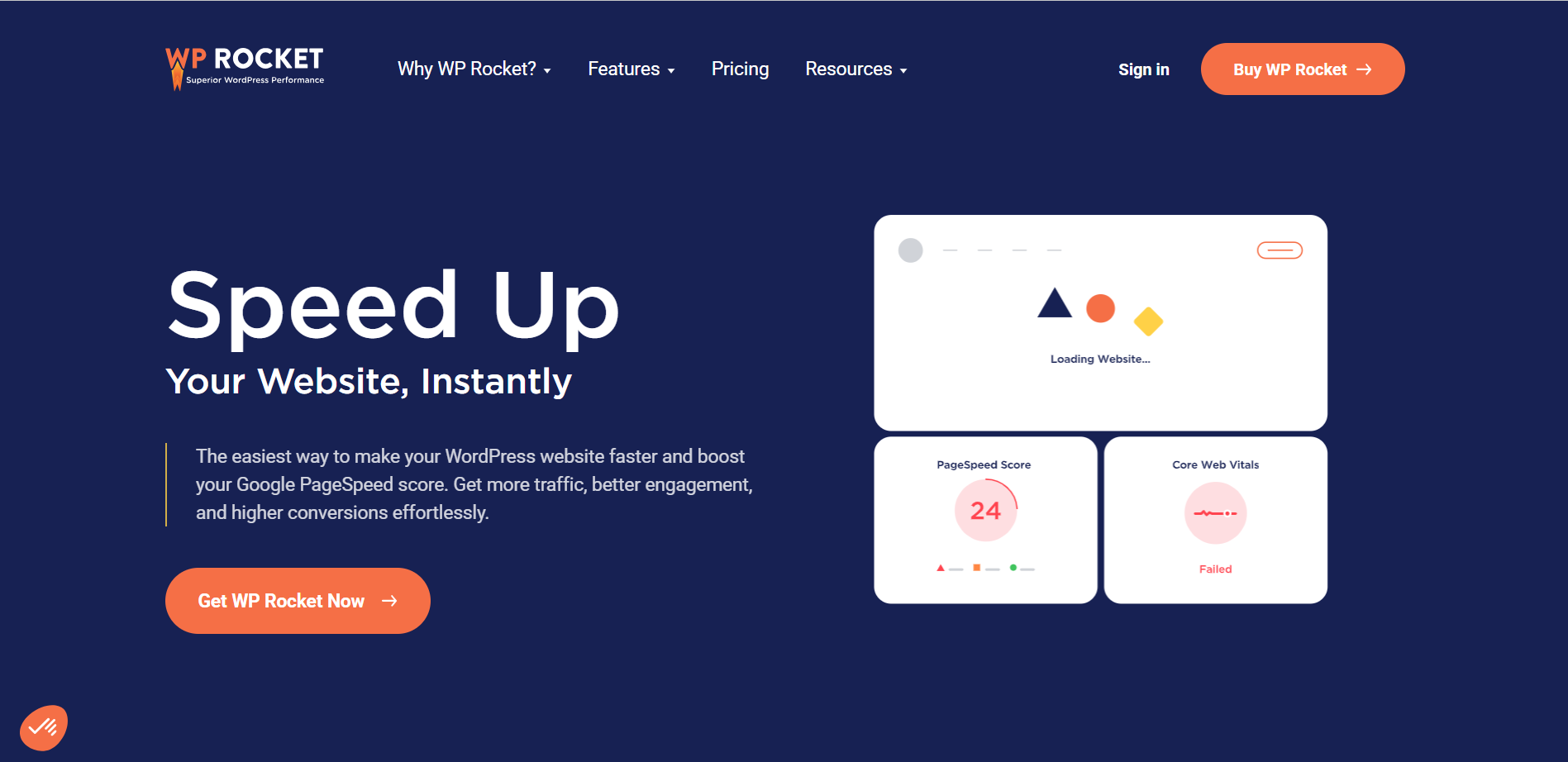
Loading speed is intimately linked to a website’s user experience and SEO. WP Rocket is a powerful solution for optimizing WordPress technical performance, without the need for specific skills.
This caching plugin offers a series of automatic optimizations: intelligent caching, file minification, lazy loading of images, and database cleanup. User reviews of WP Rocket often highlight its ability to significantly improve the speed of WordPress sites.
Developed by a French team, WP Rocket boasts over 4 million users on its official website and a 92% satisfaction rating from over 2,000 customer reviews, testifying to its reliability and efficiency.
Advantages and disadvantages
| Advantages | Disadvantages |
|---|---|
| Ease of use: Intuitive interface, simple activation without complex configuration | Premium price: Paid plugin, no free version |
| Performance: Significant improvement in loading times (up to 50%) | Technical configuration: Some bonus options may be complex for beginners |
| Automatic optimizations: Activates 80% of web performance best practices by default | Plugin dependency: Variable performance depending on site configuration |
| Comprehensive features: Cache, minification, database optimization, integrated CDN | Potential incompatibilities: Risks with certain themes or plugins |
| Customer support: Responsive support, detailed documentation | Frequent updates: Can sometimes cause disruptions |
| WordPress compatibility: Standards-compliant code, regularly updated | Server resources: Potentially high memory consumption |
WP Rocket in numbers
| Sites using WP Rocket | More than 4 million sites |
| Launch date | 2013 |
| Publisher | WP Media |
| Founders | Jonathan Buttigieg and Jean-Baptiste Marchand-Arvier |
| Percentage of auto optimizations | 80% |
WP Rocket plugin prices
| Single | Plus | Multi | ||
|---|---|---|---|---|
| $59/year | $119/year | $299/year | $399/year | $599/year |
| 1 WordPress site | 3 WordPress sites | 50 WordPress sites | 100 WordPress sites | 500 WordPress sites |
|
|
|
|
|
| ||||
WP Rocket user reviews
WP Rocket is widely recognized as one of the most powerful and intuitive WordPress caching plugins on the market. Users unanimously praise its ease of installation, its effectiveness in improving website performance, and the exceptional quality of its customer support.
The simplicity of configuration and the positive impact on loading speed are points regularly highlighted by the community.
This is undoubtedly the best caching plugin around! Not only does it solve speed problems, it’s also extremely easy to install and configure.
Super Daddy (5/5)
Performance is no mean feat on the web, and WP Rocket manages to be both simple AND effective. Support is responsive and competent. Nothing to complain about!
Stéphanie (3/5)
I’ve been using WP Rocket since its inception. Powerful, always evolving, great team. For me, it’s a must!
David Volpi (3/5)
I have to say that I can clearly see the difference in the way my web pages display now, and that’s really positive! Easy configuration . . . and clear explanations.
Zobler Vincent (3/5)
More testimonials about WP Rocket
Find out how WP Rocket ranks in terms of user satisfaction on various customer review platforms.
| Platform | Rating |
|---|---|
| TrustPilot | 4.7 out of 5 |
| G2 | 4.2 out of 5 |
Alternatives to WP Rocket
W3 Total Cache
W3 Total Cache is a full-featured WordPress caching plugin, offering several types of caching, including page, browser, object, and database caching.
It also integrates advanced optimization features such as CSS and JS file minification, lazy loading, and conversion of images to WebP.
What’s more, it features integration with Google PageSpeed Insights for testing your site’s speed directly from the WordPress admin area.
WP Super Cache

WP Super Cache is a popular free plugin created by Automattic. It offers simple and advanced caching settings, including expert caching that can handle high traffic.
It also includes cache preloading, cache garbage collection, and basic CDN support. Despite its technical interface, it’s a great option for speeding up your WordPress site’s load time.
NitroPack

NitroPack is a premium solution for WordPress page optimization, offering advanced features like caching, file minification, and full image optimization as well as a content delivery network (CDN).
Although more expensive than WP Rocket, NitroPack stands out for its exceptional performance and ease of configuration. It’s ideal for those who can invest in a high-quality solution.
WP Rocket FAQs
How do I install WP Rocket on my WordPress site?
To install WP Rocket on your WordPress site, you must first purchase the plugin license. Then, download the plugin ZIP file from your WP Rocket account.
Go to the dashboard of your WordPress site, click on Plugins > Add New, then click on “Upload plugin.” Select the ZIP file you downloaded and install it. Then activate the plugin by clicking on the “Activate” button.
Can I use WP Rocket on WordPress.com?
Yes, you can use WP Rocket on WordPress.com, but only if you’re on a plan that allows the installation of custom plugins. WP Rocket will automatically detect that you’re using WordPress.com and disable its caching function to avoid conflicts with the WordPress.com caching server.
You’ll then be able to take advantage of WP Rocket’s other performance-optimizing features.
What are the main features of WP Rocket?
WP Rocket offers several features to optimize the performance of your WordPress site. These include page caching, CSS and JavaScript file minification, GZIP compression, cache preloading, critical image optimization, lazy caching, and cross-origin support for web fonts.
It also optimizes Google Fonts files and disables WordPress emojis by default.
How do I configure WP Rocket to optimize my loading speed?
Once WP Rocket has been activated, you can configure further optimizations via the plugin’s dashboard tabs. The key tabs are “File Optimization” and “Media,” where you can enable options such as CSS and JavaScript file minification, cache preloading, and other advanced optimizations.
Be sure to test your site’s speed after each configuration using tools like Google PageSpeed.
How do I override the DONOTCACHEPAGE constant with WP Rocket?
If a third-party plugin uses the DONOTCACHEPAGE constant to exclude certain pages from caching, you can override this directive by using a special filter in WP Rocket.
You need to add the code add_filter( 'rocket_override_donotcachepage', '__return_true', PHP_INT_MAX ); or use a plugin helper provided by WP Rocket to override this constant. However, be sure to contact the third-party plugin to check that this modification will not affect its operation.
Is WP Rocket compatible with WooCommerce and other popular plugins?
Yes, WP Rocket is designed to be compatible with popular plugins like WooCommerce. It automatically detects the use of these plugins and configures its settings for maximum compatibility.
For example, WP Rocket configures caching to work correctly with WooCommerce cart fragments.
Thank you for visiting this page dedicated to WP Rocket 🙏
The WPMarmite team hopes you’ve been able to learn more about this WordPress plugin!
To find out more, visit the official website and their social networks:
You can also share your experience with WP Rocket by writing a review below. 👇
Found an error on this page? Click here to report it.

