
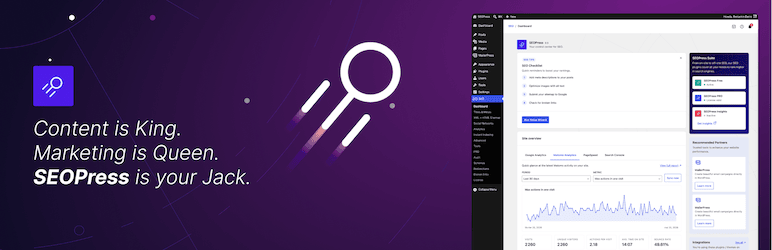
SEOPress is a WordPress plugin designed to optimize website SEO.
With over 300,000+ active installations and an average rating of , this tool offers comprehensive functionality to enhance online visibility.
Top user reviews of SEOPress highlight its ease of use and efficiency in generating optimized tags, analyzing content, and integrating structured data.
Advantages and disadvantages
| Advantages | Disadvantages |
|---|---|
| Intuitive, streamlined user interface inspired by WooCommerce | Some advanced features reserved for the premium version |
| Full functionality in the free version (metadata management, sitemap, redirects) | Relatively high cost of premium version ($49 before tax/year) |
| Universal SEO metabox compatible with 99% of page builders | Technical configuration can be complex for beginners |
| Content analysis tool with SEO performance indicators | Less intuitive than competitors such as Yoast SEO |
| Multilingual (over 20 languages available) | Premium version required for certain key features |
| Native integration with Google Analytics, Google Search Console, and PageSpeed Insights | Learning curve required to take full advantage of all features |
| Compatible with WooCommerce and many page builders | Some features less developed than its main competitors |
| No data collection and white-label use | Premium support only in paid version |
SEOPress in numbers
| Latest version | 10.3 |
| Date of last update | |
| Active installations | 300,000+ |
| Average rating | |
| Launch date | October 2018 |
| Publisher | SEOPress |
| Founder | Benjamin Denis |
| Pro version price | $49 before tax/year |
| Available languages | More than 20 languages |
SEOPress plugin prices
| SEOPress Free | SEOPress Pro | SEOPress Pro (Unlimited sites) |
|---|---|---|
| Free | $49 before tax/year | $149 before tax/year) |
| Free for all. No advertising; white label; no data collection. | First-class SEO features to improve your ranking. | First-class SEO features to improve your ranking. |
|
|
|
SEOPress user reviews
SEOPress stands out as a WordPress SEO plugin highly appreciated by web professionals, offering a complete, lightweight, and high-performance solution.
Users unanimously praise its ease of use, comprehensive functionality, and excellent value for money, with an average rating close to 5 stars.
“17 years of using WP, it’s the best SEO plugin. Flexible, yet simple. Powerful, but affordable. I’d give SEOPress 11 stars if it were possible.”
bocajuniors
“The best SEO plugin for me. After many years of use, I really appreciate its quality, multitude of functions, speed, and stability “
lesliex
“I compared SEOPress to Yoast and RankMath. And the winner is: SEOPress Pro. Now even AI is included. Sure enough, soon I’ll just need perfect SEO, and this UFO will do it for me
Wolfram Kläger
More SEOPress testimonials
Find out how SEOPress ranks in terms of user satisfaction on the following customer review platforms.
| Platform | Rating |
|---|---|
| WP.org | |
| Capterra | 4.6 out of 5 |
| G2 | 4.4 out of 5 |
| TrustPilot | 3 out of 5 |
Alternatives to SEOPress
Yoast SEO
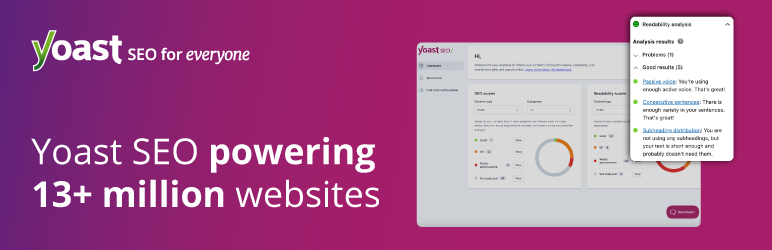
Yoast SEO is a very popular and reliable alternative to SEOPress. It’s known for its user-friendly interface and comprehensive functionality.
This plugin offers detailed page analysis, readability checks, and precise management of title and meta description tags. Yoast SEO is used by many sites and enjoys an average rating of on WordPress.org.
Rank Math SEO
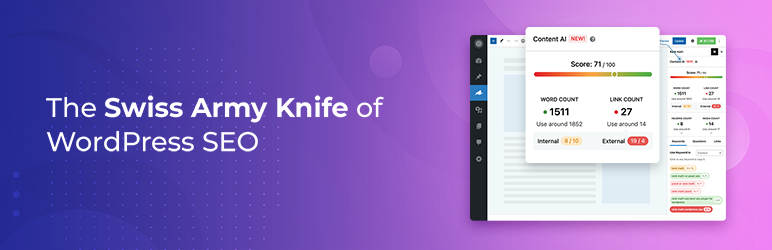
Rank Math SEO is another powerful alternative to SEOPress, offering a host of advanced features free of charge.
It includes a configuration wizard, automation tools for various SEO tasks, an advanced schema generator, and integrations with Google Analytics and Google Search Console. Rank Math SEO is light, fast, and has an average rating of on WordPress.org.
Slim SEO

Slim SEO is a simplified, automated alternative to SEOPress. It automatically generates meta tags, XML sitemaps, breadcrumbs, and structured data, without complicated options or ads.
With 70,000+ active installations and an average rating of on WordPress.org, Slim SEO is ideal for beginners and professionals alike, offering a user-friendly interface and comprehensive functionality.
SEOPress FAQs
How do I install the SEOPress plugin on WordPress?
To install the SEOPress plugin, access your WordPress dashboard, then go to Plugins > Add New. Search for “SEOPress” and click on “Install,” then “Activate.”
You can also download the plugin from the official SEOPress website and upload it manually via the “Upload plugin” option.
What are the main features of the free version of SEOPress?
The free version of SEOPress offers several important features, including management of title and meta description tags, meta robots, Open Graph, and Google Knowledge Graph tags.
You can also create XML and HTML sitemaps, import metadata from other SEO plugins, and integrate Google Analytics and Google Search Console.
What’s more, the plugin enables instant indexing on Google and Bing, ad management via Google Ads, and the use of Google Tag Manager without modifying the site code.
What premium features does SEOPress PRO offer?
The premium version of SEOPress, SEOPress PRO, includes advanced features such as integration with the ChatGPT artificial intelligence tool to automatically generate titles and meta descriptions, import/export metadata via CSV, Google structured data types (schemas), and the SEOPress BOT broken link detector.
You’ll also benefit from a redirect manager, robots.txt and .htaccess file editing, WooCommerce integration, and access to PageSpeed Insights data.
How do I configure redirects with SEOPress?
To configure redirects with SEOPress, go to the “Redirects” section in the SEOPress menu of your WordPress dashboard.
You can create unlimited redirects (301, 302, 307, 410, 451) and be alerted when a slug changes or content is deleted to automatically suggest the creation of a redirect. You can also import and export your redirects via a CSV file.
How do I integrate Google Analytics with SEOPress?
To integrate Google Analytics with SEOPress, go to the “Analytics” section of the SEOPress menu. Here you can connect your Google Analytics account and configure tracking options, such as excluding certain user roles.
SEOPress also lets you access your Analytics 4 statistics directly from your WordPress dashboard.
How do I resolve broken links with SEOPress?
SEOPress PRO includes a tool called SEOPress BOT that detects and repairs broken links. You can activate this feature in the “Tools” section of the SEOPress menu.
In addition, the plugin monitors 404 errors and suggests redirects to prevent traffic loss and maintain your SEO.
Is SEOPress compatible with WordPress page builders and themes?
Yes, SEOPress is compatible with WordPress page builders and themes. The plugin is designed to work with all page builders, themes, and content editors, making it a flexible and universal solution for SEO optimization of your site.
Thank you for browsing this page dedicated to SEOPress 🙏
The WPMarmite team hopes you’ve been able to find out more about this WordPress plugin!
To find out more, visit the official website and their social networks:
You can also share your experience with SEOPress by writing a review below. 👇
Found an error on this page? Click here to report it.

