
Looking to improve your WordPress SEO? Yoast SEO is a solution you must consider.
With over 10,000,000+ active installations and a rating of on the official WordPress directory, this plugin offers comprehensive tools for technically optimizing your web content.
Among its key features, Yoast SEO lets you generate XML sitemaps, customize meta tags, and benefit from real-time SEO analysis, whatever your sector of activity.
Advantages and disadvantages

| Advantages | Disadvantages |
|---|---|
| Exceptionally easy to use, even for SEO beginners | Requires paid add-ons for advanced functionality (WooCommerce, videos, etc.) |
| Comprehensive SEO analysis directly in the editor interface | Free version limited in terms of in-depth analysis |
| Automatic generation of XML sitemaps for better indexing | May generate alerts/recommendations that are sometimes too strict or irrelevant |
| Social networking optimization with preview and customization | Interface can be busy and complex for novice users |
| Multilingual support and broad compatibility with WordPress | Potentially light performance on sites with a lot of content |
| Integrated structured schema functionality | Some advanced features reserved for Premium version |
| Readability analysis to improve editorial quality | Readability recommendations sometimes too rigid |
| Frequent updates and official support | Significant cost for Premium version ($99/year) |
Yoast SEO in numbers
| Latest version | 28.6 |
| Date of last update | |
| Active installations | 10,000,000+ |
| Rating | |
| Launch date | 2010 |
| Publisher | Yoast BV |
| Founder | Joost de Valk |
| Available languages | 20 |
Yoast SEO plugin prices
| Free | Yoast Premium | All Yoast plugins |
|---|---|---|
| $0 | $99/year | $229/year |
|
|
|
Yoast SEO user reviews
Yoast SEO is considered one of the most comprehensive and intuitive WordPress plugins for SEO.
Users praise its ease of configuration and powerful features for significantly improving website visibility in search engines.
I’ve been using the Yoast SEO plugin for several months and I’m extremely satisfied with the results. It’s easy to use, full of features, and effectively optimizes my site.
Dave Brown
Yoast SEO is clearly one of the best SEO plugins in its category. While it’s comprehensive and helps me optimize WordPress, it’s also easy to configure. Yoast’s step-by-step wizard guides me through the setup process.
harmonimd
After reviewing features, support, and pricing, we’re convinced that Yoast is an excellent SEO plugin. For each page or publication, it creates an actionable checklist of steps you can take to improve your search engine rankings.
baxilkhan
More Yoast SEO testimonials
Find out how Yoast SEO ranks in terms of user satisfaction on various customer review platforms.
| Platform | Rating |
|---|---|
| WP.org | |
| TrustPilot | 4.7 out of 5 |
| G2 | 4.5 out of 5 |
| Capterra | 4.6 out of 5 |
| Get App | 4.6 out of 5 |
Alternatives to Yoast SEO
Rank Math
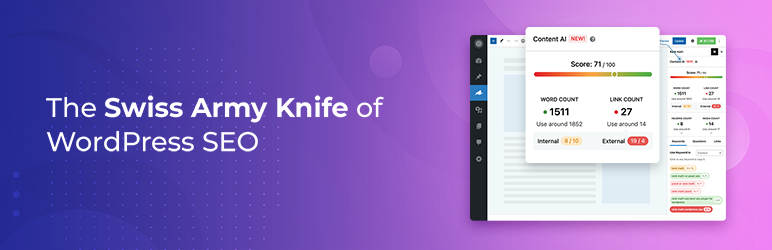
Rank Math is a powerful and popular alternative to Yoast SEO. It offers comprehensive features for SEO optimization of WordPress sites.
Key features include XML sitemap creation, meta tag optimization, and detailed content analysis. This plugin is regularly updated and benefits from a large community of users.
With 4,000,000+ active installations and an average rating of , Rank Math is a solid choice.
All in One SEO
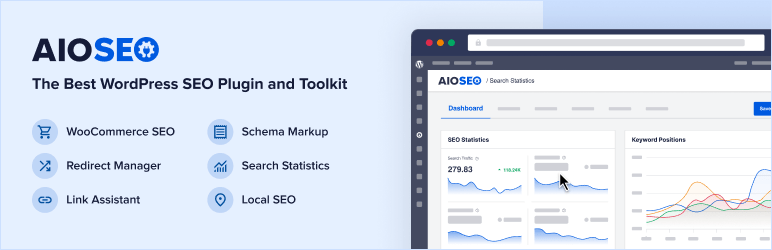
All in One SEO is one of the oldest and most popular SEO plugins, with 2,000,000+ active installations.
It offers an intuitive user interface and comprehensive functionality, including sitemap generation, local SEO recommendations, and meta tag management.
Particularly appreciated by beginners for its simplified configuration wizard, it has an average rating of .
SEOPress
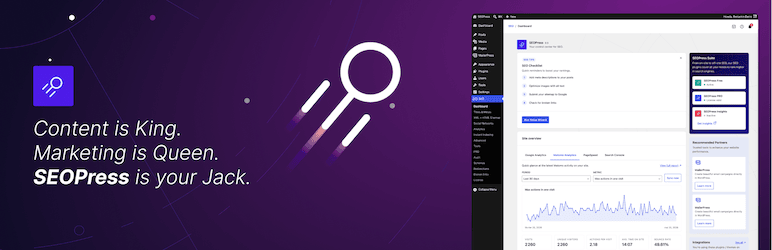
SEOPress is a comprehensive, lightweight SEO plugin, with 300,000+ active installations and an average rating of .
It offers advanced features such as broken link detection, 404 error tracking, and Google Analytics integration.
SEOPress is regularly updated and appreciated for its ease of use and optimal performance.
Yoast SEO FAQs
How do I install the Yoast SEO plugin on WordPress?
To install the Yoast SEO plugin, access your WordPress dashboard. Click on “Plugins” in the left-hand menu, then select “Add New.” Search for “Yoast SEO” and click on “Install now.” Once installed, activate the plugin.
What are the main features of the Yoast SEO plugin?
Yoast SEO offers several key features, including management of SEO meta descriptions and titles, SEO analysis to optimize content, readability analysis, automatic generation of XML sitemaps, and integration with social networks.
The plugin also helps you manage internal links and redirects, and includes a preview of how your pages will appear in Google search results.
How do I configure meta descriptions and SEO titles with Yoast SEO?
To configure meta descriptions and SEO titles, use Yoast SEO’s “Meta Box” located below the text editor when you create a new page or publication.
Enter the target keyword, meta descriptions, and other important SEO data. You can also use templates to automate the creation of titles and descriptions, while customizing them for each page.
What is Yoast SEO analysis and how does it work?
Yoast SEO analysis evaluates the content of each page and article according to the keywords you want to target.
It checks keyword density, the presence of keywords in titles and subtitles, meta descriptions, URLs, and more. The plugin gives you concrete advice on how to improve your content for search engines and readers alike.
How do I manage XML sitemaps with Yoast SEO?
Yoast SEO automatically generates an XML sitemap, making it easier for search engines to index your pages. You can control which pages are included and which are excluded from the sitemap via the plugin settings.
What are the advantages and disadvantages of using Yoast SEO?
The advantages of Yoast SEO include a free version that meets the majority of needs, simplicity of configuration and use, possible integrations with tools like Semrush and Zapier, and management of redirects and shares on social networks.
However, drawbacks can include readability indicators that don’t have to be followed to the letter, frustration if you don’t get enough green ticks, and some headings that are hard to find.
How can Yoast SEO be integrated with social networks and Google Search Console?
Yoast SEO allows you to optimize your site’s metadata on social networks and integrate the plugin with Google Search Console. This allows you to add social metadata to your site and see how your site performs in Google search results, as well as receive alerts for any issues.
Thank you for visiting this page dedicated to Yoast SEO 🙏
The WPMarmite team hopes you were able to learn more about this WordPress plugin!
To find out more, visit the official website and their social networks:
You can also share your experience with Yoast SEO by writing a review below. 👇
Found an error on this page? Click here to report it.

