
On your website, capturing visitors’ attention and converting them into leads is essential. Icegram, a WordPress plugin acclaimed by over 10,000+ users, offers powerful tools for maximizing visitor engagement.
Featuring notifications, collection forms, and targeted messages, this plugin enables bloggers, online merchants, and service providers to efficiently transform traffic into business opportunities.
Advantages and disadvantages

| Advantages | Disadvantages |
|---|---|
| Comprehensive visitor engagement features – Creation of various forms and notifications (Hello bars, pop-ups, notifications) – Wide range of behavioral triggers | Complexity of use – Potentially intimidating interface for beginners – Relatively steep learning curve |
| Advanced targeting options – Precise geographic targeting – A/B testing capability – Precise visitor segmentation | Limitations of the free version – Locked premium features – Paid subscription required for full options |
| Numerous integrations – Compatible with multiple marketing tools – Easy connection to email platforms – Zapier integration | Potential performance impact – Risk of site slowdown – Consumption of server resources |
| Detailed analytics – Full dashboard – Precise conversion tracking – Real-time statistics | Variable technical support – Long response times – Documentation not always clear |
| Extensive customization – Highly customizable design – Multiple notification styles – Advanced design options | WordPress compatibility – Potential conflicts with certain themes – Updates requiring adjustments |
| Spam protection – Integrated Captcha – Powerful anti-robot filters – Form security | Pricing – Relatively expensive premium packages – Pricing can become high depending on needs |
Icegram in numbers
| Latest version | 3.1.45 |
| Date of last update | |
| Active installations | 10,000+ |
| Average rating | |
| Launch date | 2018 |
| Publisher | Icegram Technologies |
| Number of integrations | 15 (Mailchimp, Hubspot, Zapier, IFTTT) |
Icegram plugin prices
| Starter | Pro | Max |
|---|---|---|
| Free | $129/year | $229/year |
|
|
|
Icegram user reviews
Icegram is a popular WordPress plugin for its many conversion and engagement features.
Users particularly emphasize its versatility with options such as action bars, pop-ups, and subscription forms, as well as its ease of use. Technical support is unanimously regarded as exceptional, responsive, and professional.
Icegram Engage is the best! I looked at many alternatives — and I’m glad I bought Icegram Engage. I’m extremely happy with the action bars, sidebars, stickies, ribbons, pop-ups… in fact, everything!
Annie
This is the best pop-up/action bar/conversion box plugin I’ve ever tried! I downloaded many others but they all had little problems. This one is amazing. And it’s free!!!! Hands up for the best plugin!
Tegan
I would like to give 5 stars, not only for the product, but for the speed and professional manner in which the developer looked at the problem directly and gave me a solution within the hour. It’s not just the product, but also the service.
Saint
Alternatives to Icegram
OptinMonster

OptinMonster is an excellent alternative to Icegram for lead generation and conversion optimization. It offers a wide variety of templates and strategies optimized for perfect display on different devices.
OptinMonster features a built-in widget for integrating campaigns into your WordPress site with a single click. It’s also renowned for its value for money, and even offers free custom campaigns on request.
Poptin
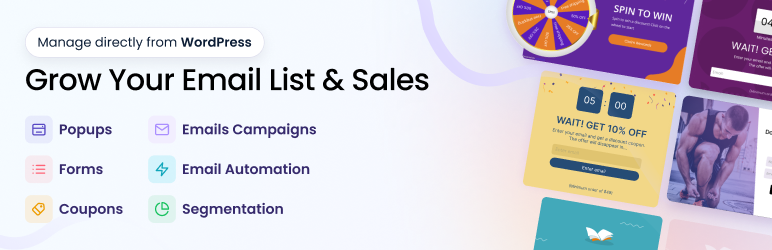
Poptin is a complete solution for creating pop-ups and integrated forms. It features an innovative drag-and-drop editor, making it easy to design custom pop-ups.
Poptin includes automatic email forms and advanced customization options. Poptin’s pop-ups are optimized for mobile and desktop devices, and it offers over 1,500 integrations via Zapier and Make.
Poptin is renowned for its ease of use and excellent customer support.
Thrive Leads
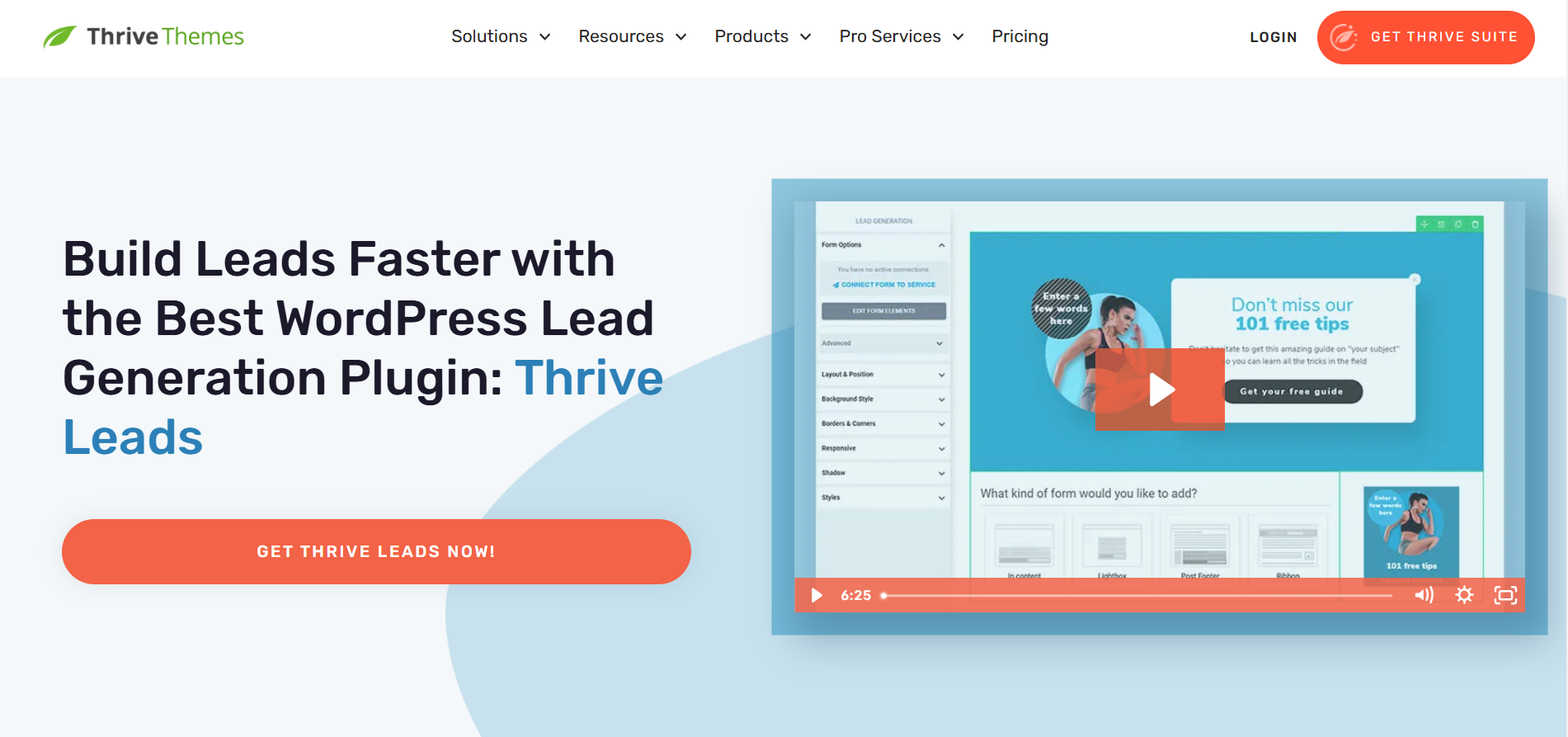
Thrive Leads is a powerful plugin for creating pop-up windows and opt-in forms. It offers a highly flexible form creation tool, allowing total control over pop-up design and content.
Thrive Leads includes numerous well-designed templates and advanced features such as A/B testing and output triggers.
While not the cheapest plugin, it’s part of the Thrive Suite, offering great value if you need the other tools included in the Thrive Suite.
Icegram Q&A
How do I install the Icegram plugin on WordPress?
To install the Icegram plugin on WordPress, follow these steps:
- Go to the dashboard of your WordPress site.
- Click on “Plugins” in the left-hand menu, then select “Add New.”
- Search for “Icegram” in the search bar.
- Click on “Install” and then on “Activate” once the installation is complete.
You can also download the plugin from the official WordPress website, then upload it manually via the “Upload Plugin” option on the extensions page.
What are the main features of the Icegram plugin?
The Icegram plugin offers several key features:
- Creation of pop-ups, action bars, banners, messages, and other site notifications.
- Integration with email marketing tools such as Mailchimp, HubSpot, ActiveCampaign, etc.
- Advanced targeting and behavioral triggers to display messages at the right time.
- Captcha system to eliminate spam.
- Possibility of creating contact and opt-in forms with Icegram Collect.
- Segmentation, list cleaning, and newsletter features with Icegram Express.
How do I configure contact forms with Icegram Collect?
To configure contact forms with Icegram Collect, follow these steps:
- Install and activate the Icegram Collect plugin.
- Go to the “Icegram Collect” menu in your WordPress dashboard.
- Click on “Add a new form” and customize it to your needs.
- Integrate the form with email marketing services or your local database.
- Use short codes to integrate the form anywhere on your site.
How do I integrate Icegram with email marketing tools?
To integrate Icegram with email marketing tools, proceed as follows:
- Go to the Icegram Collect or Icegram Express plugin settings.
- Select the option to integrate with email marketing services (e.g., Mailchimp, HubSpot, ActiveCampaign).
- Follow the instructions to connect your accounts and configure integration settings.
- Use webhooks or integrations via IFTTT and Zapier to transfer form data to your preferred services.
How do I combat spam with Icegram?
To fight spam with Icegram, activate the integrated Captcha system:
- Go to the form settings in Icegram Collect.
- Activate the Captcha option to secure your forms against spambots.
- No additional plugin is required, as this system is integrated into the plugin.
Can I customize thank-you messages with Icegram?
Yes, you can customize thank-you messages with Icegram in two ways:
- After submitting a form, you can display a personalized thank-you message.
- You can also redirect users to a specific thank-you page after form submission.
Thank you for visiting this page about Icegram 🙏
The WPMarmite team hopes you were able to learn more about this WordPress plugin!
To find out more, visit the official website and their social networks:
You can also share your experience with Icegram by writing a review below. 👇
Found an error on this page? Click here to report it.

