
In the past, creating custom web pages was a technical challenge for webmasters. Elementor revolutionized this process with an intuitive and comprehensive WordPress page builder. This tool makes it possible to design professional websites without advanced development skills.
With over 10,000,000+ active installations and an average rating of , Elementor offers a powerful solution for creating web pages.
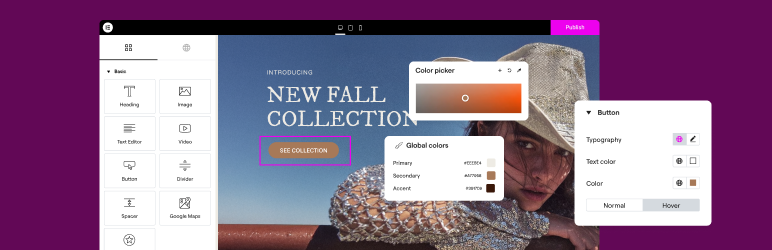
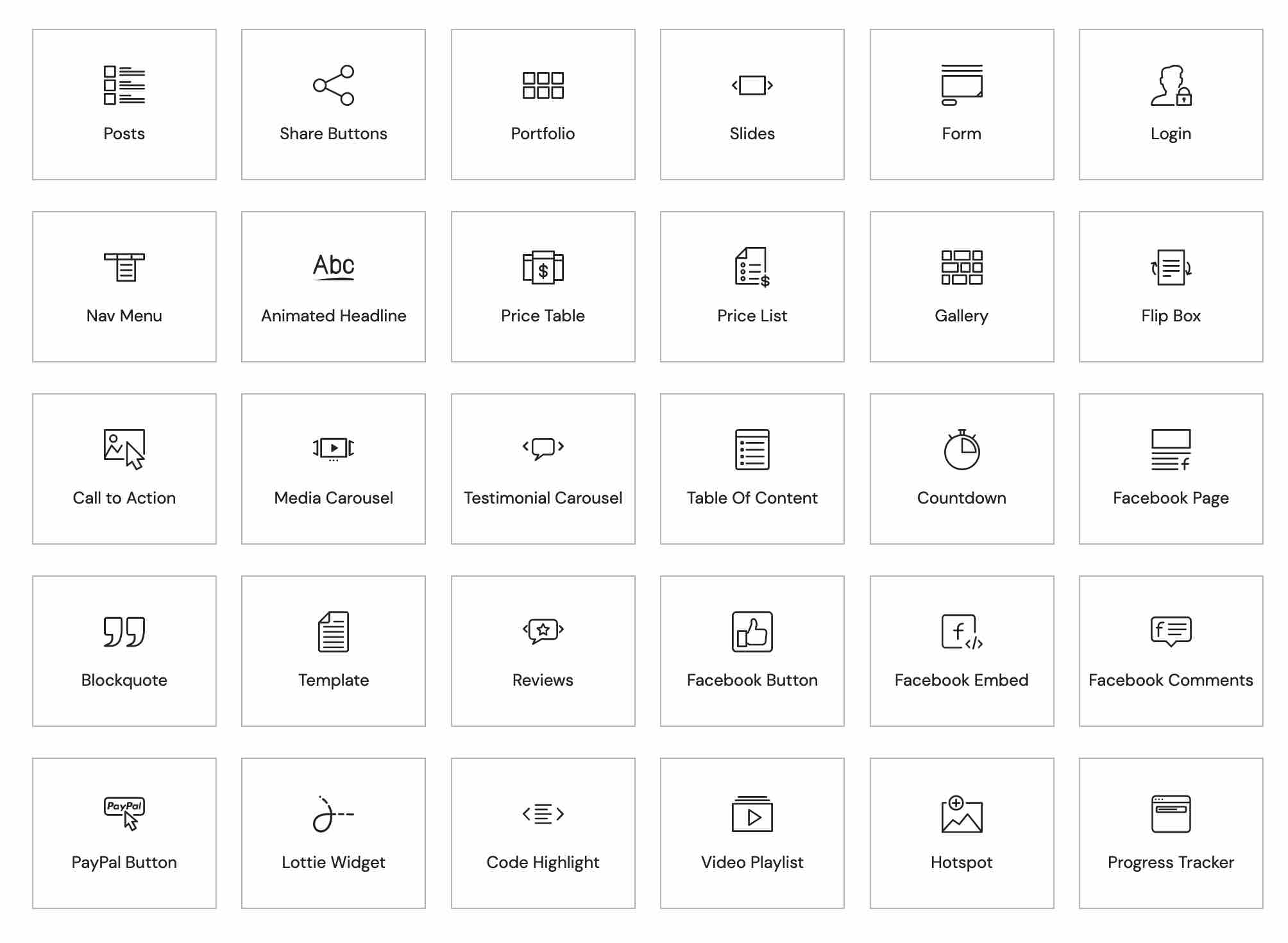
Its drag-and-drop interface offers over 100 widgets and 300 pre-designed templates for easy customization.
Advantages and disadvantages
| Advantages | Disadvantages |
|---|---|
| Ultra-intuitive drag-and-drop interface, suitable for beginners and professionals alike | Potential impact on site performance if excessive use of widgets and modules |
| Over 100 widgets and 300 pre-built templates, offering great design flexibility | Paid Pro version to unlock advanced features |
| Automatic responsive design, compatible with all devices (mobile, tablet, desktop) | Moderate learning curve, requiring time to master all features |
| Active community of 150,000 members, abundant support and resources | Potential compatibility conflicts with certain WordPress themes and plugins |
| Frequent updates with new features and security fixes | Significant consumption of server resources, which can slow down page loading |
| Global widget editing to ensure design consistency across the entire site | Technological dependency that may limit advanced customization without development skills |
Elementor in figures
| Latest version | 3.35.7 |
| Date of last update | |
| Active installations | 10,000,000+ |
| Average rating | |
| Launch date | 2016 |
| Publisher | Elementor Ltd |
| Country of origin | Israel |
| Total number of sites built | 18 million |
| WordPress market share | 26.9% |
| Supported languages | Over 60 languages |
Elementor plugin prices
| Essential | Advanced Solo | Advanced | Expert |
|---|---|---|---|
| $4.99/month | $6.99/month | $8.25/month | $16.99/month |
|
|
|
|
Elementor in pictures


Elementor user reviews
Elementor is proving to be an extremely popular WordPress plugin, acclaimed by users for its ease of use and powerful functionality.
User feedback is overwhelmingly positive, with an average rating close to 5/5 stars on several platforms.
Professionals and web designers alike particularly appreciate its intuitive interface and ability to create custom designs quickly.
Elementor is without doubt the best page builder available.
Graphicvision1 – 5/5 stars
Elementor is easy to use and, above all, a solution that combines aesthetics and performance. Disadvantage: A tendency to use too many blocks, but it’s best to keep it simple to relieve site speed.
Capterra user – 4.6/5 stars
I upgraded to the Pro version and simply love this plugin!
Andybarn56 – 5/5 stars
An incredibly easy to use plugin.
Hyeyoga – 5/5 stars
Other Elementor testimonials
Find out how Elementor ranks in terms of user satisfaction on various customer review platforms.
| Platform | Rating |
|---|---|
| WP.org | |
| TrustPilot | 4.4 out of 5 |
| G2 | 4.5 out of 5 |
| Capterra | 4.6 out of 5 |
| Get App | 4.7 out of 5 |
Alternatives to Elementor
Divi Builder
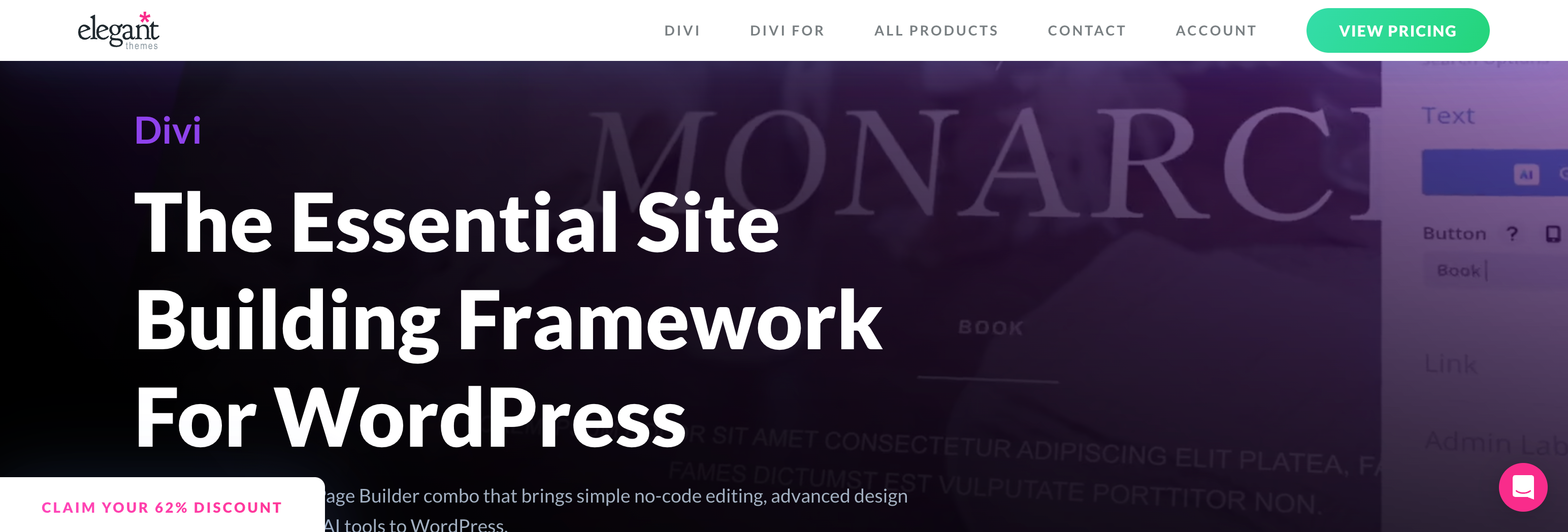
Divi Builder is an excellent alternative to Elementor, developed by Elegant Themes. It was initially available only with Divi and Extra themes, but can now be used with any WordPress theme.
Divi Builder offers a visual drag-and-drop interface, theme building tools, and integration with forms, WooCommerce, and email marketing platforms. It’s particularly popular for its ease of use and detailed customization options.
Breakdance
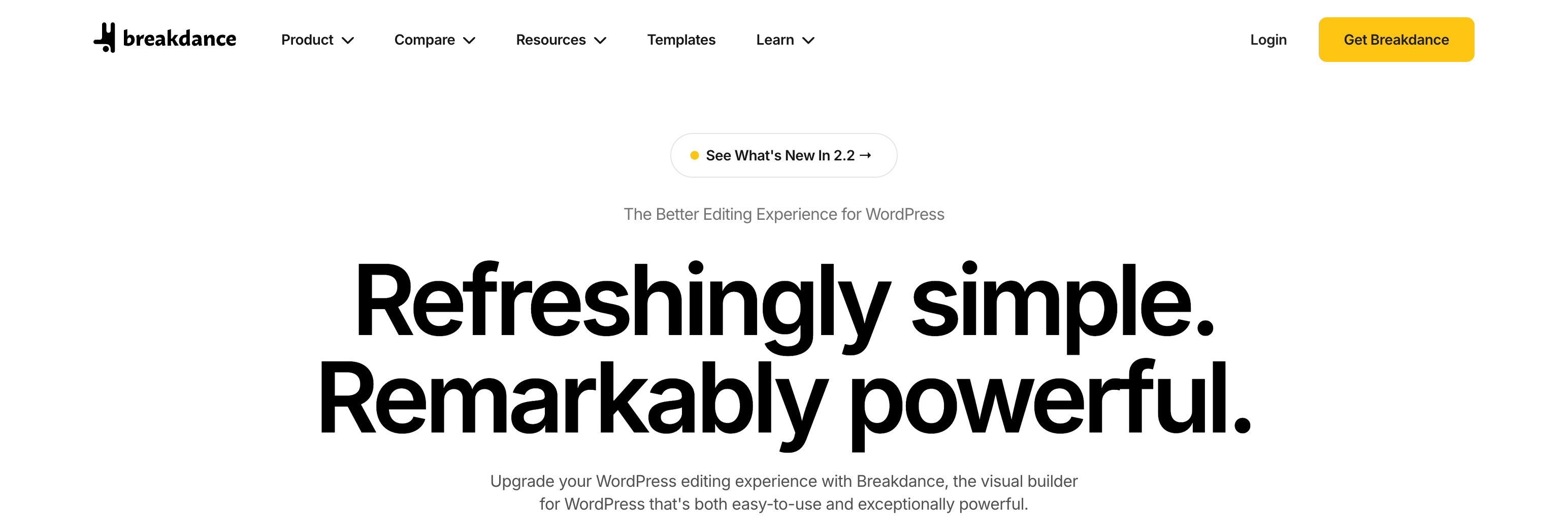
Breakdance is another powerful alternative to Elementor, offering almost all the functionality of the latter. It features a theme builder, a popup builder, a loop builder, and an editor interface similar to Elementor’s.
Breakdance also supports dynamic content and offers 145 built-in elements for complete customization. The free version is available on the official website, but is not listed on WordPress.org.
Brizy

Brizy is a modern, intuitive alternative to Elementor, offering a lightweight drag-and-drop interface and live editing experience. It includes theme builder tools, WooCommerce integration, forms, and integration with email marketing platforms.
Brizy offers a free version, but the pro version unlocks additional features such as connecting forms to third-party tools.
Elementor FAQs
How do I install Elementor on my WordPress site?
To install Elementor on your WordPress site, access your WordPress dashboard, then go to Plugins > Add New.
Search for “Elementor” in the search bar, click on “Install now,” and then on “Activate” once the installation is complete.
What are the main differences between Elementor Free and Elementor Pro?
Elementor Free offers over 40 basic widgets and a real-time visual editor, enabling you to create professional web pages without coding.
Elementor Pro adds additional widgets, advanced customization options, and features such as a theme builder and pop-up builder.
What are the minimum requirements for using Elementor?
To use Elementor, make sure your WordPress site meets the following requirements: WordPress version 5.2 or higher, PHP version 7 or higher, MySQL version 5.6 or higher, and a PHP memory limit of 128 MB or more.
How do I resolve theme builder conflicts with Elementor Pro?
If you’re using Elementor Pro and encounter conflicts with other theme builder plugins (such as JetThemeCore), be sure to deactivate or delete custom templates created with these plugins to avoid incompatibilities.
You can also contact Elementor technical support for specific help.
How do I add custom codes with Elementor?
With Elementor Pro, you can add custom codes without editing theme files or using additional plugins.
Access your WordPress dashboard, go to Elementor > Custom Code, create a new code, and configure it to display in the desired area of your site.
You can add HTML, CSS, or JavaScript code, and define the display conditions.
Why doesn’t my Elementor widget panel work?
If the Elementor widget panel isn’t working, check that your version of WordPress, PHP, and MySQL meet Elementor’s minimum requirements. Also make sure you don’t have any conflicts with other plugins or themes.
Temporarily disable recent plugins and see if the problem persists. If so, contact Elementor technical support for assistance.
Thank you for visiting this page dedicated to Elementor 🙏
The WPMarmite team hopes you’ve been able to learn more about this WordPress plugin!
To find out more, visit the official website and their social networks:
You can also share your experience with Elementor by writing a review below. 👇
Found an error on this page? Click here to report it.

