
Developed by Elegant Themes, Divi Builder features over 40 customizable modules and a drag-and-drop interface that lets you create responsive designs quickly.
Divi Builder is a WordPress plugin that revolutionizes website creation. This visual editor offers an intuitive solution for designing professional web pages without technical skills.
Divi Builder, accessible to beginners and professionals alike, simplifies the creation of showcase sites, blogs, and online stores.
With over 970,000 users and a rating of 4.9/5 on its official website, Divi offers a complete, high-performance solution for optimizing your workflow or bringing your web project to fruition.
Advantages and disadvantages

| Advantages | Disadvantages |
|---|---|
| Intuitive, visual drag-and-drop interface lets you create web pages without coding skills | Steep initial learning curve, requiring time to master all functionalities |
| Automatic responsive design on all devices (computer, tablet, mobile) | Potentially slow performance on highly complex websites if resources are not optimized |
| Global elements enabling simultaneous modification of an element on several pages | Heavy reliance on regular updates to maintain security and performance |
| Wide variety of content modules (46 elements) offering design flexibility | Potentially higher cost than some alternatives, especially with an annual subscription or lifetime license |
| Two build interfaces: real-time Visual Builder and Back-end Builder | Potentially recognizable websites if default options are not customized |
| Robust customer support and active user community | Content polluted by shortcodes if plugin deactivated |
| Advanced customization with Theme Builder (headers, footers, custom archives) | Requires significant server resources, incompatible with some low-cost hosting packages |
Divi Builder in numbers
| Date of last update | November 5th, 2024 |
| Launch date | 2013 |
| Publisher | Elegant Themes |
| Founder | Nick Roach |
| WordPress market share | 0.1% |
Divi Builder extension prices
| Divi Yearly | Divi Lifetime | Divi Pro Yearly | Divi Pro Lifetime |
|---|---|---|---|
| $89/year | $249 | $277/year | $297 |
|
|
|
|
Divi Builder user reviews
Divi Builder is a WordPress plugin acclaimed by users for its great flexibility and intuitive editor, enabling them to create customized websites without advanced technical skills.
Reviews mainly emphasize the quality of customer support, the ease of use after the learning curve, and the creative freedom offered by the tool.
The best website design platform in the world!
I made one of the best decisions of my life when I decided to buy the DIVI lifetime package. The support is very efficient and fast… IT’S PERFECT!Wahb Mabkhout
I’ve been using Divi since the beginning of 2019. At first, it’s a bit complicated because of the many possibilities, but in fact, it really lets you customize sites from A to Z. Divi offers great creative freedom.
Aurélie Leverrier
Other Divi Builder testimonials
Find out how Divi Builder stacks up in terms of user satisfaction on the following customer review platforms:
Alternatives to Divi Builder
Elementor
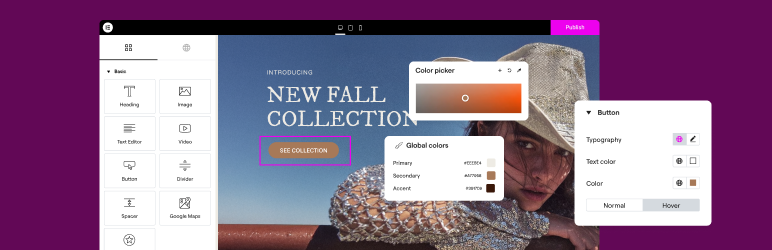
Elementor is a popular and powerful alternative to Divi Builder, known for its visual drag-and-drop interface and ease of use. With over 10 million active installations, it offers a large library of templates and widgets.
The plugin is ideal for beginners and experts alike, thanks to its advanced customization tools and integrations with third-party plugins, including full support for WooCommerce.
Oxygen
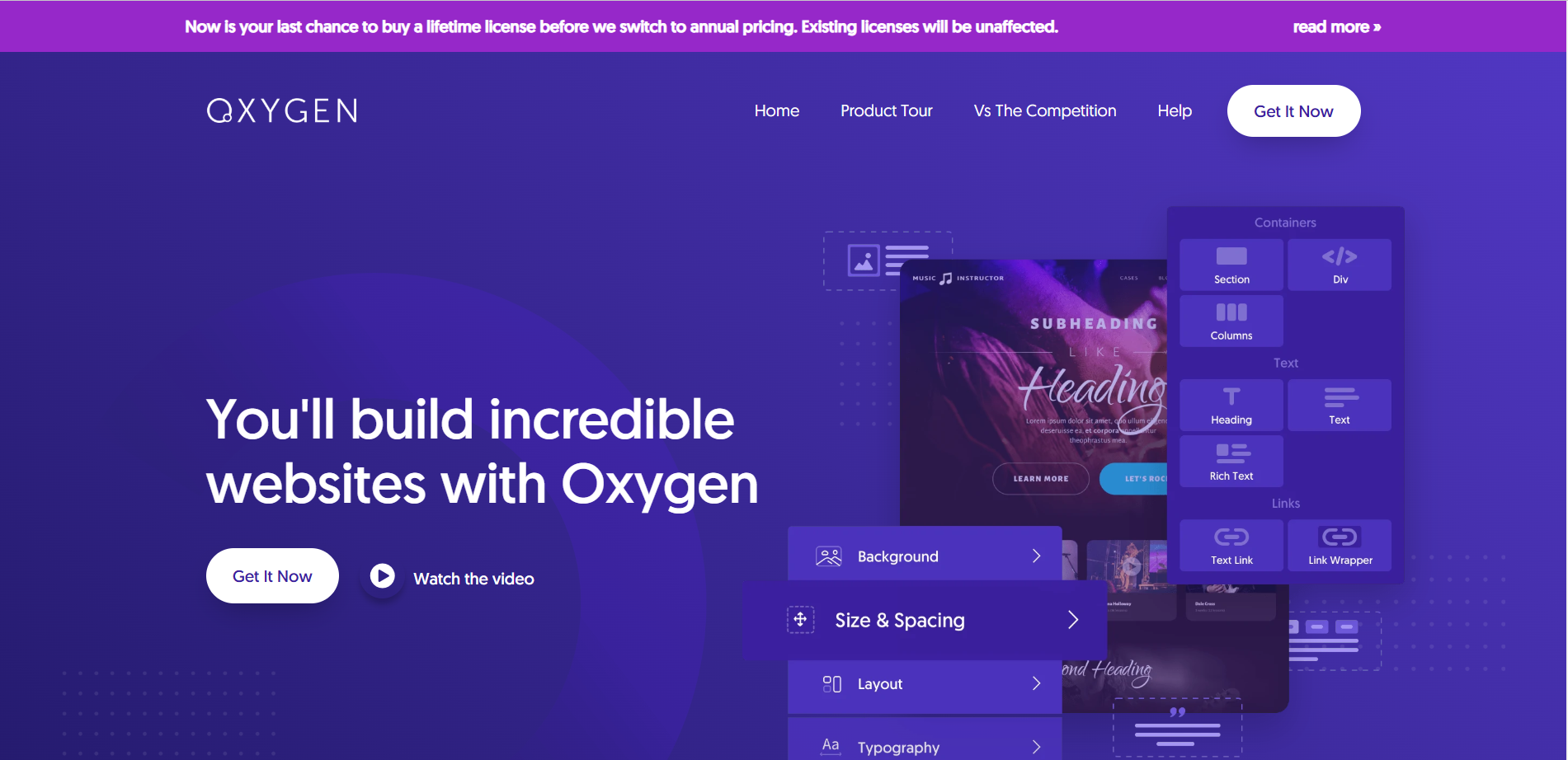
Oxygen is a robust alternative to Divi Builder, particularly suited to advanced users. It offers a visual drag-and-drop interface and allows in-depth customization of site design and functionality.
Oxygen stands out for its focus on performance and clean code production, as well as its support for dynamic content and sites with customized content.
Spectra

Spectra is a powerful, intuitive page builder designed to extend the functionality of the Gutenberg block editor with a variety of modern, customizable blocks.
It integrates seamlessly with Gutenberg, offering complete compatibility and a seamless experience. Users can access predefined templates and advanced customization options to create attractive websites without coding.
Divi Builder FAQs
How do I install and activate Divi Builder on my WordPress site?
To install and activate Divi Builder, you must first purchase and download the Divi plugin from the Elegant Themes website.
Once downloaded, access your WordPress dashboard, go to Plugins > Add new, then click “Upload Plugin.”
Select the Divi Builder plugin ZIP file and click Install Now. Once installed, activate the plugin.
What are the main features of Divi Builder?
The Divi Builder offers a visual drag-and-drop interface, allowing you to create pages without technical skills. It includes sections, lines, and modules for great layout flexibility.
You can see the results in real time thanks to the visual editor. In addition, Divi offers a library of over 200 customizable modules, such as image galleries, contact forms, and call-to-action buttons.
How do I use the Visual Builder in Divi Builder?
Divi’s Visual Builder lets you create pages directly on the front-end of your site. It uses three main building blocks: sections, lines, and modules:
- Sections contain groups of lines
- Lines house modules
- Modules are placed inside lines
This structure makes it possible to create an infinite number of page layouts. You can see the results of your modifications in real time thanks to the WYSIWYG (What You See Is What You Get) interface.
What are the main advantages of using Divi Builder over other page builders?
Divi Builder stands out for its real-time visual editor, enabling you to see the results of modifications immediately.
It also offers great flexibility with its sections, lines, and modules, and an extensive library of over 200 customizable modules.
Unlike other page builders such as Beaver Builder, Divi allows you to work on both the back-end and front-end, offering greater flexibility in the design process.
How can I resolve compatibility issues between Divi Builder and other plugins or themes?
To resolve compatibility issues, make sure you regularly update Divi Builder and any other plugins or themes you use.
You can also temporarily disable other plugins to identify the source of the problem. Consult the Elegant Themes support forums and community resources for solutions to common problems.
How can I customize the appearance of modules in Divi Builder?
The Divi Builder offers many customization options for modules. You can adjust typography, borders, spacing, and box shadows for different page elements.
Each module can be customized individually, and you can also use global styles to maintain consistency in your site’s design.
Thank you for visiting this page dedicated to Divi Builder 🙏
The WPMarmite team hopes you’ve been able to find out more about this WordPress plugin!
To find out more, visit the official website and their social networks:
You can also share your experience with Divi Builder by writing a review below. 👇
Found an error on this page? Click here to report it.

