
Page Builder by SiteOrigin is a WordPress plugin for creating web pages without technical skills.
With over 400,000 active installations and an average rating of , this tool offers a free solution for designing professional page layouts thanks to an intuitive drag-and-drop interface.
Compatible with native WordPress widgets, this page builder offers advanced features to suit all user profiles. Whether you’re creating a showcase site or a complex blog, Page Builder by SiteOrigin makes it easy to customize your web content.
Advantages and disadvantages

| Advantages | Disadvantages |
|---|---|
| Free and full-featured with no limitations | Front-end editing is limited and lacks advanced visual features |
| Intuitive, easy-to-learn interface, even for beginners | The interface is simple but not very ergonomic, lacking visual customization |
| Drag-and-drop functionality is fluid, allowing you to create pages quickly and pleasantly | Limited number of widgets and templates compared to other tools |
| Native compatibility with WordPress widgets | No header and footer customization |
| Optimized for performance and responsive | Community support only in the free version |
| Additional widgets can be added via bundle | Integration with Gutenberg could be improved |
| Customization functions for rows and columns | Fewer features than its paid competitors |
| Lightweight, with little impact on site speed | Limited official documentation |
Page Builder by SiteOrigin in figures
| Latest version | 2.37.0 |
| Date of last update | |
| Active installations | 400,000 |
| Average rating | |
| Publisher | SiteOrigin |
| Country of origin | South Africa |
| Plugin type | Page builder |
| Price | Free (basic version) |
| WordPress compatibility | Version 4.7 or higher |
Page Builder by SiteOrigin pricing
| Free plan | Plan Single | Business Plan | Developer Plan |
|---|---|---|---|
| $0 | $29Year | $49/Year | $99/Year |
| Use on 1 site | Use on up to 5 sites | Use on an unlimited number of sites |
Page Builder by SiteOrigin user reviews
Page Builder by SiteOrigin is a highly appreciated WordPress plugin for its ease of use and flexible functionality.
Users mainly highlight its compatibility with beginners, its ability to create custom layouts without coding, and its intuitive drag-and-drop interface.
The free version already offers a wealth of possibilities, while the premium version offers additional features.
SiteOrigin’s theme and PageBuilder are incredible. Reliable, flexible, and detailed. I’m not a programmer, and despite the complexity and power of their products, they’re also designed so that non-professionals like me can use them easily.
If you’re just starting out or have a limited budget, you can download the free Page Builder plugin by SiteOrigin from WordPress.org, and get started right away. This free plugin lets you design custom pages using standard WordPress widgets and integrates seamlessly with content editors.
If you just need a free page builder, Page Builder by SiteOrigin is a great option. It’s actively developed and supported, and the user interface is intuitive enough to get you started quickly.
More testimonials on Page Builder by SiteOrigin
Find out how Page Builder by SiteOrigin stacks up in terms of user satisfaction on various customer review platforms.
| Platform | Rating |
|---|---|
| WP.org | 4.8 out of 5 |
Alternatives to Page Builder by SiteOrigin
Beaver Builder
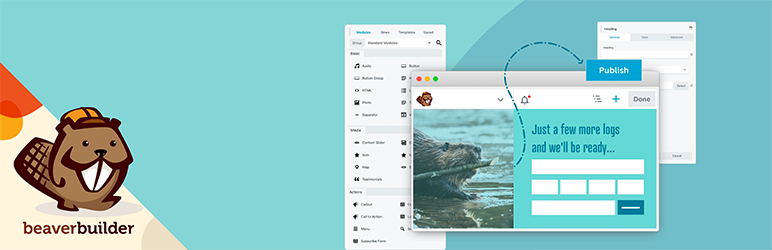
Beaver Builder is a solid, stable page builder known for its reliability and performance. It doesn’t boast an extravagant list of features, but it’s appreciated for its stability and speed of use.
The interface is intuitive and crash-free, making it a reliable tool for creating complex pages. What’s more, Beaver Builder offers an extension called Beaver Themer, which lets you build custom themes.
Thrive Architect
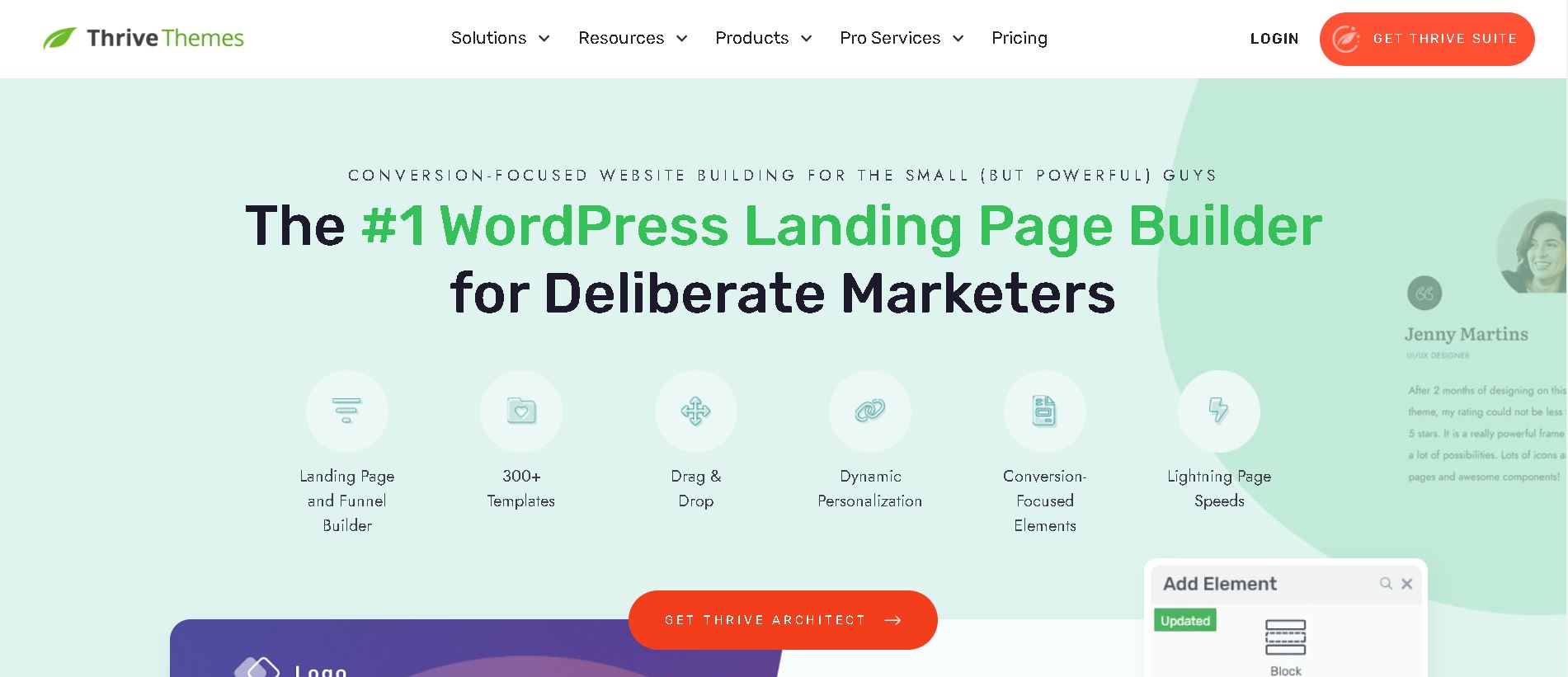
Thrive Architect is a visual and responsive page builder, particularly suited to marketing campaigns and mailing list growth. It offers a fast, fluid interface with direct inline editing, enabling precise WYSIWYG design.
Thrive Architect also integrates well with other Thrive Themes products, making it ideal for conversion-focused sites.
SeedProd

SeedProd is considered one of the best drag-and-drop theme builders. It offers ready-to-use theme kits that you can easily import and customize using a visual editor.
SeedProd lets you create complete websites, including home pages, landing pages, and maintenance pages, with ease of use and optimum performance.
Page Builder by SiteOrigin FAQs
How do I install Page Builder by SiteOrigin?
To install Page Builder by SiteOrigin, go to Plugins > Add New in your WordPress interface. Use the search field at the top right of the page to search for “Page Builder by SiteOrigin.” Install and activate the plugin.
Alternatively, you can download the plugin ZIP file from the WordPress plugin directory page, then install it manually via Plugins > Add new > Upload plugin and activate it.
Is Page Builder by SiteOrigin compatible with my theme?
Page Builder by SiteOrigin is compatible with all standard WordPress themes.
You have the freedom to choose any WordPress theme without being tied to a specific theme or theme developer. Your content will remain intact even if you change theme.
Can I use Page Builder by SiteOrigin with the WordPress block editor?
Yes, you can insert a SiteOrigin layout block into the block editor. If you have the SiteOrigin widget bundle installed, a SiteOrigin widget block is also available for use in the block editor.
How does Page Builder by SiteOrigin’s drag-and-drop interface work?
The Page Builder by SiteOrigin interface uses a simple, intuitive drag-and-drop system, similar to that of WordPress.
You can add widgets, rows, and cells, and configure their styles without having to write a single line of code. The plugin generates all the necessary code efficiently.
What real-time editing tools are available in Page Builder by SiteOrigin?
Page Builder by SiteOrigin offers real-time editing through its live editor. This tool allows you to view and modify your widgets in real time, which is the fastest way to adjust your content.
What’s more, the modification history lets you go back and experiment without fear of breaking your content.
Is Page Builder by SiteOrigin optimized for performance and SEO?
Yes, Page Builder by SiteOrigin is designed to be lightweight and high-performance, with particular attention to small page sizes and fast loading times.
It’s compatible with major performance plugins like Autoptimize and incorporates SEO best practices, working seamlessly with SEO plugins like Yoast SEO and Rank Math.
How can I use Page Builder by SiteOrigin on other types of publications?
Page Builder by SiteOrigin works with all publication types, not just articles and pages.
You can manage the publication types enabled for Page Builder by going to Settings > Page Builder > General > Publication Types.
Thank you for visiting Page Builder by SiteOrigin page 🙏
The WPMarmite team hopes you’ve been able to learn more about this WordPress plugin!
To find out more, visit the official website and their social networks:
You can also share your experience with Page Builder by SiteOrigin by writing a review below. 👇
Found an error on this page? Click here to report it.

