
Creating a professional website often represents a technical challenge for entrepreneurs and webmasters without development skills.
Visual Composer offers a visual editing solution that simplifies web page design without the need for programming skills.
This WordPress plugin lets you build websites intuitively, with 40,000+ active installations. It offers a comprehensive visual editor, a variety of design elements, and professional templates to facilitate the realization of web projects.
Advantages and disadvantages

| Advantages | Disadvantages |
|---|---|
| Ease of use with intuitive visual interface | Initial complexity for novice users |
| Large library of over 500 modules and content elements | Performance potentially impacted by the addition of numerous elements |
| Compatibility with numerous themes and plugins (WooCommerce, ACF, etc.) | Cost to unlock all advanced features |
| Advanced customization options without the need for code | Design modules are sometimes considered too simple or lack flexibility for more advanced designs |
| Integrated SEO tool “Visual Composer Insights” makes it easy to optimize pages for SEO, even without technical skills | Some advanced features are only available in the paid version, which may limit the experience for users of the free version |
| Advanced responsive management on 5 screen formats | Limited technical support, depending on the plan chosen |
| Regular updates and active community | Elementor Pro offers more advanced functionalities, templates, and advanced customization |
Visual Composer in numbers
| Latest version | 45.16.4 |
| Date of last update | |
| Active installations | 40,000+ |
| Average rating | |
| Launch date | 2011 |
| Publisher country | International |
| WordPress market share | 0.1 % |
Visual Composer extension prices
| Single | Plus | Accelerate | Agency |
|---|---|---|---|
| For 1 website | For 5 websites | For 20 websites | For 1000 websites |
| $49/year | $99/year | $149/year | $349/year |
|
|
|
|
Visual Composer user reviews
Visual Composer is a WordPress plugin highly appreciated by users for its ease of use, flexibility, and high-quality customer support.
Testimonials highlight its ability to simplify website creation even for those without advanced technical skills.
Users also highlight the speed of configuration, template integration, and customization possibilities offered by the tool.
“I’ve been using Visual Composer for several years now, and I continue to suggest it to all my clients simply because of the customer support.”
– Sydney Bling
“It’s really easy to set up a WordPress page. Before Visual Composer, it was all about creating templates and a lot of HTML/CSS. With Visual Composer, the responsive side is practically done too!”
– Marius-Iulian
” Visual Composer is the best drag-and-drop editor for WordPress plugins that lets you build stunning, responsive web pages. Fast learning curve: you can start working on the plugin by simply manipulating it for a few days.”
– Anonymous user
Other Visual Composer testimonials
Find out how Visual Composer ranks in terms of user satisfaction on various customer review platforms.
Alternatives to Visual Composer
Elementor
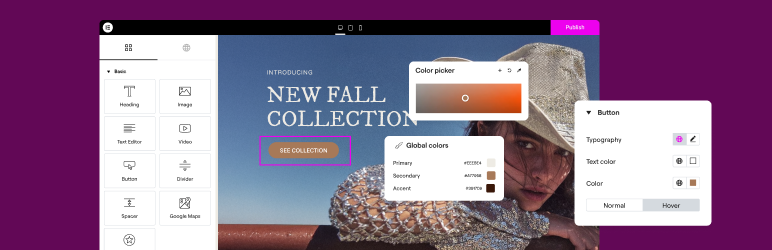
Elementor is one of the most popular and powerful page builders for WordPress. It offers an intuitive drag-and-drop interface and fast editing speed.
The plugin features a large library of pre-designed page templates. It lets you create entirely new pages, without footer or header, and offers an integrated maintenance mode.
Compatible with most WordPress themes, Elementor offers a free version with advanced features.
Thrive Architect

Thrive Architect is a page builder designed to improve your site’s conversions. It features a powerful drag-and-drop interface and over 271 landing page templates.
The plugin features over 34 content elements and allows you to customize the appearance of your pages on different devices. It also offers the option of importing or exporting entire pages.
Thrive Architect works independently of any specific theme.
Divi Builder
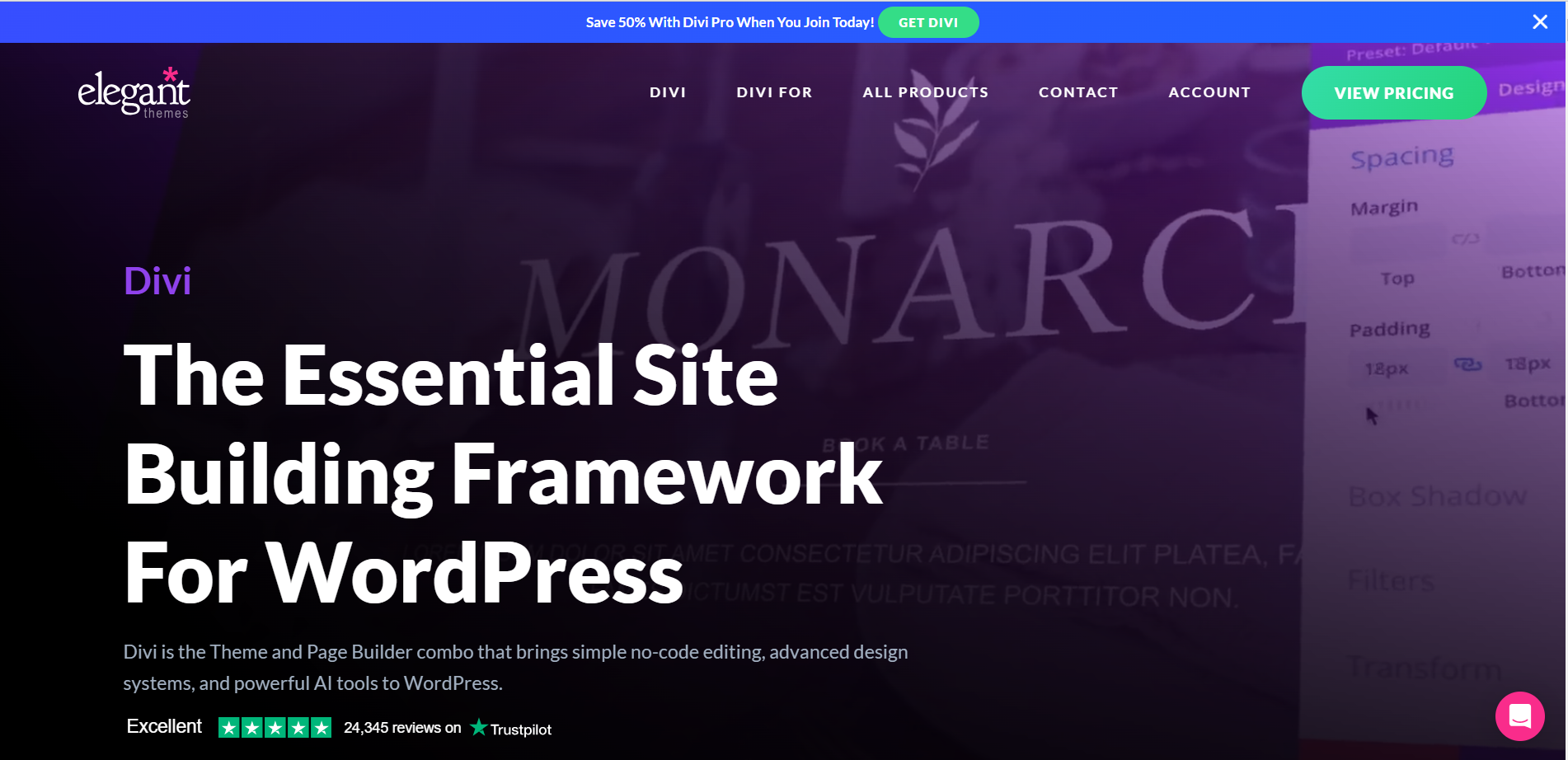
Divi Builder is a page builder integrated into the Divi theme, offering a visual drag-and-drop interface with detailed customization options.
It features two editors, front-end and back-end, and offers over 40 modules and hundreds of page templates.
Divi Builder lets you create complete websites and offers advanced features such as A/B testing with Divi Leads.
Visual Composer FAQs
How do I install the Visual Composer plugin on WordPress?
To install the Visual Composer plugin, you first need to log in to your WordPress dashboard. Go to Plugins > Add New, then click on “Download” and select the Visual Composer plugin ZIP file.
Once downloaded, click on “Install now” and wait for the installation to complete. Then activate the plugin to start using it.
What are the main features of the Visual Composer plugin?
Visual Composer offers several key features, including a front-end and back-end editor, a tree editor, the ability to add custom CSS and JavaScript, a font manager, advanced design options, parallax effects, and gradient and slideshow backgrounds, as well as tools for creating custom popups and archive pages.
How do I use the Visual Composer front-end editor?
Visual Composer’s front-end editor lets you build or modify your website in real time. You can see the exact results of your modifications without having to reload the page.
Simply click on page elements to adjust, duplicate, or delete content, and drag elements from the library to insert them wherever you like.
How do I add page elements with Visual Composer?
To add page elements with Visual Composer, click on the “+” symbol in the back-end or front-end editor. A window will open displaying all available modules and elements.
Select the element you wish to add and customize it using the available customization options, such as colors, fonts, margins, images, etc.
How do I resolve compatibility issues with other WordPress plugins or themes?
If you’re experiencing compatibility issues with other WordPress plugins or themes, be sure to check Visual Composer ‘s release notes and updates to see if any fixes have been made.
You can also contact Visual Composer premium support by opening a ticket, or join the community on Facebook to get help from other users.
How do I customize backgrounds with Visual Composer?
With Visual Composer, you can customize backgrounds using various effects such as parallax backgrounds, gradients, and slideshows.
You can apply these effects to sections, rows, and columns on your page, and even combine several effects to create attractive designs.
How do I create popups with Visual Composer?
Visual Composer includes a popup creation tool that lets you create popups for the whole site or for specific pages.
You can choose from various triggers such as intentional exit, page load, or button clicks. This can help you increase conversions and capture leads.
Thank you for visiting this page dedicated to Visual Composer 🙏
The WPMarmite team hopes you were able to learn more about this WordPress plugin!
To find out more, visit the official website and their social networks:
You can also share your experience with Visual Composer by writing a review below. 👇
Found an error on this page? Click here to report it.

