
Page builders have transformed website creation by making design accessible to everyone. Beaver Builder stands out as an intuitive WordPress page builder, allowing you to create professional websites without any prior technical skills.
With 100,000+ active installations and an average rating of , this plugin offers a drag-and-drop interface that makes it easy to customise pages.
The key features of this tool are its real-time front-end editor, predefined templates, and responsive compatibility with WordPress themes, turning web design into a creative and efficient experience.
Advantages and disadvantages
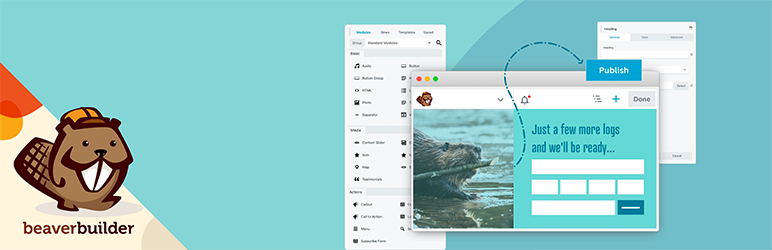
| Advantages | Disadvantages |
|---|---|
| Easy to use: intuitive drag-and-drop interface, no coding skills required | High price for use on a single site: from $99 per year |
| Real-time WYSIWYG interface: immediate display of changes | Basic modules: limited customisation, sometimes requiring CSS code |
| Broad compatibility: works with almost all WordPress themes | Restricted customisation: limitations on advanced customisation of modules |
| Optimised performance and SEO: compressed code optimised for search engines | Very limited free version: reduced functionality compared to the premium version |
| Unlimited use on several sites with the premium version | Template design: less elaborate than some competitors such as Elementor or Divi |
| No residual shortcodes: plugin can be uninstalled cleanly | Header/footer customisation: limited without the Beaver Builder theme |
| Responsive support: active community and professional support | Dependence on extensions: add-ons required for advanced functionality |
| Design import/export: templates can be saved and reused | Learning curve: some technical subtleties despite intuitive interface |
| Responsive design: preview and editing on different devices | Front-end limitations: editing only possible from the public interface |
Beaver Builder in figures
| Latest version | 2.10.1.2 |
| Date of last update | |
| Active installations | 100,000+ |
| Rating | |
| Launch date | 2014 |
| Publisher | FastLine Media |
| Country of origin | United States |
| Page templates | Over 30 landing page templates |
| Modules available | Over 30 pre-integrated modules |
Beaver Builder plugin prices
| Starter | Professional | Unlimited |
|---|---|---|
| $89/ year | $299/year | $546/year |
|
|
|
Beaver Builder user reviews
Overall, Beaver Builder is seen as a very powerful WordPress plugin, offering an intuitive user experience and ease of use.
Users highlight its speed, ease of editing, and excellent community support.
The flexibility of the plugin and its compatibility with many other WordPress tools are also highly appreciated.
I’ve used a handful of other page builders (Elementor, WPBakery, Gutenberg) and Beaver Builder is my favorite. I like its WYSIWYG nature and find it more intuitive than the other builders. I’ve taught a number of my clients to use it so they can maintain their own sites after I’ve built them. I have the paid version and have found the support to be excellent. I particularly like the fact that when I send in a support ticket, the same BB support person follows it through to the end.
Alison Taylorbc
This plugin was recommended to me for building pages, but I ended up using it for blog posts too. It’s so easy to use and looks great!
Yasmin Stefanie
I started using Beaver Builder in 2016. Since then, my income has increased by 60-70%. This is because Beaver Builder has allowed me to take on more clients and spend less time building websites.
Cami Macnamara
More testimonials about Beaver Builder
Find out how Beaver Builder ranks in terms of user satisfaction on the following customer review platforms:
| Platform | Rating |
|---|---|
| WP.org | 4.7 out of 5 |
| TrustPilot | 4.6 out of 5 |
| G2 | 4.5 out of 5 |
Alternatives to Beaver Builder
Elementor
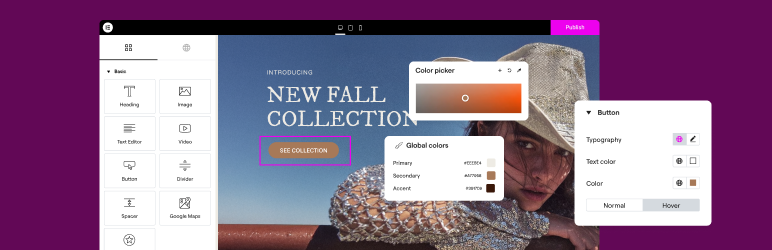
Elementor is one of the most popular page builders for WordPress, used by over three million sites.
It offers an intuitive drag-and-drop interface, allowing extensive customisation without the need for coding skills.
Elementor has a vast library of widgets and pre-built page templates, and is compatible with the vast majority of WordPress themes.
Divi Builder
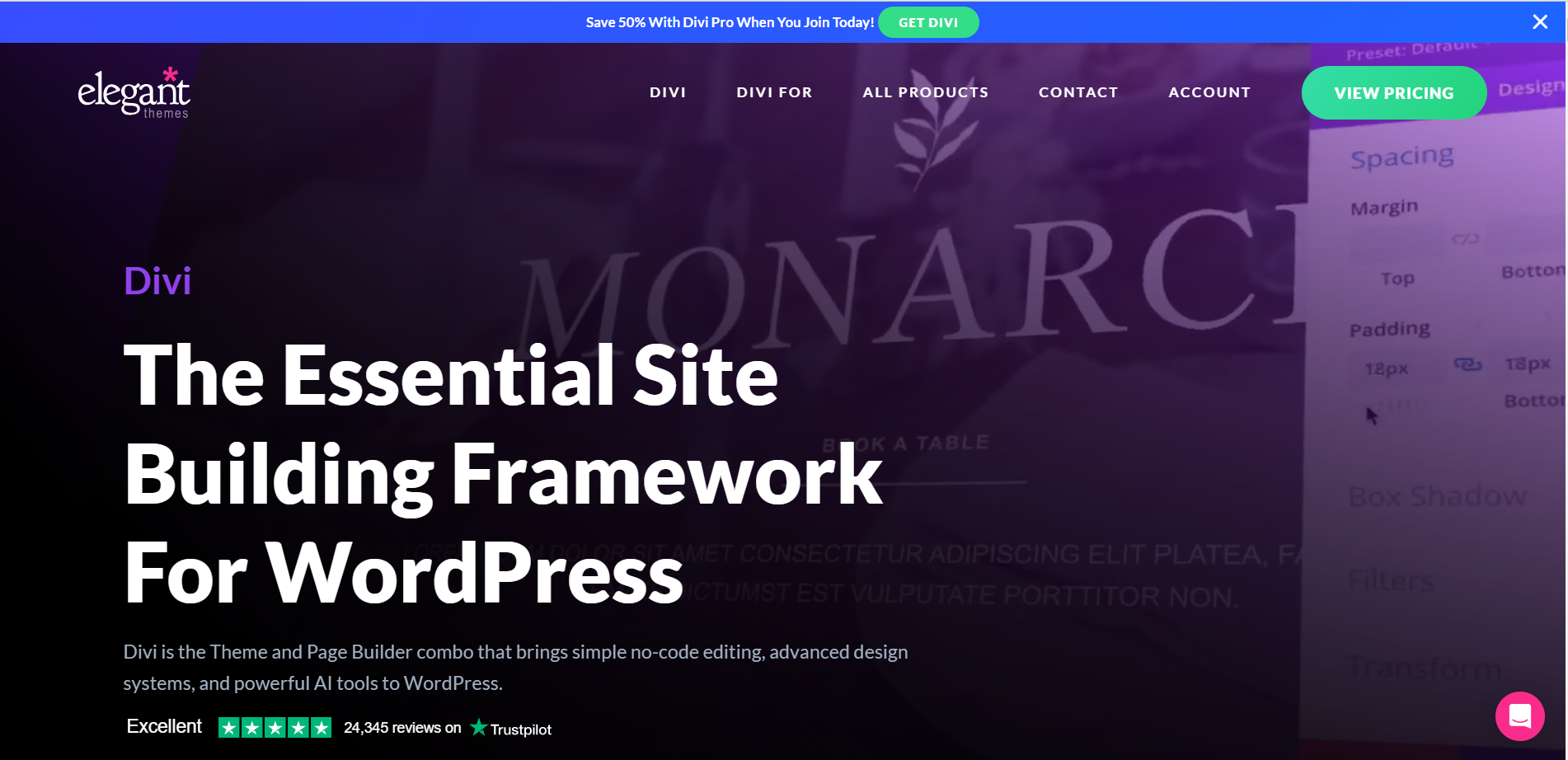
Divi Builder is another powerful and flexible page builder, offering an advanced visual editor that lets you modify every element of a page.
It’s renowned for being easy to use once you’ve got the hang of it, and offers great freedom of customisation. Divi Builder includes a wide range of content blocks and page templates, and is compatible with most WordPress themes.
Brizy

Brizy is a WordPress page builder that is easy to use, even for beginners.
It offers an intuitive, uncluttered interface and a wide range of page templates and content blocks. Brizy is appreciated for its high level of performance and its compatibility with many marketing software packages.
Beaver Builder FAQs
How do I install Beaver Builder on my WordPress site?
Beaver Builder is a WordPress plugin that you can install using the WordPress plugin installer.
Go to your WordPress dashboard, click on Plugins > Add new, then search for “Beaver Builder.” Click on “Install” and then on “Activate” once the installation is complete.
Can I use Beaver Builder to edit my blog and archive pages?
Beaver Builder does not work on archive pages such as the posts page (blog), categories, tags, and so on. To customise these pages, you need to use a combination of Beaver Builder and Beaver Themer.
Is Beaver Builder compatible with the WordPress block editor (Gutenberg)?
Yes, Beaver Builder is compatible with the WordPress block editor (Gutenberg) in the same way as it is with the classic WordPress editor.
You can move text and images between Beaver Builder and the WordPress editor, although this is limited.
Can I use Beaver Builder with any WordPress theme?
Beaver Builder has been developed to work with almost all WordPress themes, although there are some exceptions.
It is generally compatible with most themes, but some specific configurations may cause problems.
Can I change the header and footer of my theme with Beaver Builder?
Beaver Builder only works in the WordPress content area and does not modify the theme header or footer.
Although you can replace the theme header and footer using saved content, it is recommended that you use Beaver Themer for these tasks.
Can I use Beaver Builder for custom posts and publication types?
Yes, by default Beaver Builder is only enabled for pages, but you can enable it for posts and custom post types by going to the Beaver Builder settings via Settings > Beaver Builder > Post Types in the WordPress admin panel.
How does White Labeling work in Beaver Builder?
Beaver Builder’s unlimited licence allows for White Labeling, which allows you to replace the Beaver Builder name and logo with your company’s name and logo in the Beaver Builder and WordPress user interface.
Thank you for visiting this Beaver Builder page 🙏
The WPMarmite team hopes you were able to learn more about this WordPress plugin!
To find out more, visit the official website and their social networks:
You can also share your experience with Beaver Builder by writing a review below. 👇
Found an error on this page? Click here to let us know.

