
Looking for a WordPress plugin that simplifies form creation? Fluent Forms meets this need, with over 800,000+ active installations and an average rating of out of 5.
Webmasters and WordPress developers are often faced with the challenge of creating high-performance custom forms without advanced technical skills.
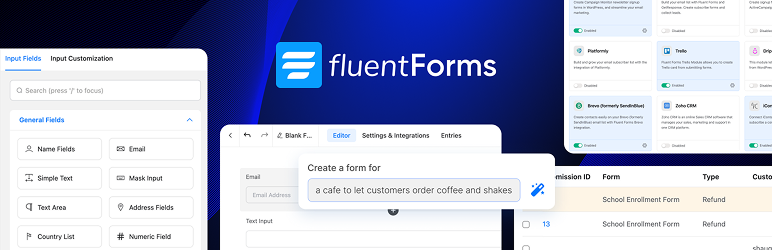
Fluent Forms offers an innovative solution with its drag-and-drop form builder, enabling you to quickly design contact, booking, or registration forms with over 60 customizable field types.
Advantages and disadvantages
| Advantages | Disadvantages |
|---|---|
| Intuitive, easy-to-learn drag-and-drop form generator | Some advanced features require a learning curve |
| Over 60 predefined form field types covering almost every need | Paid Pro version to unlock all advanced features |
| Optimized performance and lightweight code that doesn’t slow down the site | Possible compatibility issues with some WordPress themes and plugins |
| Native integrations with third-party services (Stripe, PayPal, CRM, etc.) | Limited technical support in the free version |
| Robust anti-spam protection (reCAPTCHA, honeypot) | Complex user interface for absolute beginners |
| Multi-step forms and powerful conditional logic | Advanced CSS customization and design requiring technical skills |
Fluent Forms in numbers
| Latest release | 6.2.16 |
| Date of last update | |
| Active installations | 800,000+ |
| Average rating | |
| Launch date | 2022 |
| Publisher | WPManageNinja |
| Total installations | 400,000 |
| Main functionalities | 60 field types, multi-step forms, conditional logic |
| Payment types supported | Stripe, PayPal |
Fluent Forms plugin pricing
| Single Site License | Agency License | Unlimited License |
|---|---|---|
| Price: $47/year | Price: $95/year | Price: $179/year |
|
|
|
Fluent Forms user reviews
Fluent Forms stands out as a particularly popular WordPress form plugin, recognized for its lightness, intuitiveness, and excellent customer support.
Users unanimously praise its ease of use, performance, and rich functionality, even in its free version, which often outperforms other paid plugins on the market.
It’s the lightest form plugin I’ve ever used. Excellent performance, excellent user interface, excellent functionality, and most importantly, an incredible development and support team!!!! The plugin improves almost weekly and they listen to your feedback.
Yankiara, rating 5/5
I’m not an expert in website creation, and I learned to use it very easily. The documentation available on their official site is very useful, it helps me a lot when I’m in doubt about how to do something.
Francksdl, rating 5/5
This is a fantastic email form. It’s fast, very light, easy to use, and the support is excellent. The free version offers options usually only found in premium forms.
Nevrsmer, rating 5/5
More Fluent Forms testimonials
Find out how Fluent Forms ranks in terms of user satisfaction on various customer review platforms.
Alternatives to Fluent Forms
Formidable Forms

Formidable Forms is a powerful WordPress plugin for creating advanced forms. It offers conditional fields and robust third-party integrations.
It allows you to view submissions in custom tables and charts. It’s an excellent option for complex applications and is regularly updated with a large number of active installations.
WPForms
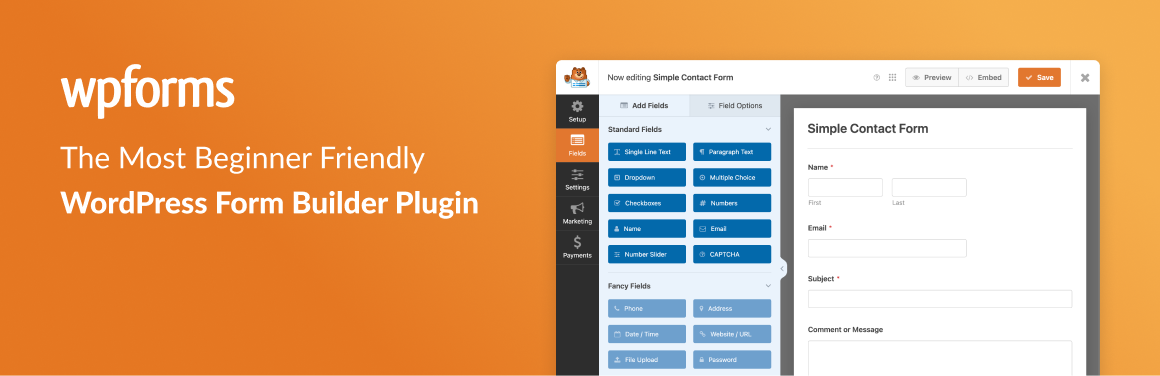
WPForms is an easy-to-use WordPress plugin, ideal for both novice and experienced users. It features an intuitive drag-and-drop interface and pre-built templates.
It offers conditional fields and integrations with various payment platforms such as Stripe and PayPal. WPForms is regularly updated and enjoys great popularity with a high number of active installations.
Gravity Forms

Gravity Forms is a powerful and flexible premium WordPress plugin for creating complex forms with an intuitive interface.
It offers advanced functionality, conditional fields, and robust third-party integrations. Gravity Forms is regularly updated and enjoys an excellent reputation with a large number of active installations.
Fluent Forms FAQs
How do I install the Fluent Forms plugin on WordPress?
To install the Fluent Forms plugin, follow these steps: access your WordPress dashboard, go to Plugins > Add New, then search for “Fluent Forms.” Click on “Install” and then on “Activate” once the installation is complete.
Alternatively, you can download the plugin from the official Fluent Forms website and upload it manually via the “Upload plugin” option in the “Plugins” menu.
What are the main features of the Fluent Forms plugin?
Fluent Forms offers several advanced features, including:
- Drag-and-drop form generator
- Customizable input fields (over 60)
- Conditional logic for dynamic forms
- Multi-stage forms
- Payment and donation management via popular payment gateways
- Email notifications
- CRM integration
What’s more, it provides graphical visualization of submitted data and inventory management.
How do I configure email notifications in Fluent Forms?
To configure email notifications in Fluent Forms, go to your WordPress dashboard, then to Fluent Forms > All Forms and select the form for which you wish to configure notifications.
Click on Settings > Notifications and add a new recipient. You can customize the subject and body of the message, as well as specify the form fields to be included in the notification.
How do I manage and display submitted entries in Fluent Forms?
To manage and view submitted entries in Fluent Forms, access your WordPress dashboard and go to Fluent Forms > Entries. Select the form whose entries you wish to view.
You can view, edit, mark as read, or favorite, and export entries in various formats (CSV, XLSV, ODS, JSON). You can also perform bulk operations via the “Bulk Action” menu.
What customization options are available for forms in Fluent Forms?
Fluent Forms offers several customization options for forms. You can use the Advanced Forms Styler to design or import styles that match your brand identity without requiring coding skills.
What’s more, you can use multi-column layout, add calculated fields, and create multi-step forms to enhance the user experience. Conditional logic can also be used to show or hide fields depending on the user’s actions.
How do I integrate payment gateways into Fluent Forms?
To integrate payment gateways into Fluent Forms, go to your WordPress dashboard and select Fluent Forms > Settings > Integrations. Activate and configure the payment gateway of your choice (such as Stripe, PayPal, etc.).
You’ll need to enter the API keys or login details required for the payment gateway. Once set up, you can create payment and donation forms using these integrations.
How do I solve common problems with Fluent Forms?
If you encounter problems with Fluent Forms, first check that the plugin is up to date. Consult the documentation and guides available on the official Fluent Forms website. You can also contact customer support for assistance.
For technical issues, make sure that third-party integrations are correctly configured and that file permissions are appropriate. Finally, check WordPress error logs to identify potential causes of problems.
Thank you for browsing this page dedicated to Fluent Forms 🙏
The WPMarmite team hopes you were able to learn more about this WordPress plugin!
To find out more, visit the official website and their social networks:
You can also share your experience with Fluent Forms by writing a review below. 👇
Found an error on this page? Click here to report it.

