
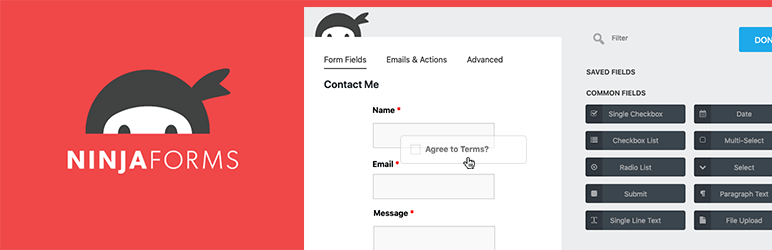
Ninja Forms is a WordPress plugin that makes it easy to create contact, reservation, or payment forms without any technical skills. With over 500,000+ active installations and an average rating of , this tool offers an intuitive solution for generating customized forms.
User reviews of Ninja Forms highlight its drag-and-drop interface, which makes it possible to quickly design different types of forms without coding.
Featuring over 28 field types and integrations with third-party tools such as Stripe and Mailchimp, Ninja Forms is suitable for both professionals and beginners wishing to optimize their data collection.
Advantages and disadvantages
| Advantages | Disadvantages |
|---|---|
| Intuitive, easy-to-use drag-and-drop form interface | Limited stylistic customization in the free version |
| Wide variety of field types (over 27) available free of charge | Advanced features (conditional logic) reserved for premium version |
| Native spam protection (Akismet and Google reCaptcha) | Potentially high cost with extensions and licenses |
| Multilingual compatibility (16 languages) | Few ready-to-use form templates |
| Extensive integrations via Zapier (1000 services) | No free marketing integration |
| Multi-step forms and calculations possible | Interface sometimes cluttered with numerous drop-down menus |
| Responsive and inherits the style of your theme | Complex customization for advanced users |
Ninja Forms in numbers
| Latest version | 3.15.6 |
| Date of last update | |
| Active installations | 500,000+ |
| Average rating | |
| Launch date | January 2011 |
| Publisher | WP Ninjas, LLC |
| Country of origin | United States |
| Total downloads | More than 30 million |
| Available languages | Over 16 languages |
| Form field types | 27 types |
Ninja Forms plugin prices
| Core | Plus | Pro | Elite |
|---|---|---|---|
| Free | $59.40/year | $119.40/year | $299.40/year |
– Free support
– Submission management – 28 field types – Form templates – Advanced calculations – Anti-spam – Email notifications – Success messages – Redirections after submission – Field validation – Repetitive fields – Image selection – Import/export tools – GDPR compliance | – 3 sites – Priority support – 20% discount on add-ons
– File upload – Conditional logic – Customized style and layout – Multi-step forms – Online payments (PayPal)
– Constant, Contact, ConvertKit, EmailOctopus, Emma – Mailchimp, MailPoet | – 20 sites – Priority support – 40% discount on add-ons
– Advanced date selector – Progress recording – User management – Online payments (Stripe, Authorize.net, Elavon)
| – Unlimited sites – Priority support – All add-ons included
– All email marketing integrations – All CRM integrations – All payment gateways – All automation, notifications, workflows, and more – Access to all Ninja Forms add-ons, current and future, on an unlimited number of sites – Exclusive early access to all new add-ons before their public launch |
Ninja Forms user reviews
Ninja Forms is a WordPress form plugin widely appreciated for its ease of use, flexibility, and extensive functionality. Users praise its power, especially when it comes to creating complex forms without advanced technical skills.
The fast support and wide range of add-ons are particularly appreciated, although the total cost of extensions can become high.
I’ve tried several forms over the years, but for the last two years I’ve used Ninja Forms exclusively on all my clients’ sites. The fast support, functionality, and user interface are excellent.
prosim
I built a fully functional set of forms with dynamic fields and conditional logic in a weekend, with only minimal knowledge of the plugin beforehand. It’s a testament to the solidity of the documentation and user interface.
isius12
This plugin offers the best form available. I spent an entire day looking for a contact form that I could use without having to pay for a simple configuration — but that had a feature-rich upgrade. Five stars, two thumbs up — Simply GREAT!
leighfarrior
More Ninja Forms testimonials
Find out how Ninja Forms ranks in terms of user satisfaction on various customer review platforms.
| Platform | Rating |
|---|---|
| WP.org | |
| TrustPilot | 3.2 out of 5 |
| G2 | 4.3 out of 5 |
| Capterra | 4.6 out of 5 |
| Get App | 4.6 out of 5 |
Alternatives to Ninja Forms
WPForms
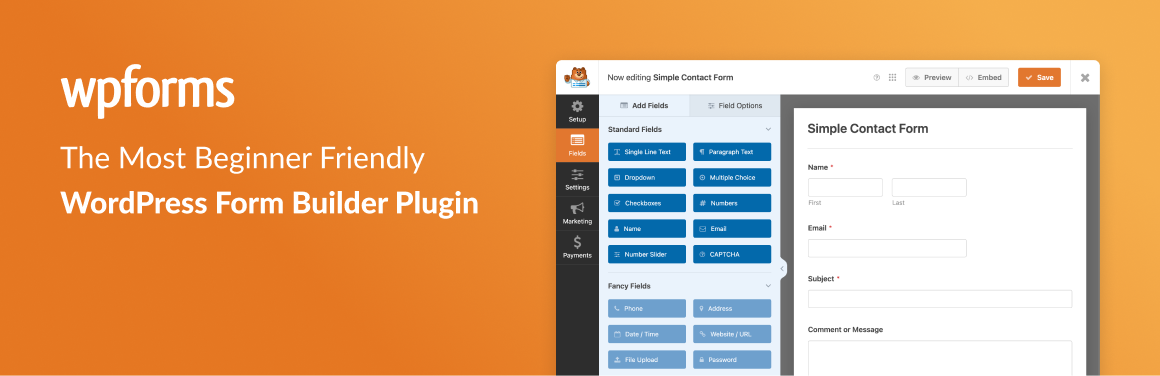
WPForms is an excellent alternative to Ninja Forms, thanks in particular to its intuitive drag-and-drop interface and numerous form templates. It’s ideal for beginners and experienced users alike, offering features such as conditional logic, geolocation, captcha, and email automation.
WPForms supports several payment gateways such as Stripe, PayPal, and Square.
The free version lets you create simple forms, while the Pro version offers advanced features such as multi-page forms and integrations with MailChimp, ActiveCampaign, and Sendinblue.
Gravity Forms
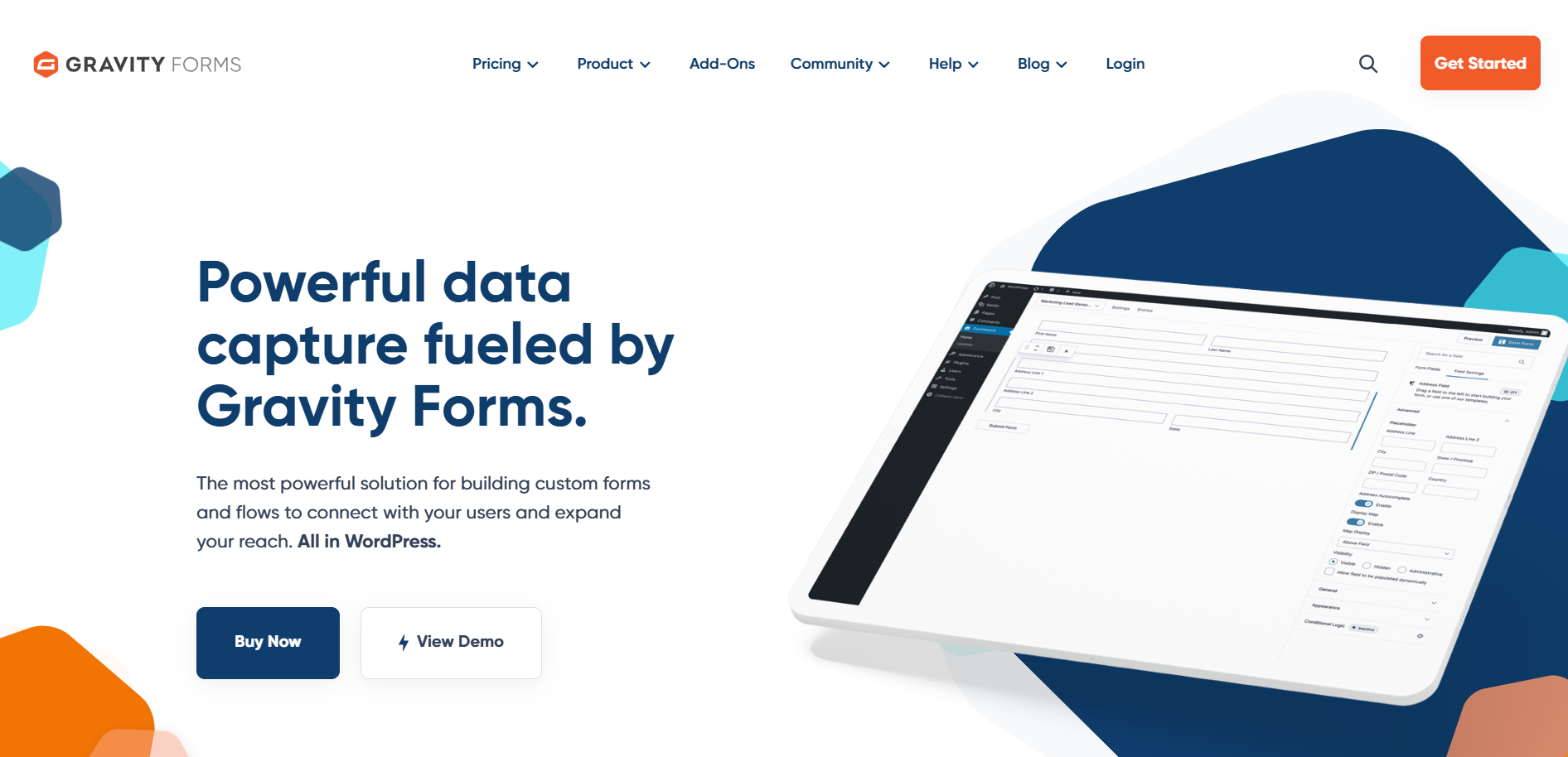
Gravity Forms is a powerful and flexible plugin for creating custom forms without the need for coding. It offers an easy-to-use drag-and-drop interface, a variety of form fields, and the ability to save forms for later use.
Gravity Forms is fully responsive and supports multiple languages, as well as file and photo uploads. It boasts seamless integration with WordPress and WooCommerce, and an excellent support team.
Fluent Forms
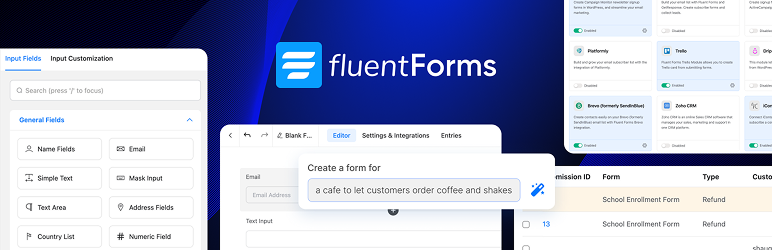
Fluent Forms is a lightweight, user-friendly alternative to Ninja Forms, offering a simple drag-and-drop interface for creating forms. It features pre-built templates, multi-step forms, and conditional logic to enhance the user experience.
Fluent Forms is fully responsive and allows data to be collected in graphical form for better analysis. It is also compatible with a variety of third-party integrations and offers conversation functionality to improve form completion rates.
Ninja Forms FAQs
What is Ninja Forms and is it free to use?
Ninja Forms is a form builder plugin for WordPress. The core of the plugin is free, and you only pay for subscription plans or add-ons. You can see a list of Ninja Forms’ free features on their website.
What types of sites can Ninja Forms be used on?
Ninja Forms can only be used on WordPress websites. It doesn’t work with e-commerce platforms like Shopify or other website-building platforms like Wix or Squarespace.
How do I install the Ninja Forms plugin and its add-ons?
You can install the Ninja Forms plugin and its add-ons just like any other WordPress plugin.
Once you’ve downloaded the plugin or add-ons from your account, you can follow the steps outlined in their tutorial.
How do I create my first form with Ninja Forms?
Once you’ve installed the plugin, click on “Add New” under the Ninja Forms menu in your WordPress dashboard.
You can choose from one of the free pre-built templates, or create your form from scratch by selecting the “Blank Form” template.
For more details, check out their tutorial on creating forms.
What are the main features of Ninja Forms?
Ninja Forms offers several key features, including a drag-and-drop interface, multi-page forms, customizable form fields, personalized notifications, submission management, logical conditions, automated calculations, and integrations with third-party services like PayPal and Stripe.
How do I add a Ninja Forms form to a page or article?
To add a Ninja Forms form to a page or article, edit your page or article, and use the “Append a Ninja Form” option in the right-hand sidebar of the editor.
Select your Ninja Forms form from the drop-down menu to make it appear at the end of the page or article.
Does Ninja Forms offer additional extensions and integrations?
Yes, Ninja Forms offers additional extensions and integrations to extend its capabilities. These extensions allow you to add integrations with other services, advanced features, and customization options.
Thank you for visiting this page dedicated to Ninja Forms 🙏
The WPMarmite team hopes you were able to learn more about this WordPress plugin!
To find out more, visit the official website and their social networks:
You can also share your experience with Ninja Forms by writing a review below. 👇
Found an error on this page? Click here to report it.

