
Happyforms is a WordPress plugin for creating forms. With over 20,000+ active installations, this tool simplifies the design of powerful contact forms.
The Happyforms form plugin offers over 20 customizable field types in drag-and-drop mode. Its ease of use enables webmasters to create professional forms without technical skills, with advanced features such as anti-spam protection and multi-page forms.
This plugin effectively meets the needs of websites looking for an intuitive and comprehensive form solution.
Advantages and disadvantages

| Advantages | Disadvantages |
|---|---|
| Very intuitive drag-and-drop form creation interface | “Powered by HappyForms” message on free forms |
| Access to over 20 different types of form fields | Some advanced features only available in pro version |
| Effective anti-spam protection with Google ReCaptcha | Fewer active installations than other form plugins |
| Simplified submission management in the WordPress dashboard | Limited customization without paid version |
| Ability to create multi-page forms | Potentially less responsive support than more popular plugins |
| Compatible with many other WordPress plugins | Potentially less optimal performance on busy sites |
| Submission save and resume system | Fewer basic features than some competitors |
Happyforms in numbers
| Latest version | 1.26.17 |
| Date of last update | |
| Active installations | 20,000+ |
| Average rating | |
| Publishing company | Jestro LLC |
| Number of form fields | More than 20 |
| Spam protection | Google ReCaptcha Honeypot |
Happyforms plugin prices
| Starter | Pro | Unlimited |
|---|---|---|
| $89 | $159 | $399 |
| 1 site | Up to 3 sites | Unlimited number of sites |
Happyforms user reviews
Happyforms is a WordPress form builder plugin that impresses with its simplicity and flexibility. Users appreciate its ease of configuration and native integration with the WordPress Customization Tool.
It offers interesting features such as conditional fields and advanced customization.
I’m currently using HappyForms on this site’s contact pages, and my user experiences so far have been quite positive. For the price, it’s a great plugin that can meet most of your WordPress forms needs.
CoralNodes
Very easy to use and configure. I was able to create a contact form in a few minutes. Support is also very responsive and helpful.
Anonymous (5 stars)
HappyForms is a flexible, lightweight WordPress form builder that doesn’t require any add-ons. There are only six ready-made form templates you can download and import to your site, but the support team is more than happy to help you create a form tailored to your needs.
Zapier
More Happyforms testimonials
Find out how Happyforms ranks in terms of user satisfaction on various customer review platforms.
Alternatives to Happyforms
WPForms
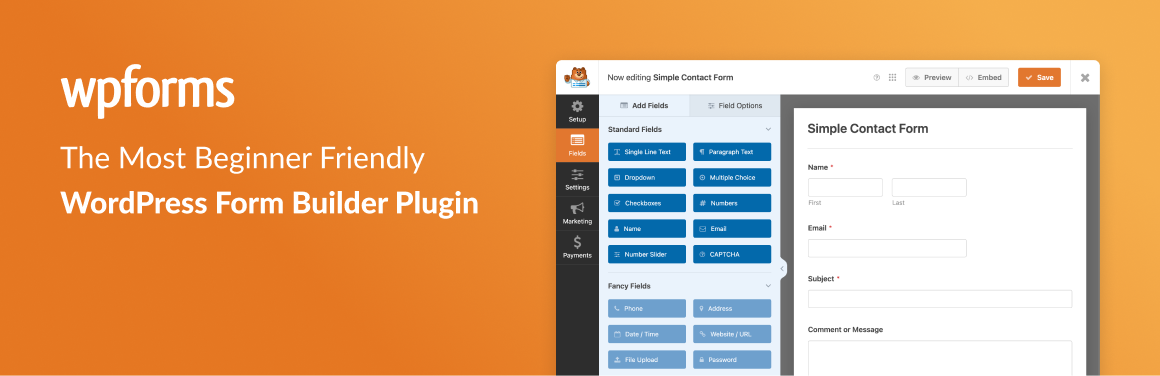
WPForms is an excellent alternative to HappyForms, particularly for its advanced functionality and intuitive drag-and-drop interface. It’s ideal for beginners and experienced users alike.
The plugin offers pre-designed templates, instant notifications, and multi-step forms. WPForms is also very popular, with a large number of active installations and a high average rating on the official WordPress directory.
Everest Forms

Everest Forms is another solid alternative, known for its intuitive user interface and advanced features even in its free version. It offers a drag-and-drop form builder and instant email notifications.
The plugin features multi-step forms and predefined templates. Everest Forms enjoys an excellent reputation and a large number of active installations.
Gravity Forms

Gravity Forms is a powerful and flexible premium plugin, ideal for creating complex forms. It features drag-and-drop functionality, conditional fields, robust third-party integrations, and secure payment methods.
Although it is a paid solution, Gravity Forms is highly regarded for its virtually unlimited functionality and compatibility with the latest versions of WordPress.
Happyforms FAQs
How do I install and activate the Happyforms plugin on WordPress?
To install and activate the Happyforms plugin, go to the “Plugins” page in the WordPress dashboard. Use the search field in the top right-hand corner to find the plugin by name.
Once you see it appear, click “Install” and then “Activate” to activate it immediately.
How do I create a new form with Happyforms?
To create a new form, click on Forms > Add New in the left-hand menu of the WordPress dashboard.
This will open a drag-and-drop form builder where you can add form fields by clicking on the “Add a Field” button. You can then customize and rearrange the fields to suit your needs.
What customization options are available in Happyforms?
Happyforms offers a wide range of customization options, including:
- Modify styles with custom CSS
- Add personalized messages and error alerts
- Use conditional logic to show or hide fields based on user responses
You can also adjust colors, fonts, and styles so that forms blend seamlessly into your website.
How do I add a Happyforms form to a WordPress page or post?
To add a Happyforms form to a page or post, copy the form’s short code and paste it into the page or post editor.
Alternatively, you can use the Happyforms block in the Gutenberg editor to select and insert the desired form.
What spam protection features does Happyforms offer?
Happyforms includes spam protection with a “HoneyPot” function that can be activated with a single click. This feature helps prevent spam messages by detecting and blocking automated submissions.
Is Happyforms compatible with the WordPress Gutenberg editor?
Yes, Happyforms is compatible with the WordPress Gutenberg editor. You can use the Happyforms block to insert your forms directly into pages and posts created with Gutenberg.
What are the differences between the free and pro versions of Happyforms?
The free version of Happyforms offers basic functionalities such as form creation with basic fields, limited customization, and spam protection.
The pro version, on the other hand, offers advanced features such as additional fields, integrations with other services, extensive customization options, and more advanced conditional logic functionalities.
Thank you for visiting this page dedicated to Happyforms 🙏
The WPMarmite team hopes you’ve been able to learn more about this WordPress plugin!
To find out more, visit the official website and their social networks:
You can also share your experience with Happyforms by writing a review below. 👇
Found an error on this page? Click here to report it.

