
You want to create a website, but you’re not quite sure where to start?
Don’t worry, that’s completely normal.
When starting a web project, most people don’t realize just how many different types of websites exist, each designed to achieve specific goals: showcasing a business, selling products, generating leads, publishing content, building a community, offering online bookings, and more.
Choosing the wrong type of website from the start, however, can quickly make things more complicated:
- poor site structure
- unsuitable tools
- unnecessary features
- wasted time
- or even having to rebuild everything later on…
In short: it’s worth taking a step back before diving in.
To help you avoid all those headaches, let’s walk through the different types of websites together, so you can choose the right type of website for your project.

Why choosing the right type of website matters
A website is a bit like a vehicle, relatively speaking.
You probably wouldn’t choose a small city car to drive across the country with all your luggage.
Well, with your website, it’s pretty much the same. The type of website you choose will directly impact:
- the structure of your project
- the features you’ll need
- the plugins to install
- the maintenance requirements
- and the future growth of your business
A poor choice might work fine at first… and then become a real headache to manage.
On the other hand, starting with the right foundation will save you time, money, and a lot of stress.
To learn how to create a WordPress site from A to Z, check out our complete tutorial.
Today, WordPress makes it possible to build a huge variety of web projects, which can be divided into 5 main categories.
The 5 types of websites that exist
1. Online presence websites
These sites are primarily designed to establish your presence online.
Their goal is to showcase a business, organization, profile, or event.
This first category includes, in particular:
The showcase website
The showcase website is the most common type. It’s the one used by most freelancers, tradespeople, local businesses, and independent professionals, for example.
Its purpose is simple: explain who you are, what you do, and how to get in touch with you.
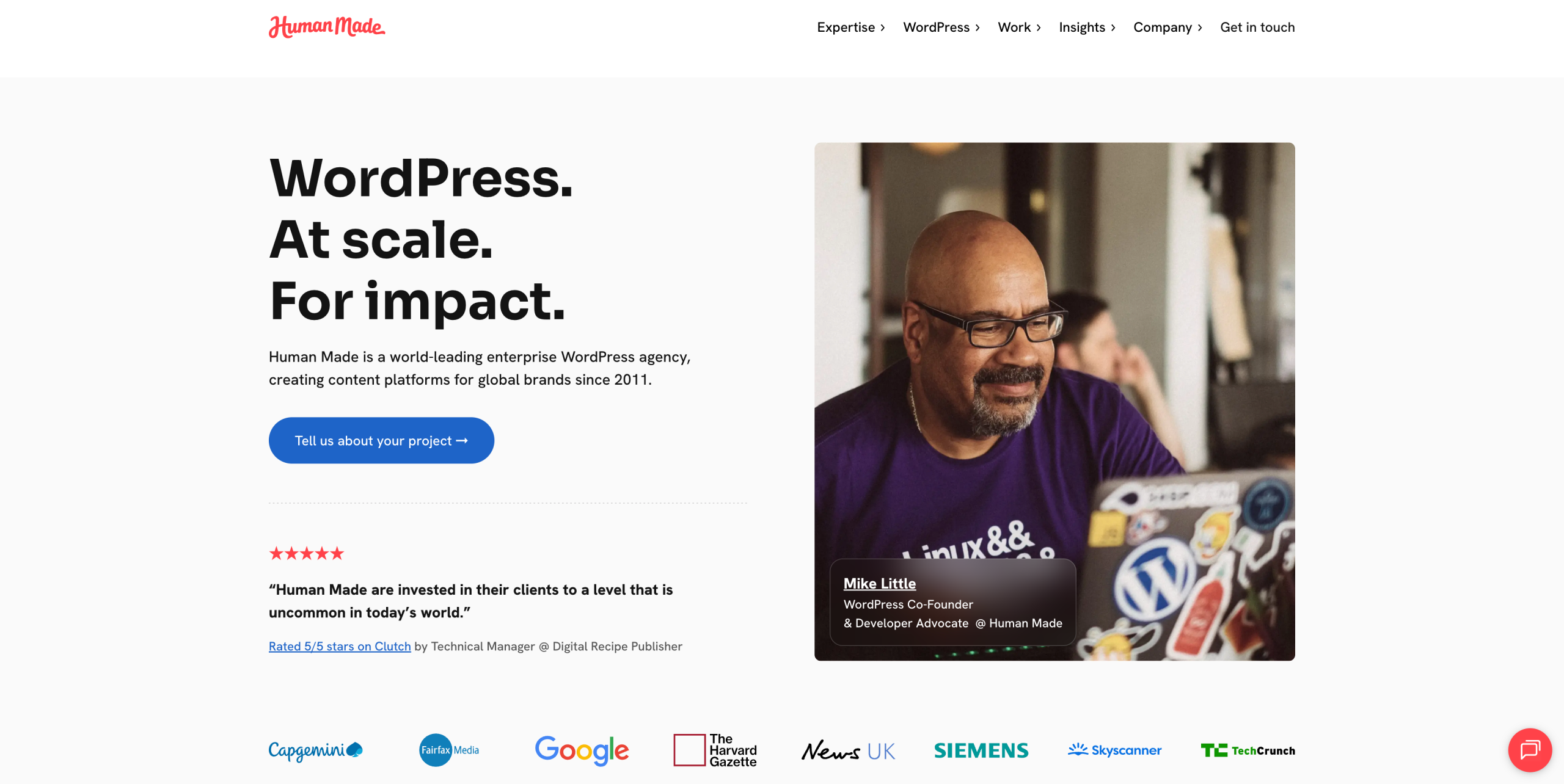
These websites generally include:
- a homepage
- a services page
- an “About” page
- a contact form and/or a quote request form
This type of project works perfectly with WordPress.
The one-page website
The one-page site is a variation of the showcase website. It brings all the site’s content together on a single page.
Navigation is handled through anchor links that scroll the page down to different sections of the page. This format works especially well for simple projects or quick launches.
It requires less work than a multi-page site, but it also offers fewer opportunities in terms of search engine optimization (SEO).
Here again, WordPress is perfectly suited for this type of website.
The portfolio website
A portfolio website follows the same principles as a showcase website, but with a much stronger focus on showcasing work and projects.
This type of site is often used by photographers, designers, developers, architects, and other creatives. The goal is to showcase real projects to build trust and convert future clients or collaborators.
A well-designed portfolio can become a powerful business tool.
The personal website or online resume
A personal website helps you build a professional online presence.
Unlike a simple LinkedIn profile, it allows you to structure your own space, presenting your projects, values, and background in a more personal and customized way.
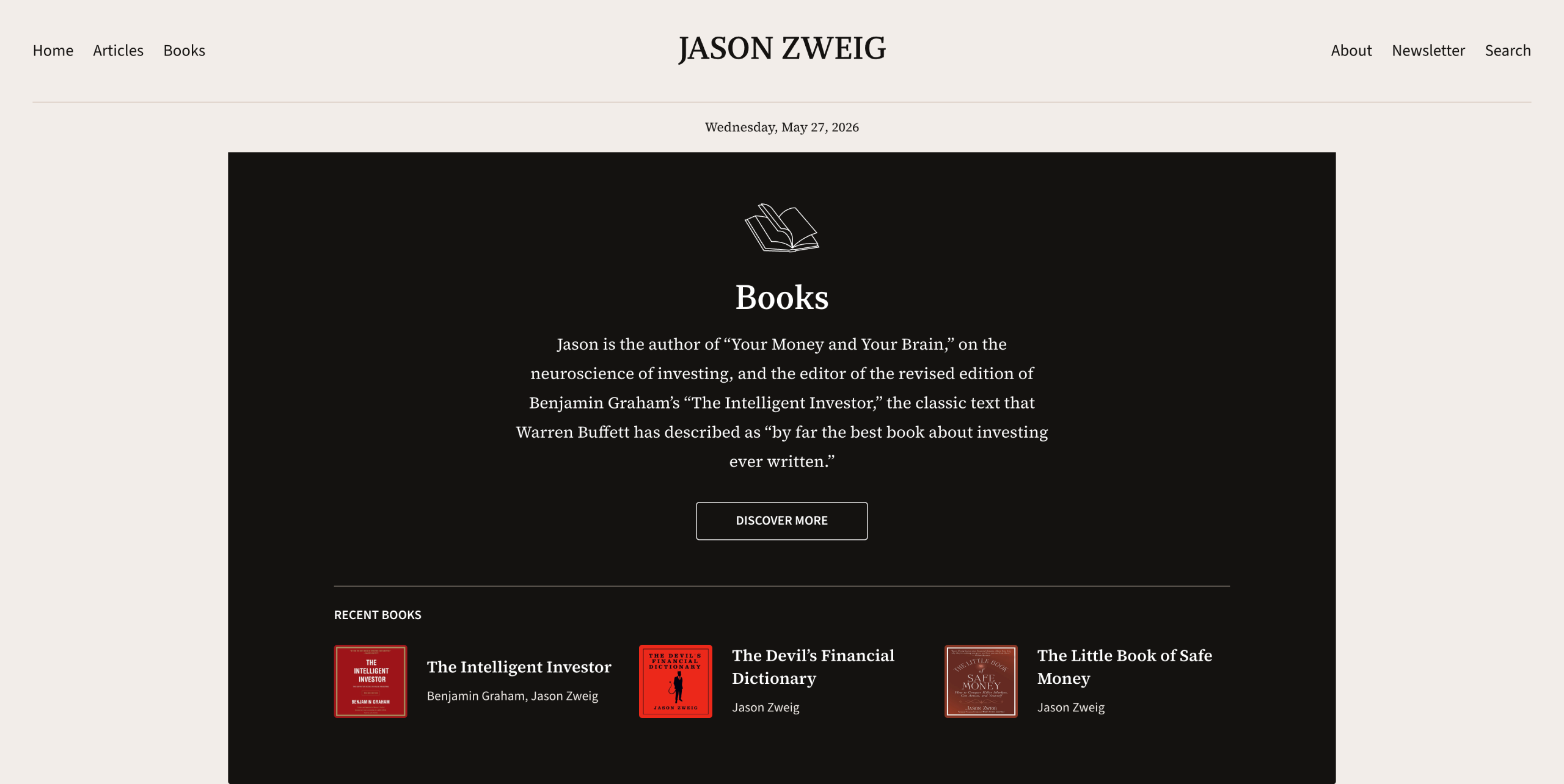
This format is particularly useful for building a personal brand.
The nonprofit website
A nonprofit website works much like a showcase site, but with specific needs such as:
- presenting an organization
- publishing news and updates
- facilitating memberships
- collecting donations
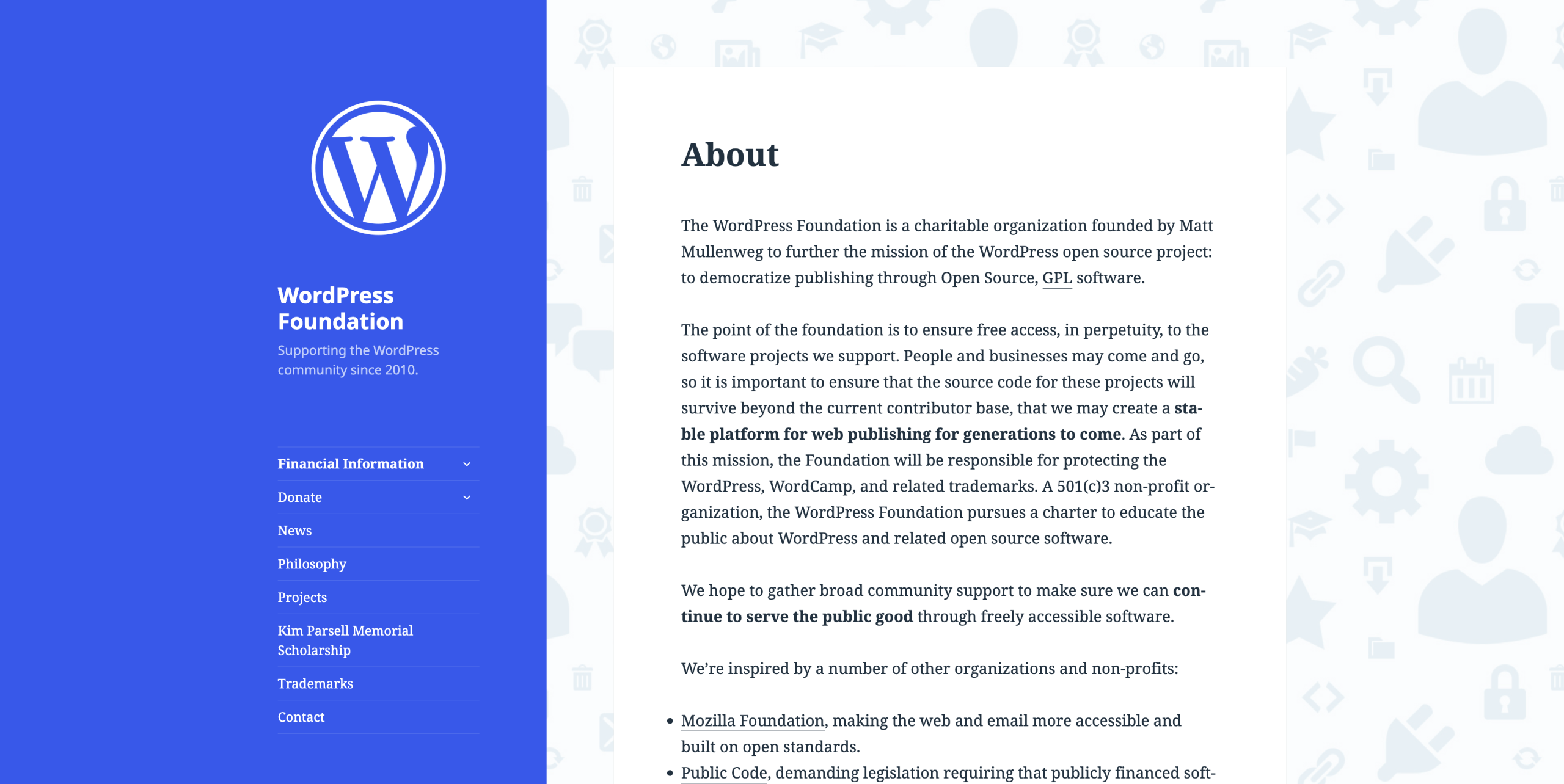
Associations, local authorities, and sports clubs often use this type of website, which can easily be built with WordPress.
The event website
An event website is designed around a specific event, such as a conference, trade show, festival, wedding, or seminar, for example.
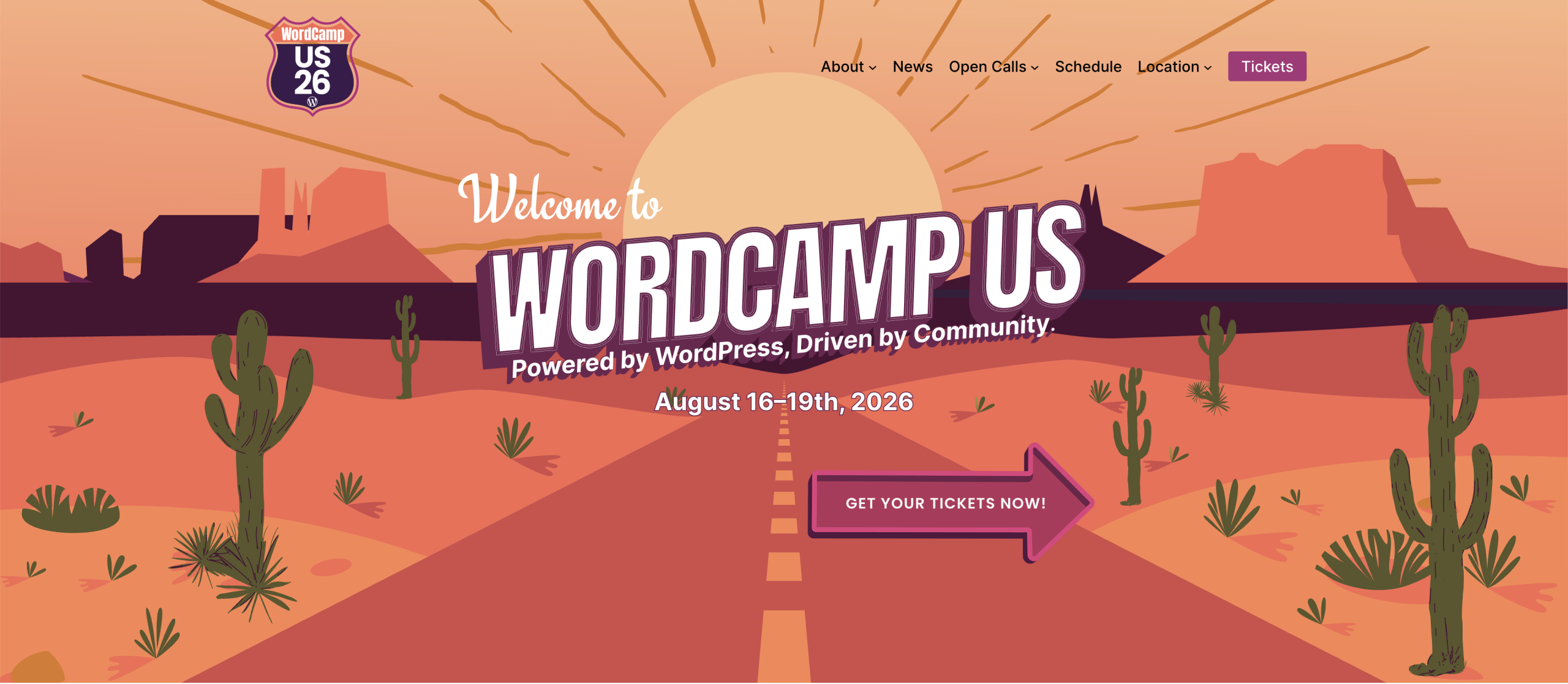
Its content typically revolves around:
- the schedule
- speakers
- registration
- or ticket sales
To manage this type of need, tools like The Events Calendar or Weezevent can be integrated into a WordPress site.
Now that we’ve covered online presence sites, let’s move on to the second major category of websites: content websites.
2. Content websites
This second category of websites includes websites whose primary mission is to publish content regularly.
The blog
The blog is historically the format WordPress was originally built for.
Creating a blog allows you to share knowledge, grow an audience, improve your search engine optimization (SEO), and drive visitors through search engines.
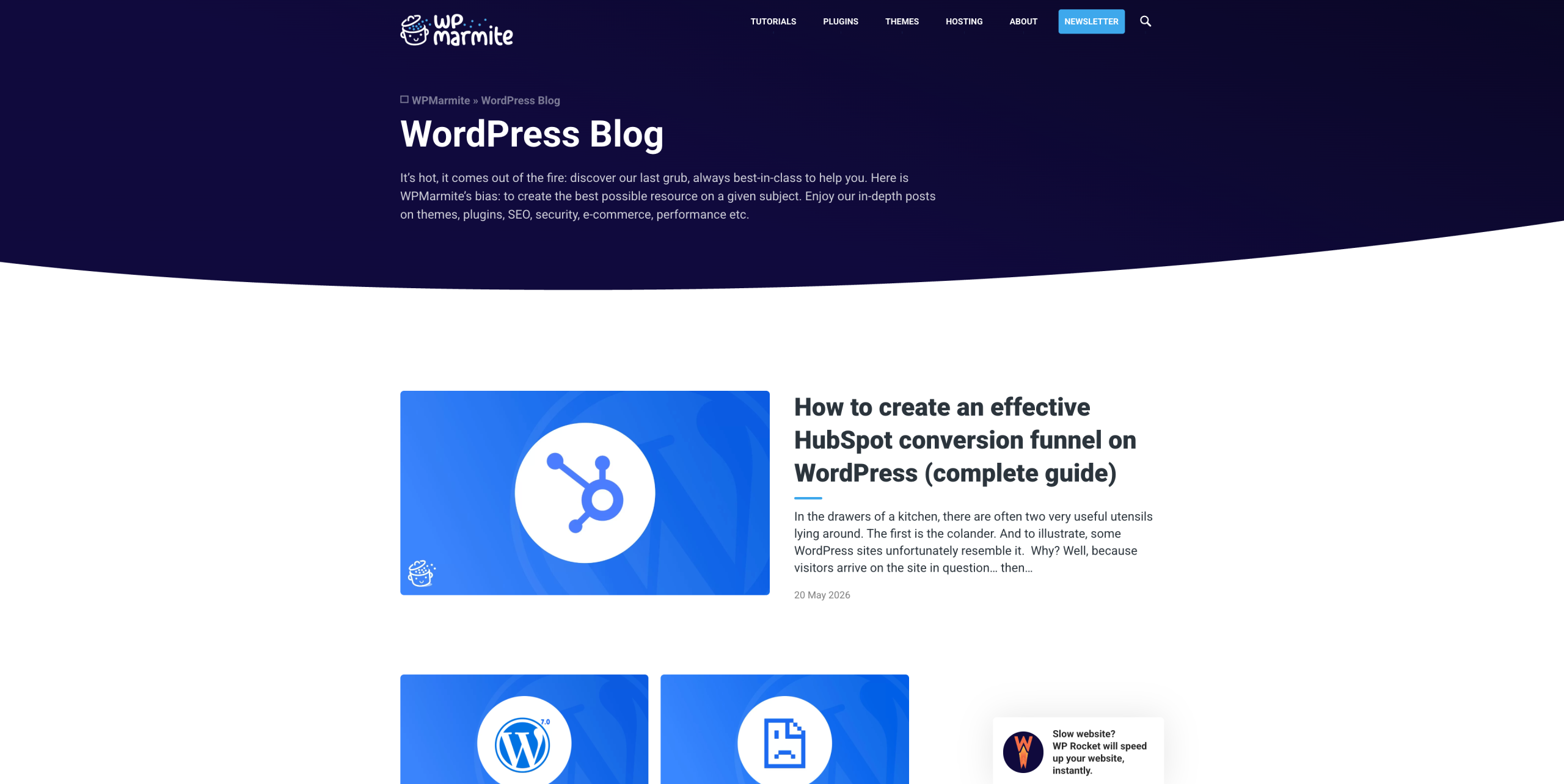
Even though social media and videos have gained a lot of traction in recent years, blogging remains an excellent long-term visibility strategy.
The media or magazine website
A media website works similarly to a blog, but on a larger scale.
These sites often involve multiple authors, more categories, and a much more intensive publishing schedule.
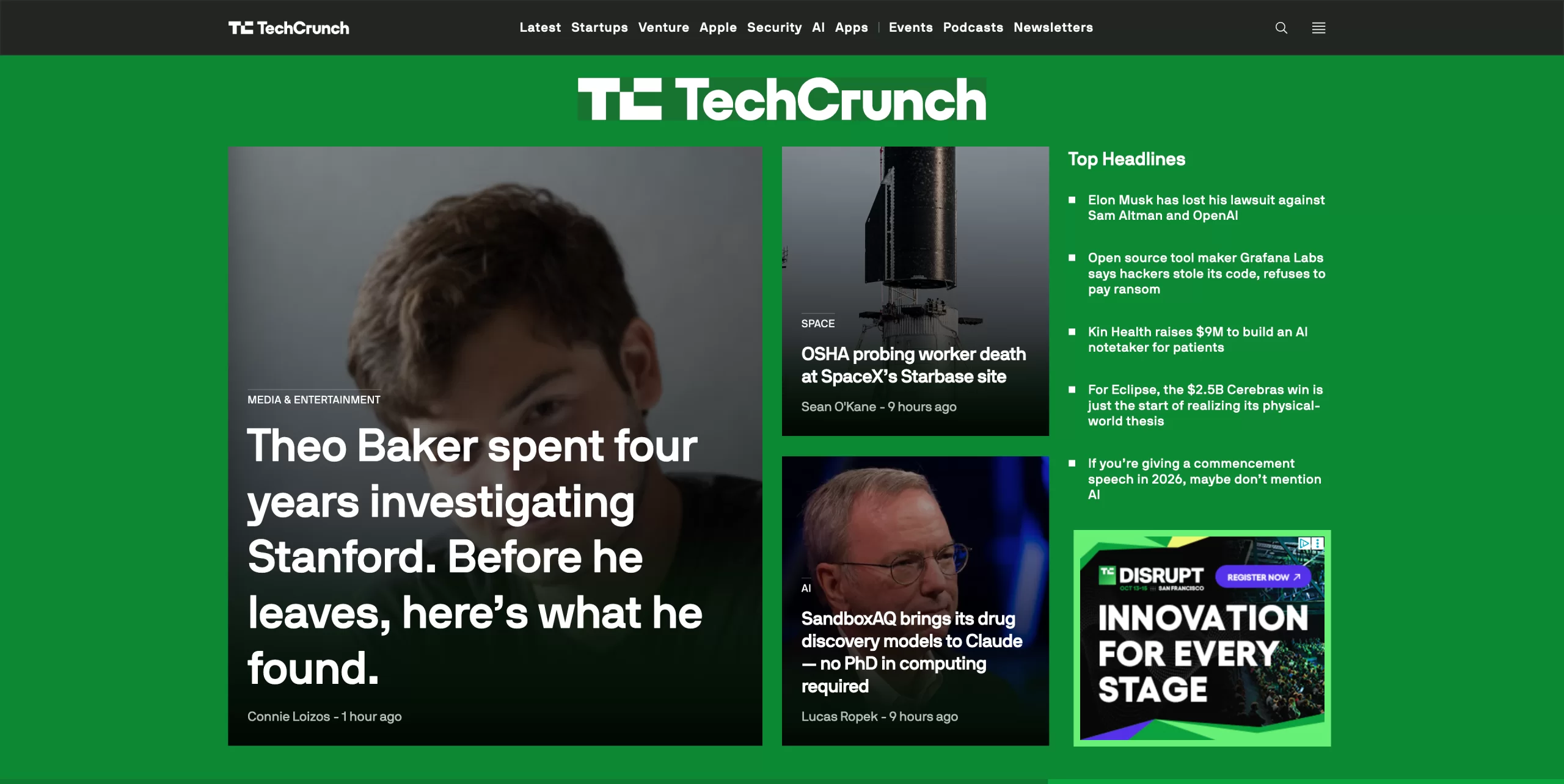
Many major media outlets use WordPress to manage their content.
3. Commercial websites
This category includes websites designed with a commercial goal in mind, whether that means generating sales, bookings, or conversions.
The e-commerce website
An e-commerce website allows you to sell physical or digital products directly online.
Within the WordPress ecosystem, WooCommerce is the leading solution, although other platforms like Shopify also exist.
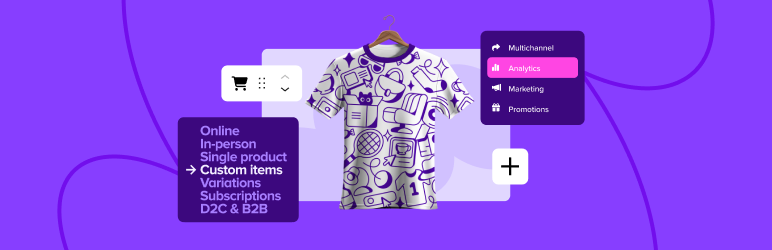
The choice between these two tools mainly depends on the level of customization you need and the role content plays in your strategy.
To learn the differences between WooCommerce and Shopify and make the right choice, check out our dedicated article.
The booking website
This type of website allows visitors to book appointments or services directly online.
It’s commonly used by hair salons, coaches, therapists, and restaurants, for example.
In practice, tools like Amelia can simplify booking management on WordPress.
The membership website
A membership website gives users access to private content reserved for specific users.
This may include:
- an online course
- a community
- a premium area
- or subscriber-only resources, among others
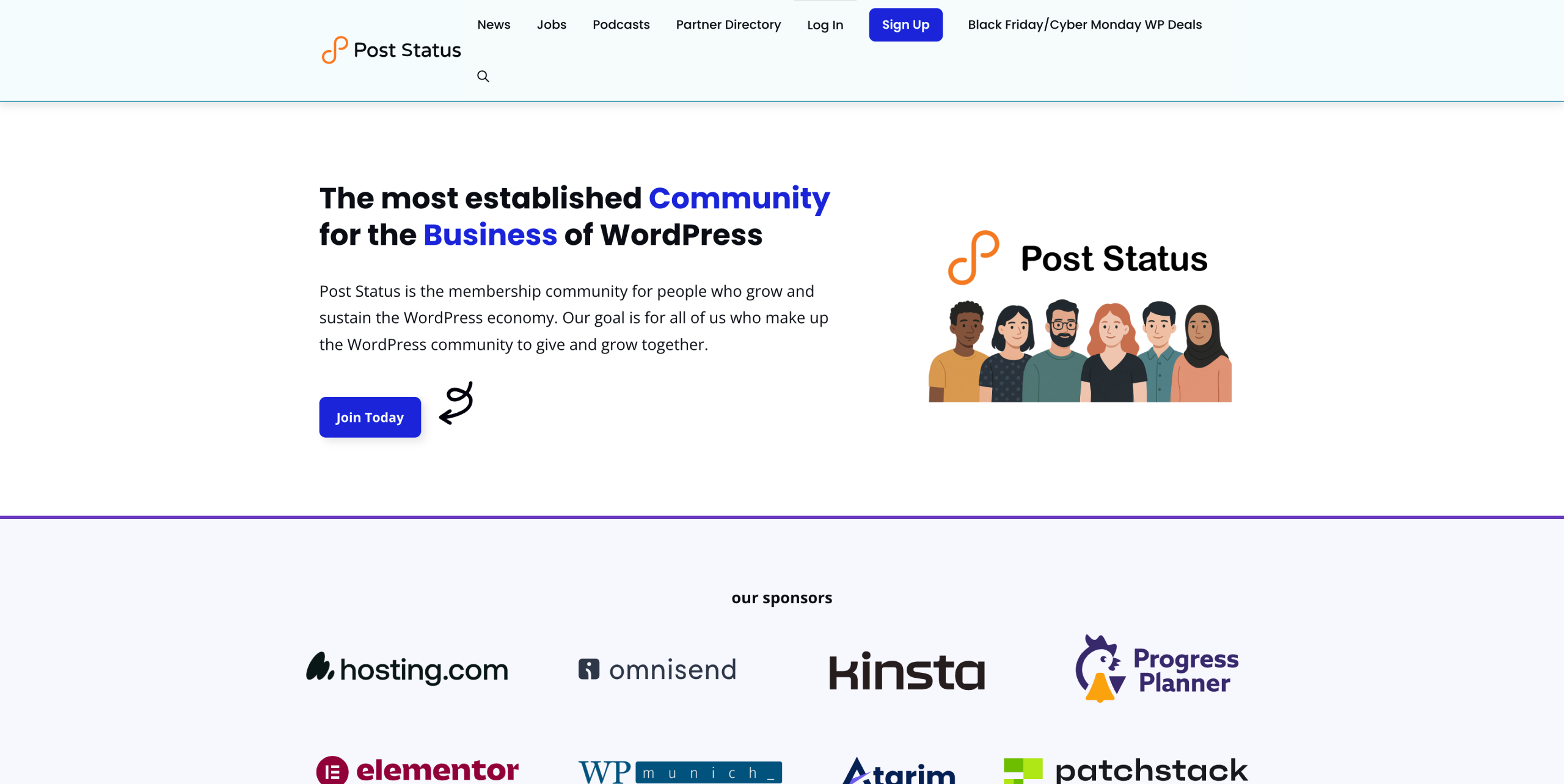
Several WordPress plugins make it possible to create a membership website, such as WooCommerce Memberships, Restrict Content Pro, or MemberPress.
The landing page
A landing page has one specific goal: getting a conversion.
This conversion could be:
- a signup
- an appointment booking
- a purchase
- or the download of a resource
Unlike a traditional website, everything is designed to guide users toward a single action.
It’s perfectly possible to create landing pages with WordPress. Page builders like Elementor can make the process even easier.
4. Community websites
Community websites are primarily built around interactions between users.
The forum
A forum allows members to ask questions, share answers, and start discussions.
Although social media platforms and Discord have reduced their popularity, some community-driven projects still work very well in this format.
Solutions like bbPress or BuddyBoss make it possible to create this kind of platform with WordPress.
That said, these projects are often more complex to launch and manage.
The directory or marketplace website
The goal here is to connect users, businesses, or service providers.
This can take the form of:
- a local directory
- a freelancer directory
- a specialized marketplace

Plugins such as GeoDirectory or Business Directory Plugin can help you build this type of website.
5. SaaS platforms & web applications
This last category is a bit different from the rest.
SaaS platforms and web applications are tools accessible directly through a browser, such as:
- CRMs
- management platforms
- business applications
- online services (like Airbnb)
WordPress can sometimes serve as a foundation for certain projects thanks to tools like FluentCRM or MailerPress, for example.

In many cases, however, these projects require custom development and go beyond the scope of a traditional WordPress site.
How to choose the right type of website
Before starting your project, take a moment to clarify a few key things:
- What is the website’s main goal?
- What should visitors do on it?
- Who exactly is your target audience?
- What budget and timeframe can you dedicate to this project?
The answers to these questions will naturally guide you toward the most suitable type of website.
It’s also important to keep in mind that a project can multiple several approaches. For example, a showcase website can perfectly well include a blog.
Conclusion
There’s no such thing as a single “best” type of website.
The right choice always depends on your goal, your audience, and your ambitions.
What matters most is to design a coherent structure from the very beginning to avoid technical headaches and limitations later on.
Today, WordPress makes it possible to build a huge variety of web projects, from simple showcase websites to much more advanced platforms.
The key is building the website that truly fits your project.
On your end, what type of site do you have, or are you looking to create? Tell us everything in the comments below! 😉

Receive the next posts for free and access exclusive resources. More than 20,000 people have done it, why not you?


Continue reading
Articles posted in WordPress TipsHow much does a WordPress site cost in 2026? A guide to setting your budget
$1,000 on your left. $4,300 on your right. And do you remember that one day you came across an offer to create a site for $7,500 not including tax?! With all these widely differing prices presented online, it’s very difficult…
The Best WordPress Plugins — the Top 25 you can’t do without
. This figure represents the number of WordPress plugins available on the official directory. And I’m not even talking about those on dedicated platforms, such as Code Canyon or independent shops. Do you have a specific need? I’m convinced that…
How to change your WordPress password easily
The security of your website is a top priority. Whether to protect yourself against potential threats, or if you forget your password, changing your WordPress password (regularly) is essential. In this article, we’ll look at how to change your WordPress…